78
Copying difficult songs—Phrase Trainer
Your BR-532 features a built-in “Phrase Trainer.” The
Phrase Trainer records from the device connected to the
input jack (e.g., CD players or MD player) and then allows
you to play back a part of that recording repeatedly to allow
you to practice that portion again and again. You can also
slow down the playback to aid in copying fast phrases or
remove the guitar solo sound to play along with only the
backing instruments as a practice aid.
Preparations for using the Phrase Trainer
1. Record the song you want to copy onto tracks 3 and 4.
For how to record with the BR-532, refer to “Recording”
(p. 33).
* You cannot perform recording while you are using the Phrase
Trainer (Time Stretch or Center Cancel). Also, the Phrase
Trainer can also be used with tracks 3 and 4.
* You cannot use loop effects (p. 42) while you are using the
Phrase Trainer (Time Stretch or Center Cancel).
2. Repeat the portion of the song that you want to copy.
This will help you practice and copy a difficult phrase or
guitar solo as you can select any portion of the song and
have it repeated.
For how to repeat a portion of the song, refer to
“Repeating Playback” (p. 38).
Each time you press [PHRASE TRAINER], the Phrase
Trainer is on (the [PHRASE TRAINER] indicator lights) and
off (the indicator is off).
* When you turn off both the Time Stretch Function and the
Center Cancel Function, it doesn’t light.
Slowing down the speed
(Time Stretch function)
The Time Stretch function allows you to slow down the
speed of playback to a half of the normal speed without
changing the pitch.
1. Press [PHRASE TRAINER].
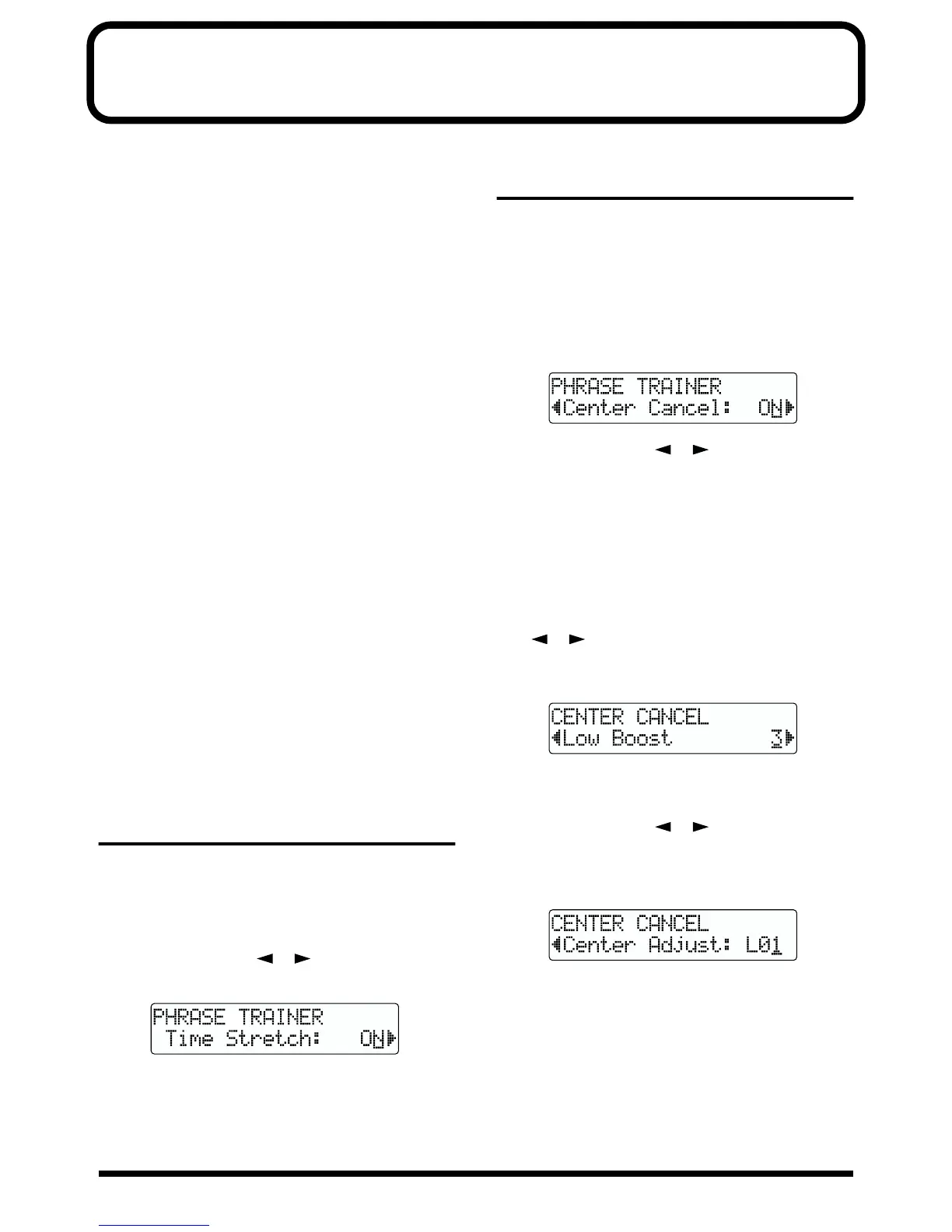
2. Press PARAMETER [ ] [ ] to select “Time
Stretch,” and turn the TIME/VALUE dial to set “ON.”
fig.R17-01aa
ON: Slows down playback to one-half without
changing the pitch.
OFF: Pitch and playback speed are not changed.
Canceling the center sound
(Center Cancel function)
The Center Cancel function allows you to remove the central
sound of the playback (e.g., vocals or guitar solos). This is
helpful if you want to practice playing along with the
backing instruments.
* Depending on how the song was recorded, it may not be
possible to completely remove the central sound.
1. Press [PHRASE TRAINER] to make the indicator light.
fig.R17-02
2. Press PARAMETER [ ] [ ] to select “Center
Cancel,” and turn the TIME/VALUE dial to set it to
“ON.”
ON:
Removes central sound (e.g., vocals or guitar solos).
OFF: Normal playback.
Perform the procedure below if the central sound is not
removed as you desire or if you want to emphasize the
bass sound.
3. To emphasize the bass sound, press PARAMETER
[ ] [ ] to select “Low Boost,” and turn the TIME/
VALUE dial and adjust the value so that the bass sound
is more easily heard.
fig.R17-04
* Depending on how the song was recorded, these procedures
may not be able to remove the sounds completely.
4. Press PARAMETER [ ] [ ] to select “Center
Cancel,” and turn the TIME/VALUE dial and adjust the
value of the sound that you want to remove to decrease
its volume.
fig.R17-03
5. Press [EXIT] several times to return to the Play page.
* You can turn on both the Time Stretch and Center Cancel
functions to use them together.
* The Rhythm Guide does not sound when Phrase Trainer is on.



 To Next Page