58
Canceling a recording or editing procedure—Undo/Redo
Occasionally when the recording you make may not turn out
as you wish, or the settings you make for an editing
operation are incorrect, and you want to reverse what you
have done. At these times, you can use the “Undo function.”
The Undo function reverses the action you have just
performed and returns you to the status you were in
beforehand. To reverse an Undo, you must use the “Redo
function.”
For example, suppose you are punching in to loop record
and record over the same location twice. To undo the
recording you just performed and return to the first
recording, you would use the Undo function.
To then reverse the Undo and return to the condition that
you were in immediately after the second recording, you
would use the Redo function.
* After you have performed an Undo, you can only perform a
Redo (you cannot perform an Undo again).
* After you have performed an Undo, if you perform any
recording, select another song, or perform any action that saves
data to memory, you’ll no longer be able to perform the Redo.
Reversing the last operation
—Undo
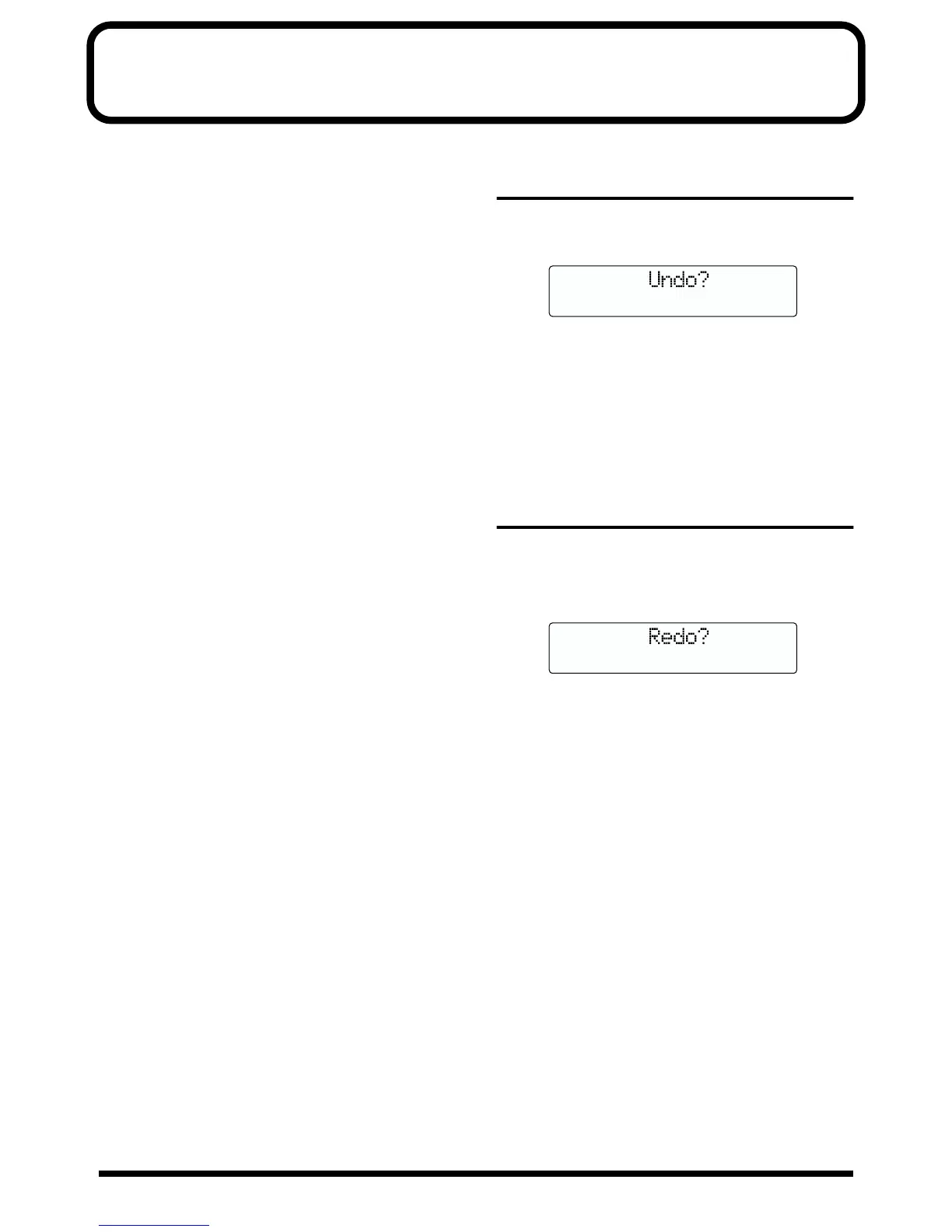
1. Press [UNDO/REDO].
“Are you sure?” appears.
fig.R09-01
2. To execute Undo, press [ENTER] (YES).
Press [ENTER] to reverse the last performed recording or
editing operation.
If you decide not to Undo, press [EXIT] (NO).
Press [EXIT] to return to the Play page.
Canceling the Undo
—Redo
To reverse the Undo you just executed, perform a Redo.
1. Press [UNDO/REDO].
“Are you sure?” appears.
fig.R09-02
2. To execute Redo, press [ENTER] (YES).
The Undo you just performed is reversed.
If you decide not to Redo, press [EXIT] (NO).
Press [EXIT] to return to the Play page.



 To Next Page