42
Finishing up the song—Mix Down
Combining the recordings on multiple tracks down onto two
tracks (i.e., for normal cassette tapes) is called “mixing
down.” When mixing down, you must first perform the final
settings such as adjusting the sound tone, sound positioning
(pan), and volume balance, and finish up the song.
Setting the sound positioning
(Pan)
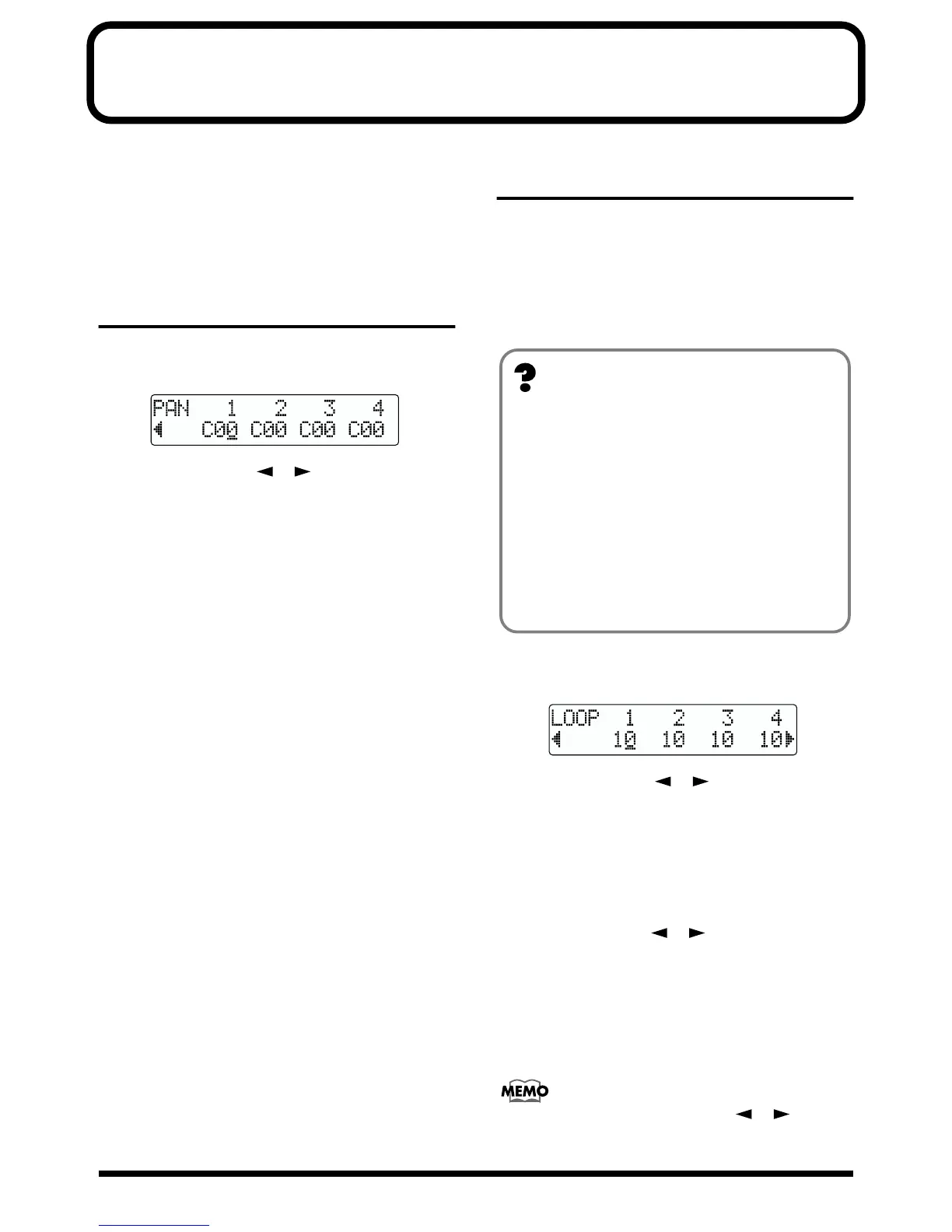
1. Press [PAN].
The Pan settings screen appears.
fig.R04-01
2. Press PARAMETER [ ] [ ] and select the track
for which you will change the pan setting.
* When a REC TRACK button is pressed, the cursor moves to
the track corresponding to the pressed button.
3. Turn the TIME/VALUE dial to change the pan settings.
* Press [ENTER] to set “C00.”
4. Press [EXIT] (or [PAN]) to return to the Play page.
Adding width to the sound
—Loop Effect
In the mixer block of the BR-532, chorus, doubling, and
reverb are provided as loop effects.By using these you can
add spaciousness to the sound.
* When using the loop effects, you cannot use the chorus,
doubling, and reverb loop effects together at the same time.
Choose only the one that you desire.
1. Press [LOOP EFFECTS].
The Send Level Setting screen for each track appears.
fig.R04-02
2. Press PARAMETER [ ] [ ] to move the cursor,
and turn the TIME/VALUE dial to adjust the send level
for each track.
* When a REC TRACK button is pressed, the cursor moves to
the track corresponding to the pressed button.
3. If necessary, you can now change the settings for other
loop effects.
Press PARAMETER [ ] [ ] to move the cursor,
and turn the TIME/VALUE dial to change the desired
settings.
For more details regarding the various settings, refer to
“Using the loop effects” (p. 82).
4. Press [EXIT] (or [LOOP EFFECTS]) several times to
return to the Play page.
In addition to using PARAMETER [ ] [ ] to
change the track selected, you can also select a track
directly with the REC TRACK buttons.
What is a loop effect?
Effects connected to the send and return of mixer effects
are called “loop effects.”You can adjust the depth of the
effect by changing the send level of each mixer channel
(equivalent to the tracks of the BR-532).
Since the send levels for each track are separate, you can
change the depth individually. This allows you to, for
example, have a deep reverb on the vocals and slight
reverb on the drums, or any such combination.
Opposed to insert effects (p. 31), which are applied to
specific sounds, loop effects are applied to the complete
track.



 To Next Page