60
Organizing the songs you’ve recorded
Saving memory on the
memory card (Song Optimize)
When you perform overdubbing or punch-in/out, the data
that you rewrite (replace) actually remains on the memory
card. In some cases, this unwanted data may occupy a
significant amount of space on the memory card. This will
cause the time available for recording to be less than it
should be.
By performing a “Song Optimize,” you can have the BR-532
erase any unnecessary data on the memory card and increase
the unused space.
1. Press [UTILITY].
2. Press PARAMETER [ ] [ ] to move the cursor to
“EDT,” and press [ENTER].
3. Press PARAMETER [ ] [ ] to move the cursor to
“OPT,” and press [ENTER].
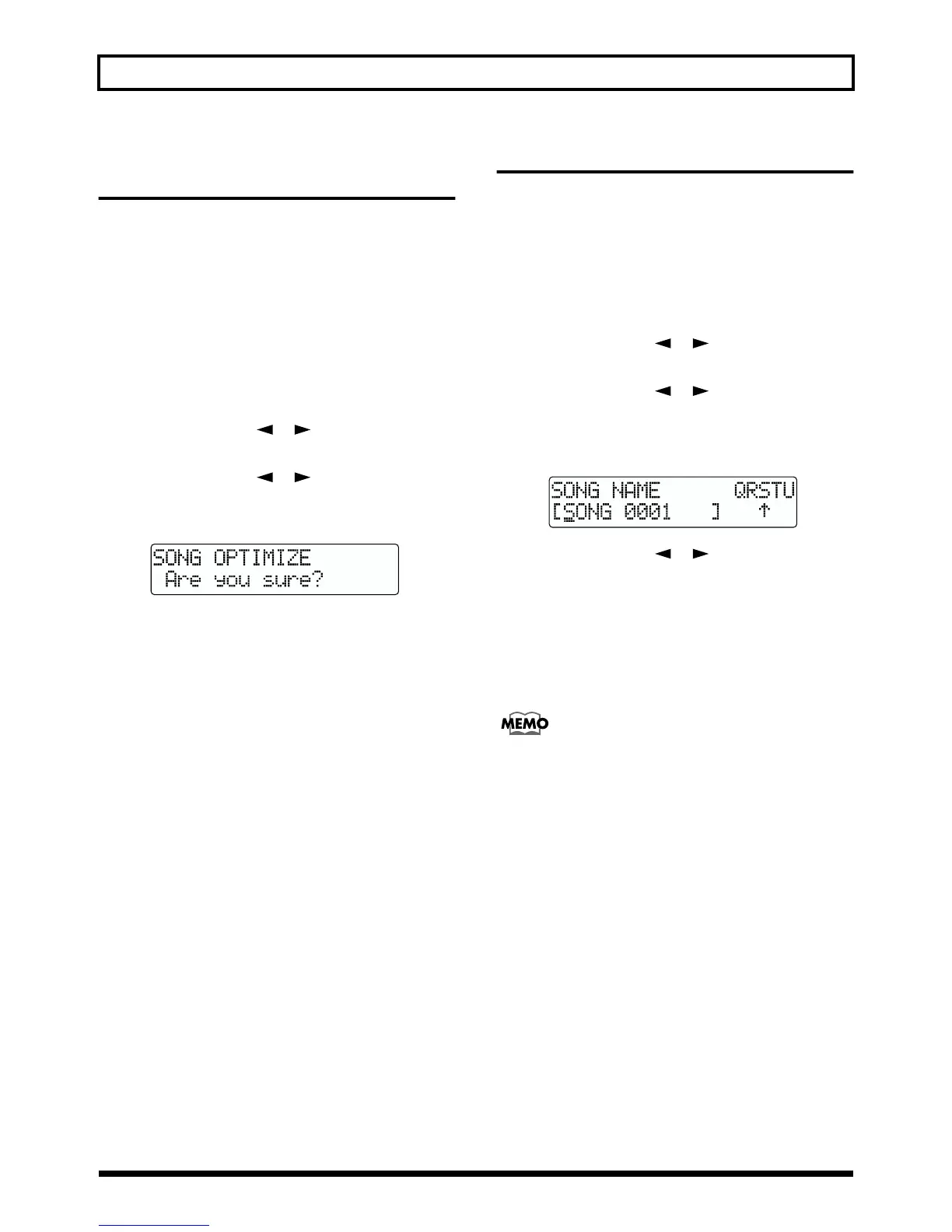
“Are you sure?” appears in the display.
fig.R10-05
4. To continue with the optimization, press [ENTER]
(YES).
The Song Optimize function is carried out. When
completed, “Completed!” appears in the display, and
you are returned to the Play page.
To cancel the operation press the [EXIT] (NO) (or
[UTILITY]).
* Depending on the situation, an appreciable length of time may
be required for Optimize to be completed. This is not a
malfunction. Do not turn off the power until Optimize has
completed.
* After you execute Optimize, it is not possible to undo/redo to
revert to the state before executing Optimize.
Naming songs—Song Name
When a new song is created, it is automatically given a name
such as “SONG 0001.” However, the use of such non-
descriptive names can make it difficult to tell which song is
which. With your BR-532, you can use “Song Name” to give
each song a name, which helps you manage and organize
your songs.
1. Press [UTILITY].
2. Press PARAMETER [ ] [ ] to move the cursor to
“EDT,” and press [ENTER].
3. Press PARAMETER [ ] [ ] to move the cursor to
“NAM,” and press [ENTER].
The name of the song (Song Name) appears in the
display.
fig.R10-07
4. Press PARAMETER [ ] [ ] to move the cursor to
the character you want to change.
5. Rotate TIME/VALUE dial to select the character.
* You can switch between upper case and lower case characters
by pressing [ENTER].
6. After the name is properly entered, press [EXIT] (or
[UTILITY]) repeatedly to return to the Play screen.
If you want to save the settings in the currently selected
song, hold down [STOP], and press [REC].



 To Next Page