66
Using the Rhythm Guide
Selecting a pattern
Follow the procedure given below to select the pattern to
play with the rhythm guide or the pattern for which you
want to change the settings.
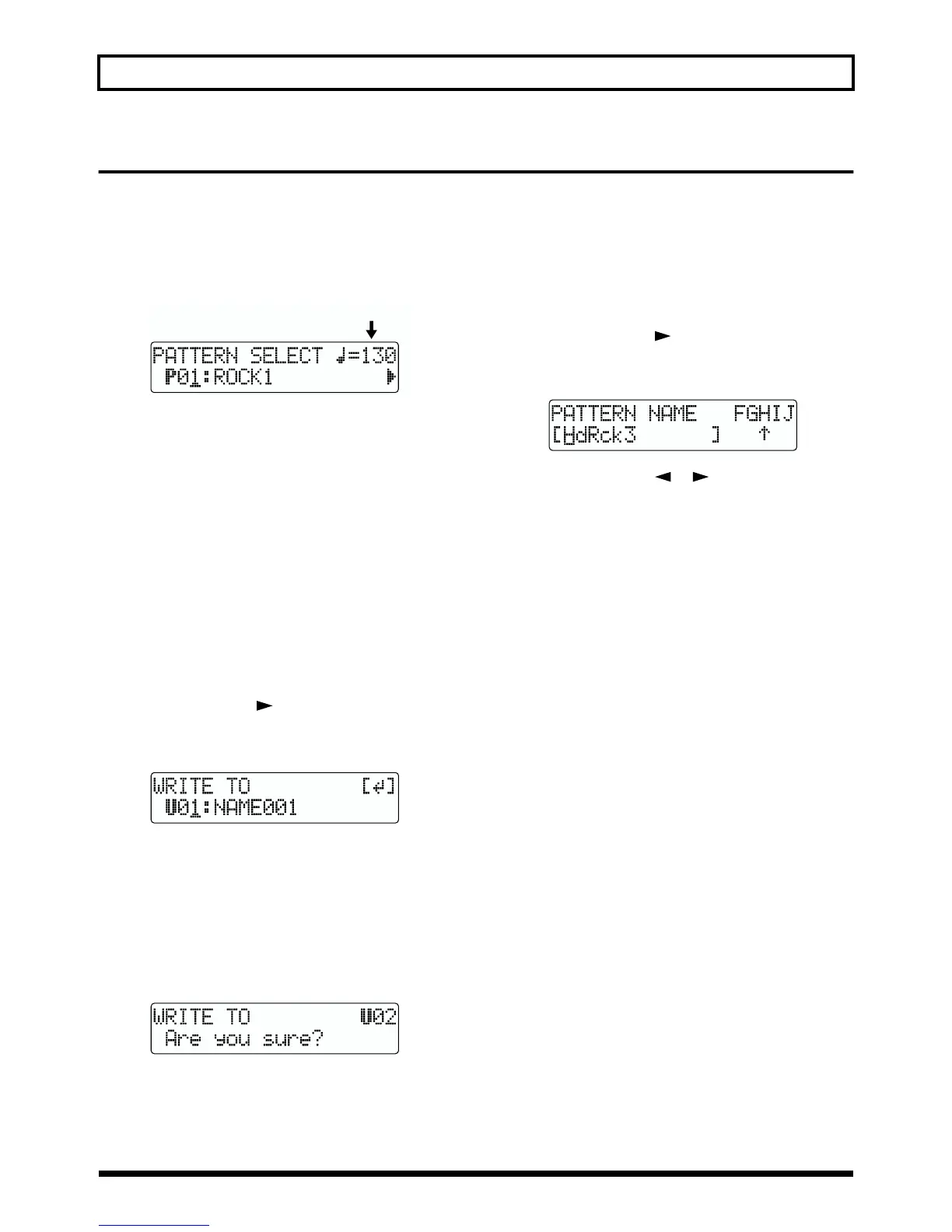
1. Press PATTERN SELECT].
The Pattern Selection screen appears.
fig.R12-13
2. Turn the TIME/VALUE dial to select the pattern.
SNG:
The song pattern of the currently selected song
U01–U04: User patterns 1 through 4
P01–P50: Preset patterns 1 through 50
3. Press [PATTERN SELECT] or [EXIT] to return to the
Play screen.
Copying patterns
Follow the procedure given below to copy the currently
selected pattern to a user pattern or song pattern.
1. Press PATTERN SELECT].
The Pattern Selection screen appears.
2. Press PARAMETER [ ] to move the cursor to
“WRITE” and press [ENTER].
The Select Copy Destination screen appears.
fig.R12-14
3. Turn the TIME/VALUE dial to select the copy-
destination pattern.
U01–U04: User patterns 1 through 4
SNG: Song pattern for the currently selected song
4. After you have selected the copy destination, press
[ENTER]. A screen asking you to confirm the copy
appears.
fig.R12-15
5. To continue with the copy, press [ENTER] (YES). To
cancel the copy, press [EXIT] (NO).
Once the pattern’s been copied, you’re returned to the
Select Copy Destination screen.
6. Press [PATTERN ARRANGE] or [EXIT] to return to the
Play screen.
Changing a pattern name
Follow the procedure below to change the name of the
currently selected pattern (Pattern Name).
1. Press PARAMETER [ ] repeatedly to move the
cursor to “NAME” and press [ENTER]. The Change
Pattern Name screen appears.
fig.R12-16
2. Press PARAMETER [ ] [ ] to move the cursor,
and turn the TIME/VALUE dial enter the characters
you desire.
* The pattern name can consist of up to 12 characters.
3. When you register the pattern name after you changed,
please save the pattern (p. 65).
To cancel the operation, press [EXIT].
4. Press [PATTERN SELECT] or [EXIT] to return to the
Play screen.
* You can switch between upper case and lower case characters
by pressing [ENTER].
Step 1’s Tempo



 To Next Page