44
Changing V-Tracks
The BR-532 is a four-track multitrack recorder, and each
track consists of eight V-Tracks. You can select any one of
these V-Tracks for recording or playback.
Therefore, by making use of the many V-Tracks, you can use
the BR-532 just as if it were a 32-track multitrack recorder.
This allows a wide range of uses, such as recording one take
of a guitar solo or vocal, and then recording another take
without having to erase the first one. You can also then take
just the portions of the V-Tracks that you like and put them
together onto one track.
“Editing the performance on a track (track editing)” (p. 50)
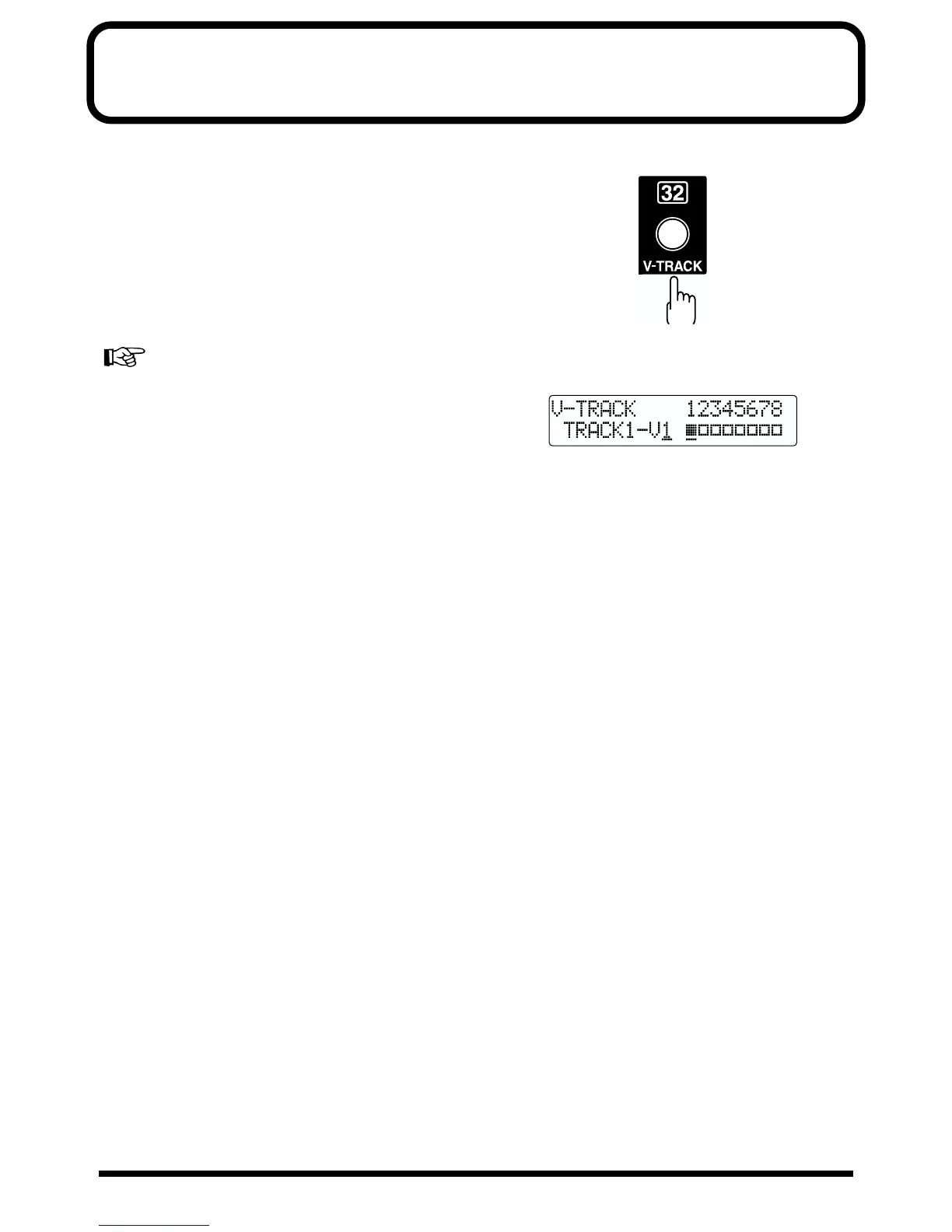
1. Press [V-TRACK].
fig.R05-01
The V-Track Selection screen appears. This screen shows
the numbers of the selected V-Tracks for each track.
fig.R05-02
■ : V-Tracks with recorded data.
❐ : V-Tracks without data.
2. Press a REC TRACK button to select the track to be
altered.
3. Turn the TIME/VALUE dial and change the V-Track.
4. After you finish changing the V-Track, press [EXIT].
You will return to the Play page.



 To Next Page