17
Panel Descriptions
25 RHYTHM GUIDE
Here you can make settings for the Rhythm Guide function.
(p. 62)
RHYTHM GUIDE fader:
Adjusts the Volume of the Rhythm Guide
AUTO/ON/OFF button:
Pressed to cycle the Rhythm Guide function through the
available selections: Auto → On → Off.
PATTERN SELECT button:
Use this button to call up the screen for selecting the
rhythm.
PATTERN ARRANGE button :
Use this button to call up the screen for setting the
rhythm order and tempo.
TAP (TEMPO) button:
By tapping this button, you can set the tempo for the
rhythm guide.
26 UTILITY button
This button calls up various functions offered by your BR-
532, such as track editing, song management, and memory
card operations.
27 UNDO/REDO button
For undoing the last-performed recording or editing
operation and returning the data to its previous state. By
pressing this button once again, you can bring back the
canceled recording or re-execute the editing operation. (p. 58)
28 TIME/VALUE dial
You can use this dial to shift the current position within a
song (e.g., fast forwarding and rewinding). It is also used to
change the values of the various function settings.
29 PARAMETER button
Press this button to select a parameter.
30 ENTER/YES button
Press this button to confirm a selection or a value being
entered.
31 EXIT/NO button
Press this button to return to the previous screen or cancel
the last entry.
32 Headphones jack ( )
Headphones (sold separately) are connected here. When
headphones are connected, the same output as that from
LINE OUT can be heard from the headphones.
33 MIC (Internal microphone)
This microphone can be used for recording with the BR-532.
Turning off the internal microphone (p. 30)
Changing the INPUT SELECT setting (p. 29)
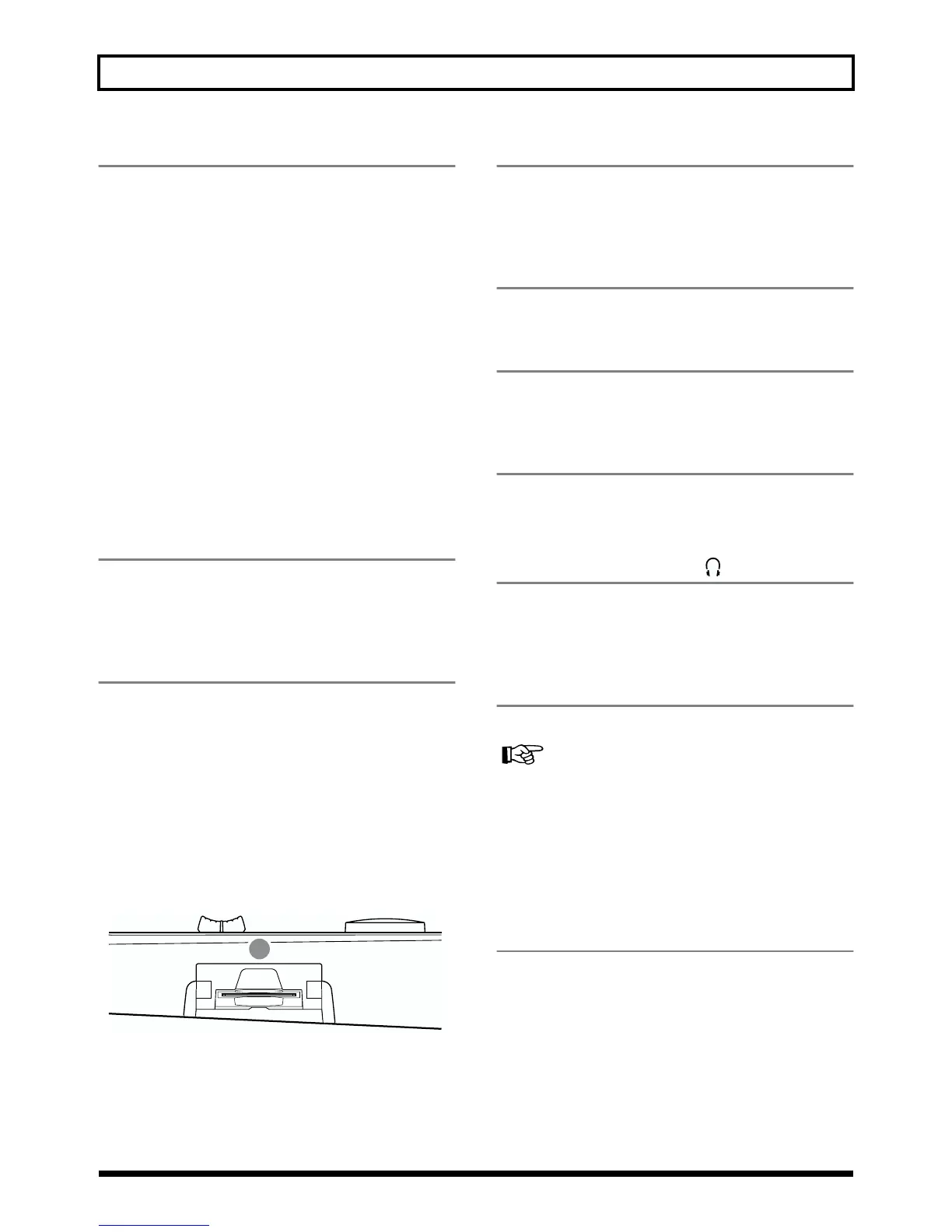
fig.00-03
34 MEMORY CARD slot
This slot is where a memory card (SmartMedia) needs to be
inserted in order to store the data you record. If a memory
card is not inserted, you cannot perform recording.
34



 To Next Page