4-4 User Manual
# Option Description
5 Shut Down Shut down the system.
4.4 Starting the Procedure
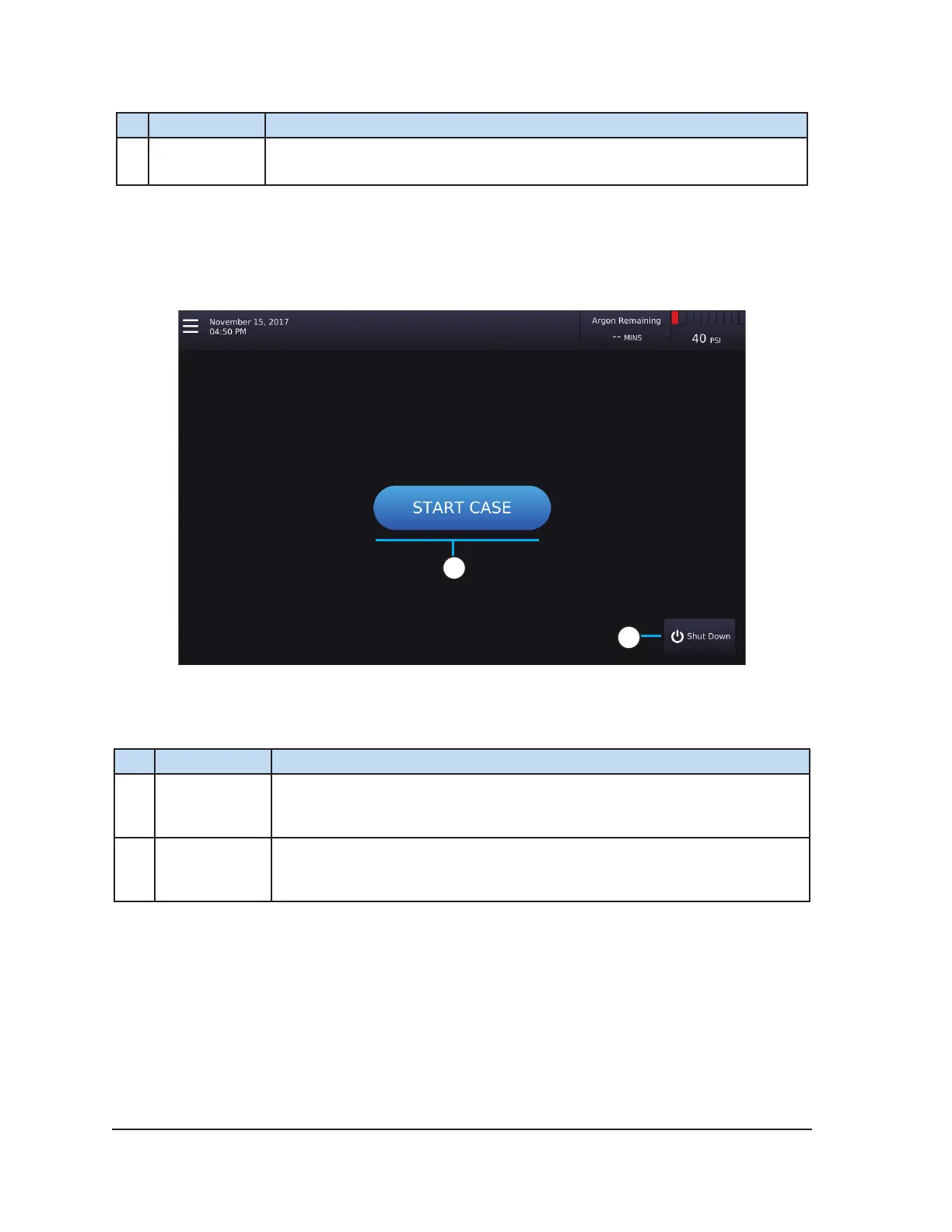
After logging into the system, the Start Case Screen appears. Press START CASE to start a
cryoablation procedure. Pressing START CASE displays a Start Case wizard to demonstrate system
setup.
2
1
Screen 4-3. Start Case Screen
Table 4-3. Start Case Screen Controls
# Button Description
1 START CASE
Press START CASE to initiate the Start Case wizard. The wizard guides the
user through the steps for setting up the system. Once set up completes,
the Procedure Screen is displayed.
2 Shut Down Press Shut Down to initiate shut down of the system.



 To Next Page