ICEfx™ Cryoablation System
4-7
# Control Description
2
Use the ALL channel to perform a freeze, thaw, or test function on ALL active
channels simultaneously. Press the button corresponding to the function you
want to perform and then press the Start button.
NOTE: Pressing the ALL button provides an option to program freeze-thaw
cycles for all active channels.
3
Channel button – Identies the active channel(s). Channels 1 through 4 are
labeled individually and contain independent controls for the currently selected
function (test, freeze, thaw, or cautery).
NOTE: Channels without connected needles appear dimmed.
Advanced Channel Controls: Pressing the Channel button provides options
to change the needle type selected for that channel and program freeze-thaw
cycles for the channel.
4
Channel Port button – Identies the channel ports.
NOTE: Ports without connected needles appear dimmed.
5 Timer
The Timer displays the elapsed time for the currently selected function and
provides additional data specic to the function.
NOTE: During testing, the timer counts down from two minutes instead of
showing the elapsed time.
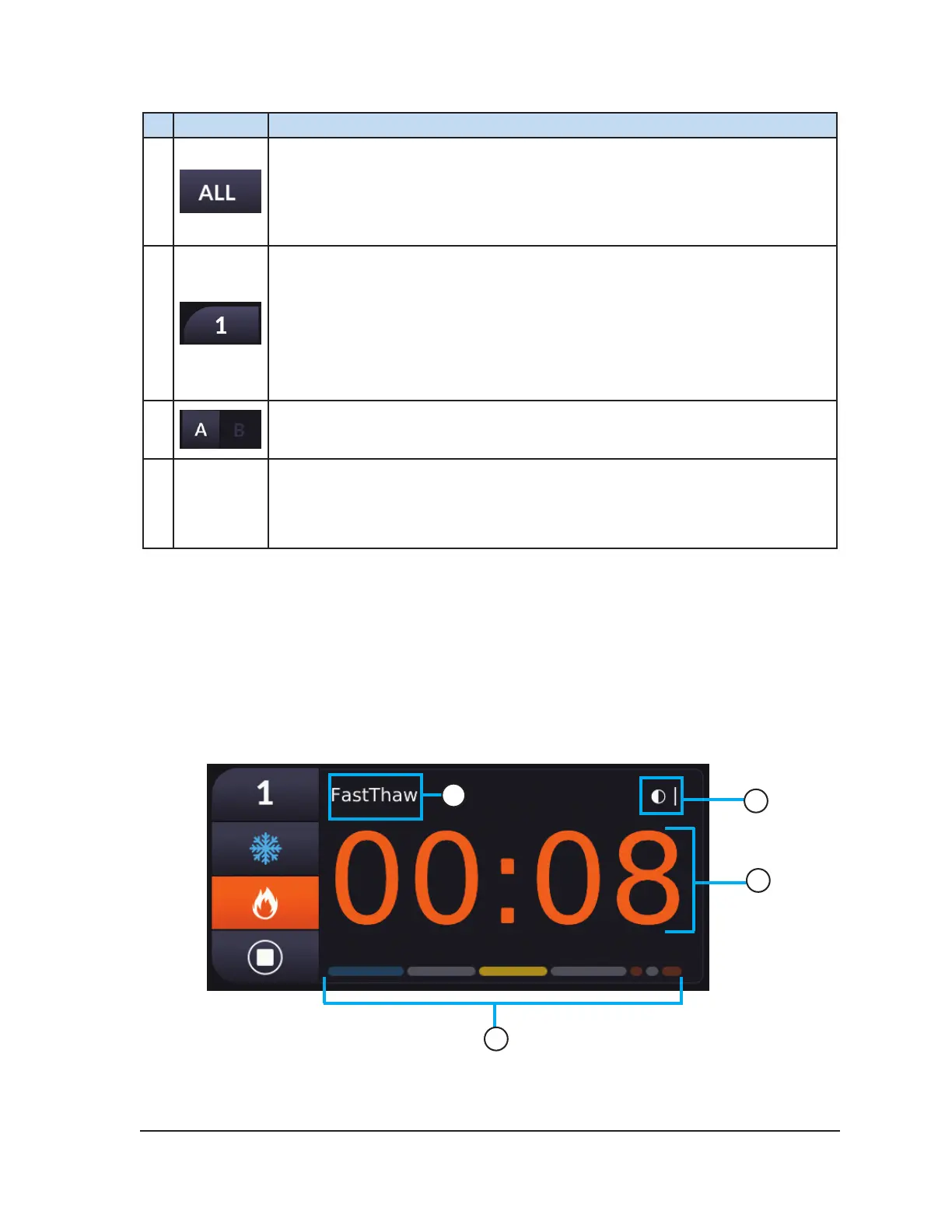
4.6.1 Viewing the Timer
The timer displays the elapsed time during freezing or thawing. The timer counts down from two
minutes during testing. The timer counts down from the selected duration during cautery. The upper
left and upper right portions of the timer provide additional data for the freeze, thaw, and cautery
functions.
Screen 4-6 provides an example of a timer displayed during FastThaw. Table 4-6 provides additional
information on the timer.
2
3
4
1
Screen 4-6. Timer During FastThaw



 To Next Page