ICEfx™ Cryoablation System
4-19
7. Press SAVE to save the cycle sequence.
Screen 4-16. Save Cycle Sequence Screen
8. Provide a name for the cycle sequence and press SAVE.
4.7 Reports
Procedure reports provide a summary of a cryoablation procedure. The reports contain the
information provided in the Edit Case Information Screen, details of the freeze-thaw cycles, number
of MTS needles, a graphical history of MTS readings, and a graphical history of freeze, thaw, and
cautery phases.
4.7.1 Viewing All Reports
Press and select Reports from the expanded menu to view the saved procedure reports (when
there is no active case).
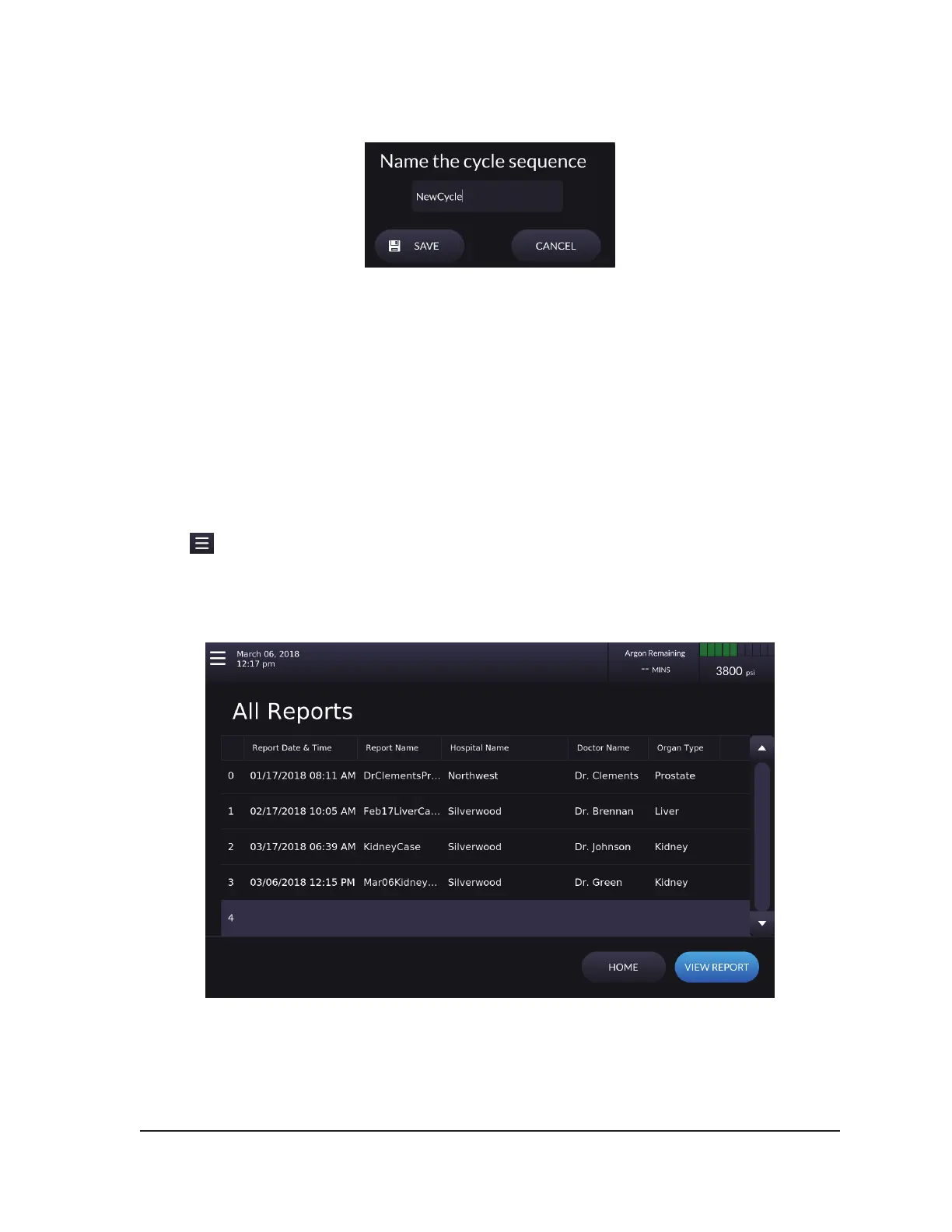
The All Reports Screen displays a list of all saved reports in the ICEfx System. Select the report you
want to view and press VIEW REPORT.
Screen 4-17. All Reports Screen
When a report is selected from the All Reports Screen, the report that displays provides options to
delete or export the report.
NOTE: Users with an administrative login ID may delete any report.



 To Next Page