4-16 User Manual
4.6.6.1 Cautery Controls
1
2
3
4
5
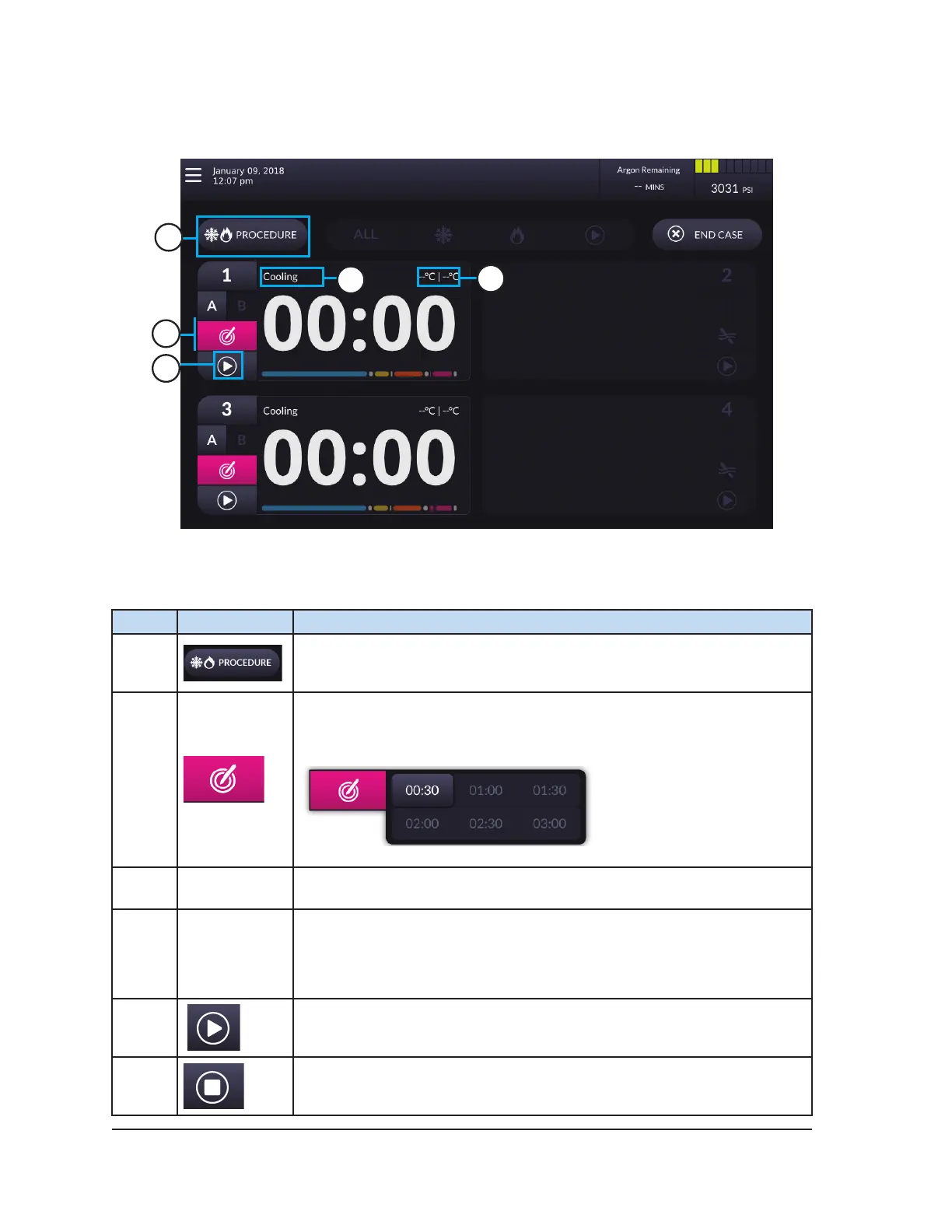
Screen 4-11. Cautery Screen
Table 4-11. Cautery Controls
# Control Description
1
Procedure button – Press to exit Cautery mode and return to the
Procedure Screen.
2
Cautery button – Press the Cautery button to select the cautery
duration.
3
Cautery
Status
Displays the Cautery status.
4
Temperature
Indicator
Displays the estimated temperature range of the needle shaft during
cautery.
NOTE: During the needle warming phase, the timer displays a rotating
warming indicator.
5
Press Start to initiate cautery.
Press Stop to stop cautery.



 To Next Page