ICEfx™ Cryoablation System
5-5
5.2 Performing a Cryoablation Procedure
WARNING. Do not touch the screen if the touch screen monitor goes blank for more than
ve (5) seconds during a procedure. Immediately turn o power to the system and end the
procedure to avoid inadvertent activation of needles.
CAUTION. Position the ICEfx Cryoablation System in a manner to avoid draping needle tubing
across the patient. Needle tubing may become extremely cold when conducting freeze cycles during
a cryoablation procedure. It is important that a patient’s skin is protected from direct contact with
needle tubing to avoid the potential for thermal injury to the patient. Ensure an appropriate insulating
barrier is placed as needed (such as towels) or other method is employed to prevent needle tubing
from touching a patient’s skin.
CAUTION. If a needle without CX functionality is connected to the ICEfx System, active thawing is
not possible. Needle release from an iceball will only be achievable with passive thaw. Use image
guidance to ensure adequate thawing.
CAUTION. If a needle needs to be added during a procedure, connect the needle to an open
channel. If there is no open channel available, reference Section 5.2.1 for the instructions for adding a
CX needle to a channel with an open port.
1. Position the cryoablation needles and thermal sensors in the target tissue.
CAUTION. During use, avoid damage to the needle from other surgical instruments.
CAUTION. Use image guidance to verify that the cryoablation needles are placed at the desired
location prior to activating a needle.
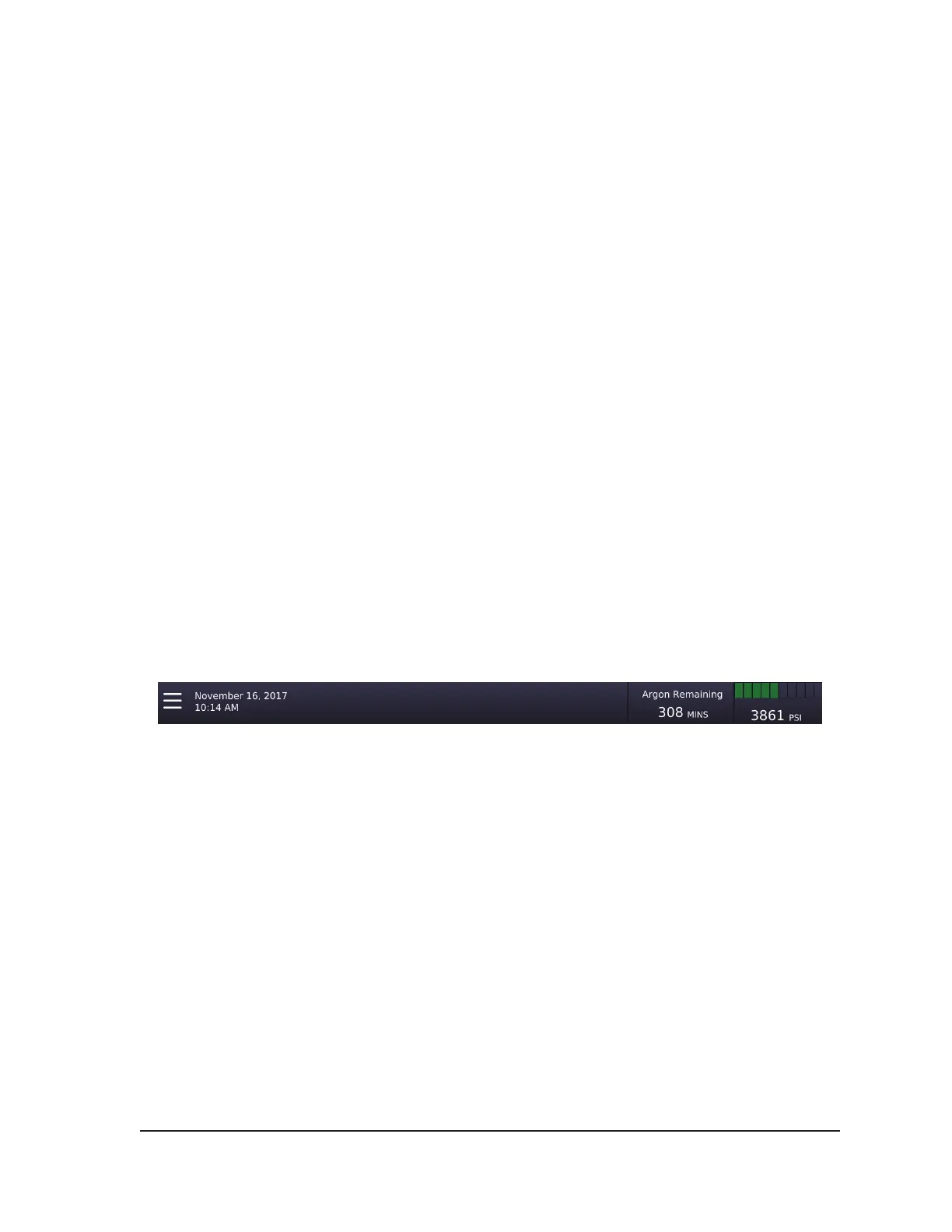
NOTE: Throughout the procedure, monitor the amount of argon remaining on the Gas Indicator
(Screen 5-2). If it is necessary to change the argon cylinder during a procedure, follow the
instructions provided in Section 5.3.
Screen 5-2. Argon Remaining
2. Press the Freeze button on selected channels containing needles to select the freeze intensity,
and then press the Start button to begin the initial freeze phase of the procedure. Reference
Section 4.6.4 for more information on freezing.
To adjust the freeze intensity, press the Freeze button and select the desired intensity from the
menu. The Freeze phase will continue at the selected freeze intensity until the freeze intensity is
changed or the operation is stopped.
CAUTION. Continuously monitor iceball formation using image guidance to ensure adequate
tissue coverage and to avoid damage to adjacent structures.
OPTIONAL: To initiate a freeze phase on all needles simultaneously, press the Freeze button on
the channel labeled ALL and then press the Start button for that channel. Pressing any function
button on the channel labeled ALL displays a message asking you to conrm simultaneous
operation of all needles.



 To Next Page