4-20 User Manual
4.7.1.1 Sorting a Report
To sort the list by Report Name, Hospital Name, Doctor Name, or Organ Type, press the appropriate
header section of the report list.
4.7.1.2 Exporting a Report
From the All Reports Screen, press VIEW REPORT to display the report you would like to export.
From the View Report Screen, click EXPORT to export the report details and select the export le
type and name. Reports can be exported in HTML or CSV formats. Wait for conrmation before
removing the USB ash drive from the Console.
4.7.2 Viewing a Report during a Cryoablation Procedure
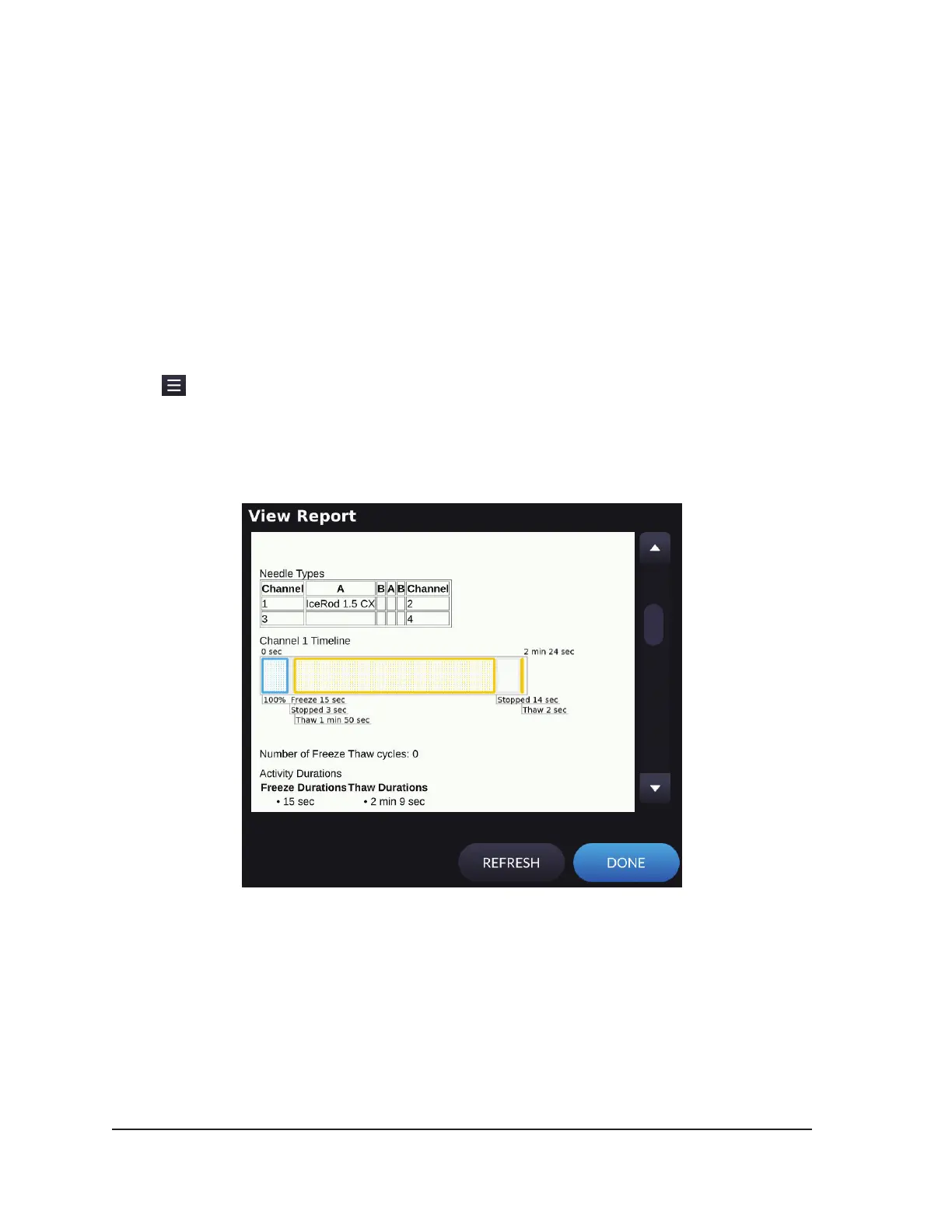
Press and select Report from the expanded menu to view the current patient data during an
active case.
When a report is viewed during a cryoablation procedure, the report that displays provides an option
to refresh the details. Options to save, delete, and export are not available during a cryoablation
procedure.
Screen 4-18. Procedure Report



 To Next Page