4-12 User Manual
# Control Description
2
Freeze
Intensity
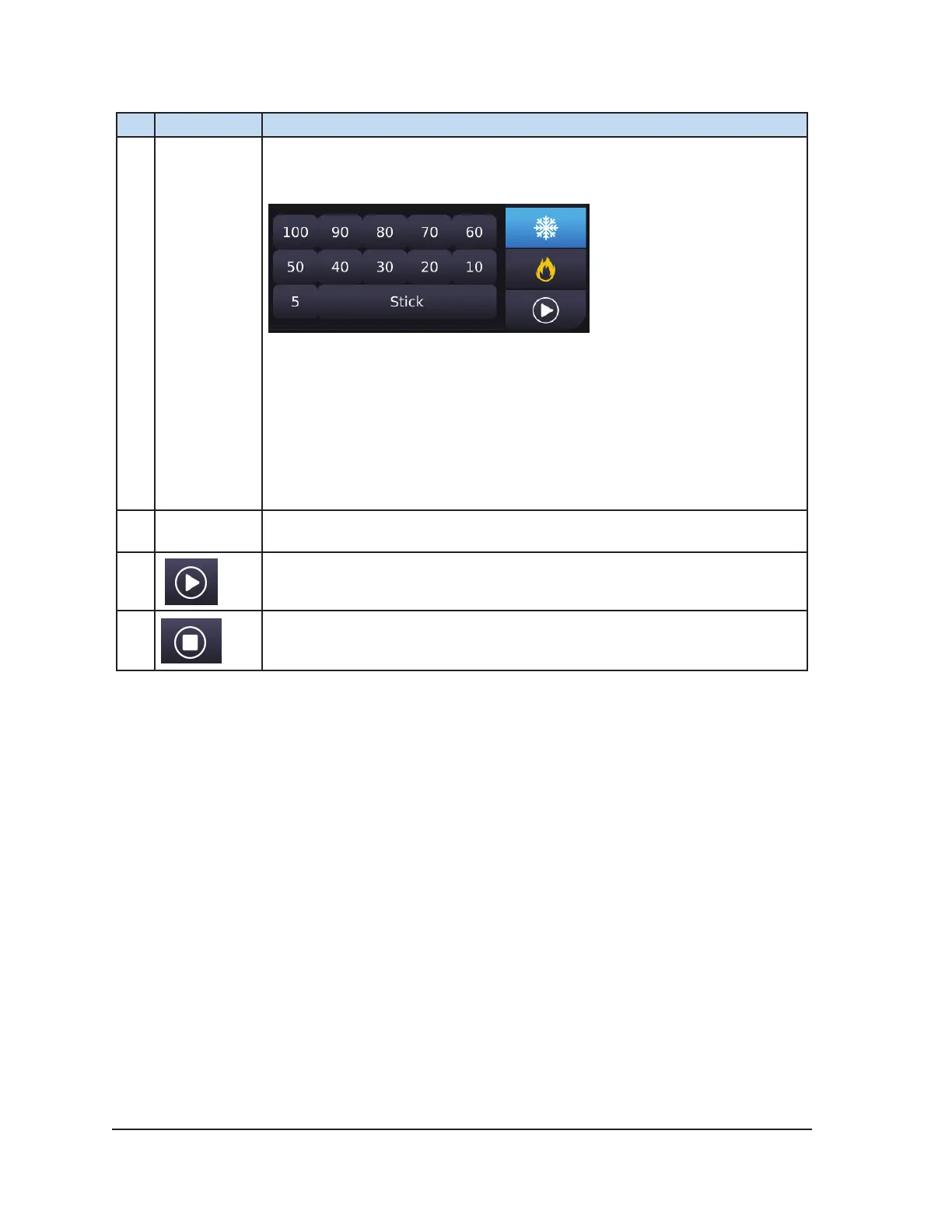
Pressing the Freeze button displays the selectable freeze intensities.
Select a freeze intensity from the menu or select “Stick” intensity.
NOTE: The ICEfx System controls freeze intensity by adjusting the duration
of argon ow over each 10 second block of time (e.g., 30% freeze intensity
freezes for 3 seconds and idles for 7 seconds).
NOTE: When Stick is selected, argon gas is owed through the cryoablation
needle at a low duty cycle to create a very thin layer of ice around the
needle shaft. The thin layer of ice secures the needle to prevent accidental
displacement while the clinician places other needles.
3
Temperature
Indicator
For CX needles, displays the needle tip temperature during freezing.
4
Press Start to initiate freezing.
Press Stop to stop freezing.



 To Next Page