-4-2 Scanner Configuration
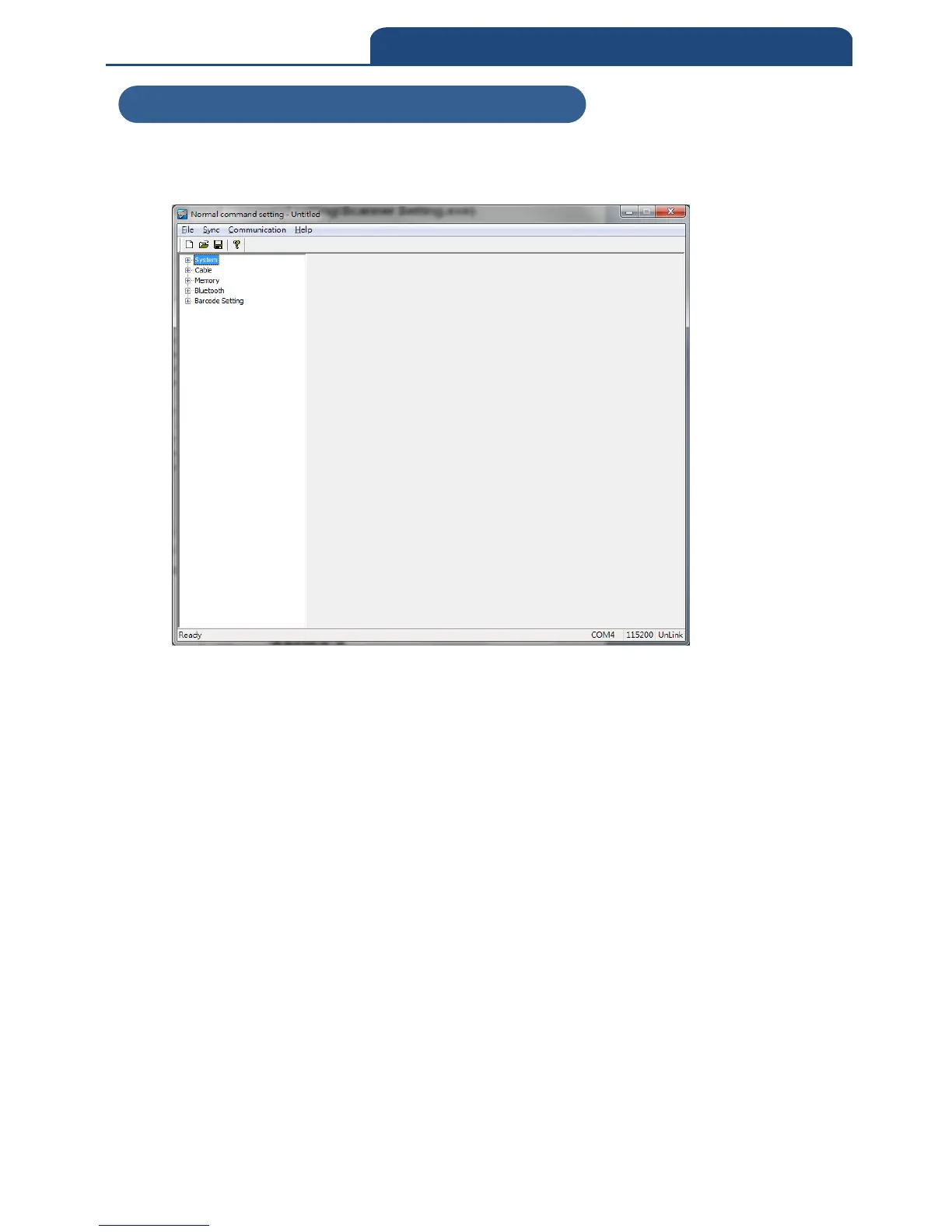
Open software” Normal command setting”, the file is located in the CD
(CM-2D601\Software\Normal command setting\Scanner Setting.exe)
Connect scanner with PC by USB cable, and Set the scanner to ISP mode.
Scan below barcodes step by step to set the scanner to ISP mode.
1. ENTER: */$%ENTR*
2. ISP:
*ZISP*
Note: ISP mode means scanner configuration mode.
Before any configuration with the software, scanner must scan above
two barcodes in order to perform software configuration.
When the scanner is in ISP mode, the PC might request for driver
installation, the driver is located in the CD
(CM-2D601\driver\C0801b.inf).
6-4-2 Scanner Configuration



 To Next Page