52
5. Bluetooth Connection Mode Instruction
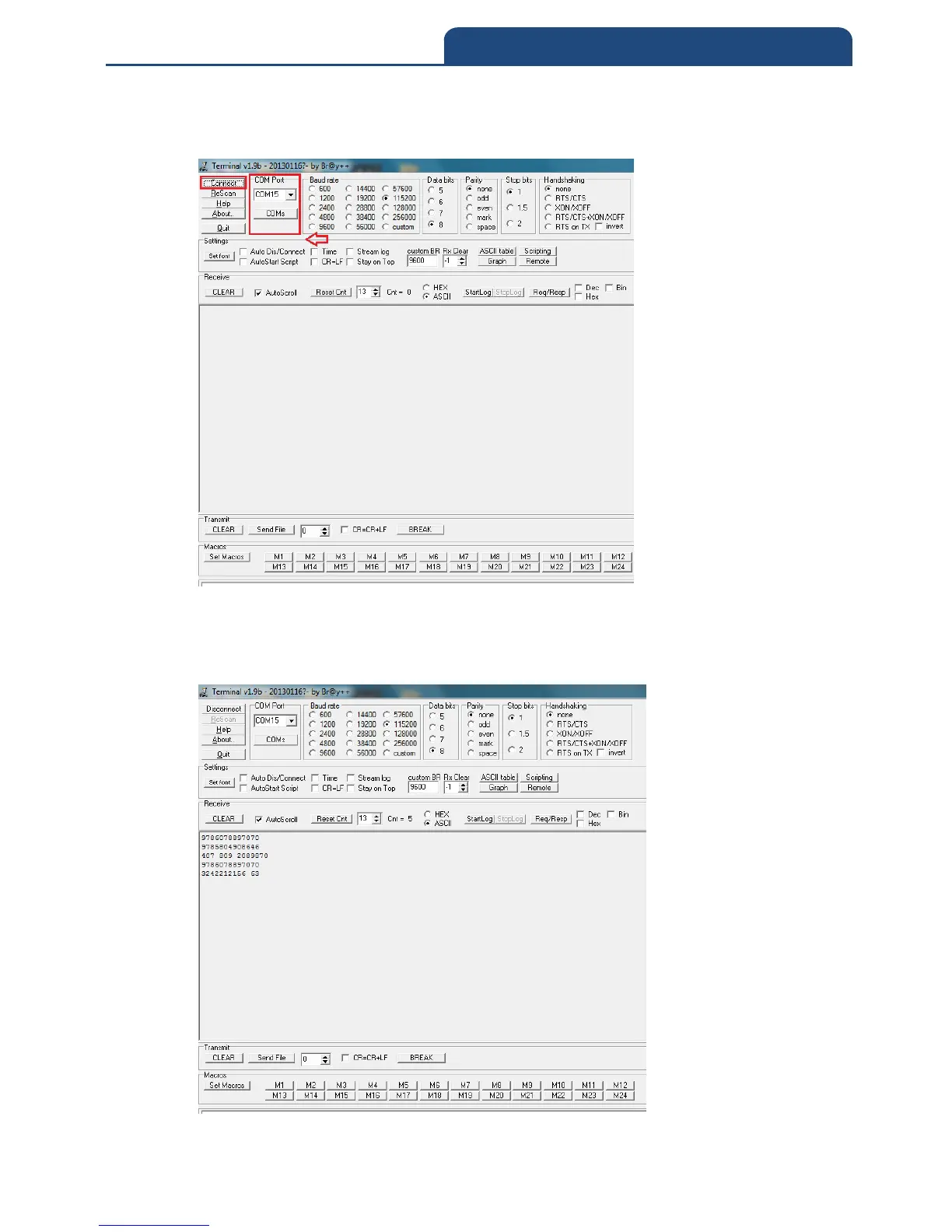
5. Turn on terminal software, and set COM Port as ”COM15”. It will show screen
below:
After select COM port, click ”Connect” button to connect. After connect
successfully, it can start to scan barcode, and scan result will show in terminal
screen. It will show screen below:



 To Next Page