0F40-02C
Carrying the Printer to the Installation Location
1
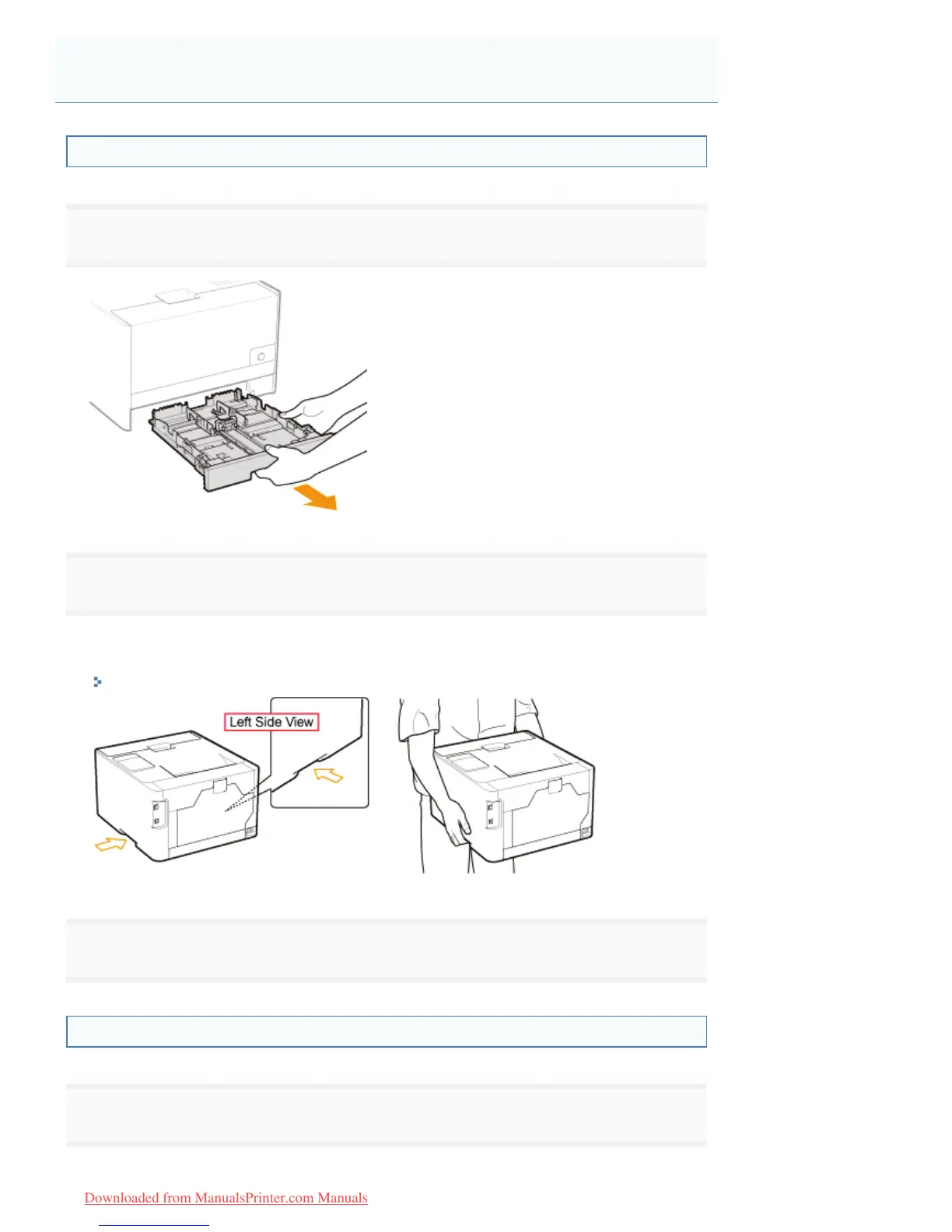
Pull out the paper drawer of the printer.
2
Carry the printer unit to the installation location.
Carry the printer by holding it by the lift handles from the front side.
Check the weight of the printer, and carry the printer carefully.
"Printer Specifications"
3
Insert the paper drawer in the printer.
Connecting the Power Cord
1
Connect the power cord.
Installing the Printer
㻝㻜㻟㻌㻛㻌㻡㻝㻠
Downloaded from ManualsPrinter.com Manuals












 To Next Page