0F40-09A
Perform the following procedure.
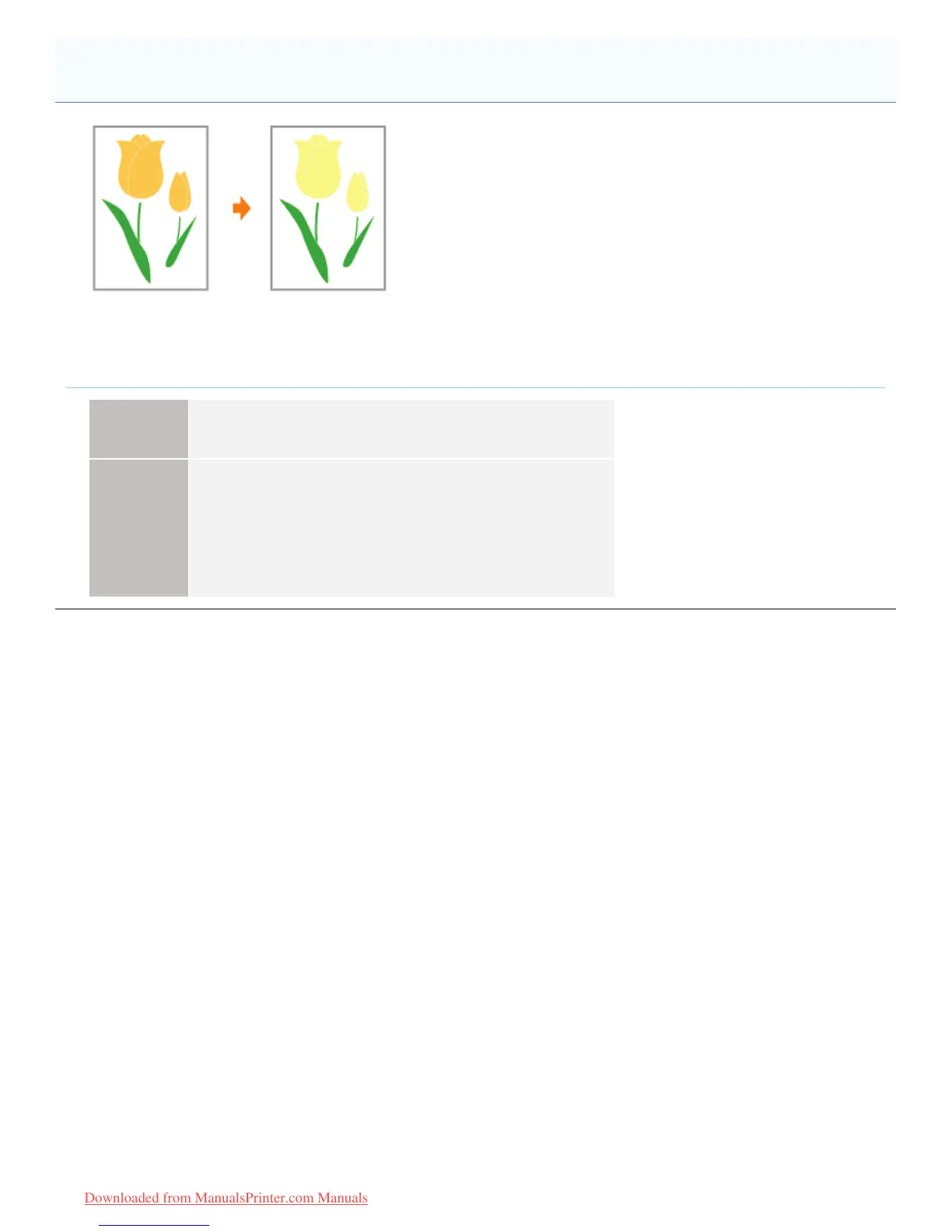
<Cause> The shaded pattern of the print data and the dither pattern of the printer are
interfering with one another.
Solution 1
Print again without specifying a shaded pattern in the application.
See the instruction manual supplied with the application.
Solution 2
Perform the following procedure in the printer driver.
1. Display the [Quality] sheet.
2. Click [Advanced Settings].
3. Change the [Halftones] setting.
Shaded Patterns Are Not Printed in the Correct Color (Specified Color)
㻠㻤㻞㻌㻛㻌㻡㻝㻠
Downloaded from ManualsPrinter.com Manuals












 To Next Page