0F40-08L
Perform the following procedure.
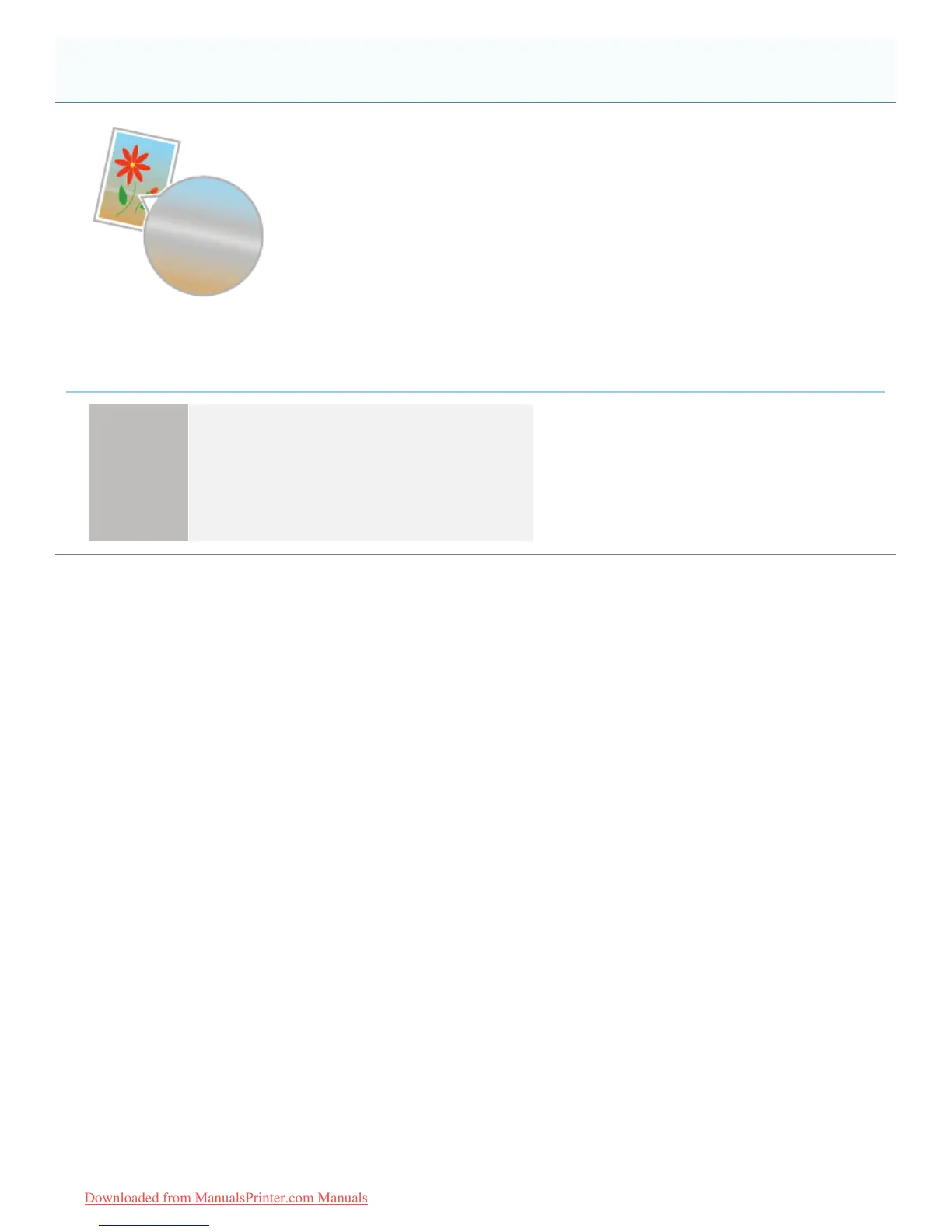
<Cause> [Gray Compensation] is applied to the gray color portions of the streaks (lines) in the
diagram.
Solution
Perform the following procedure in the printer driver.
1. Display the [Quality] sheet.
2. Click [Advanced Settings].
3. Set [Gray Compensation] to [Never].
Streaks (lines) Appear in Gradated Portions
㻠㻢㻟㻌㻛㻌㻡㻝㻠
Downloaded from ManualsPrinter.com Manuals












 To Next Page