0F40-06L
Specify the time zone of the region where the printer is being used and whether to use daylight saving time.
The standard time for each region is shown as the time difference (up to ± 12 hours) from the Coordinated Universal
Time (UTC). A time zone is a region throughout which the standard time is the same.
1
Start the Remote UI, and then log in as Management Mode.
"Starting the Remote UI"
2
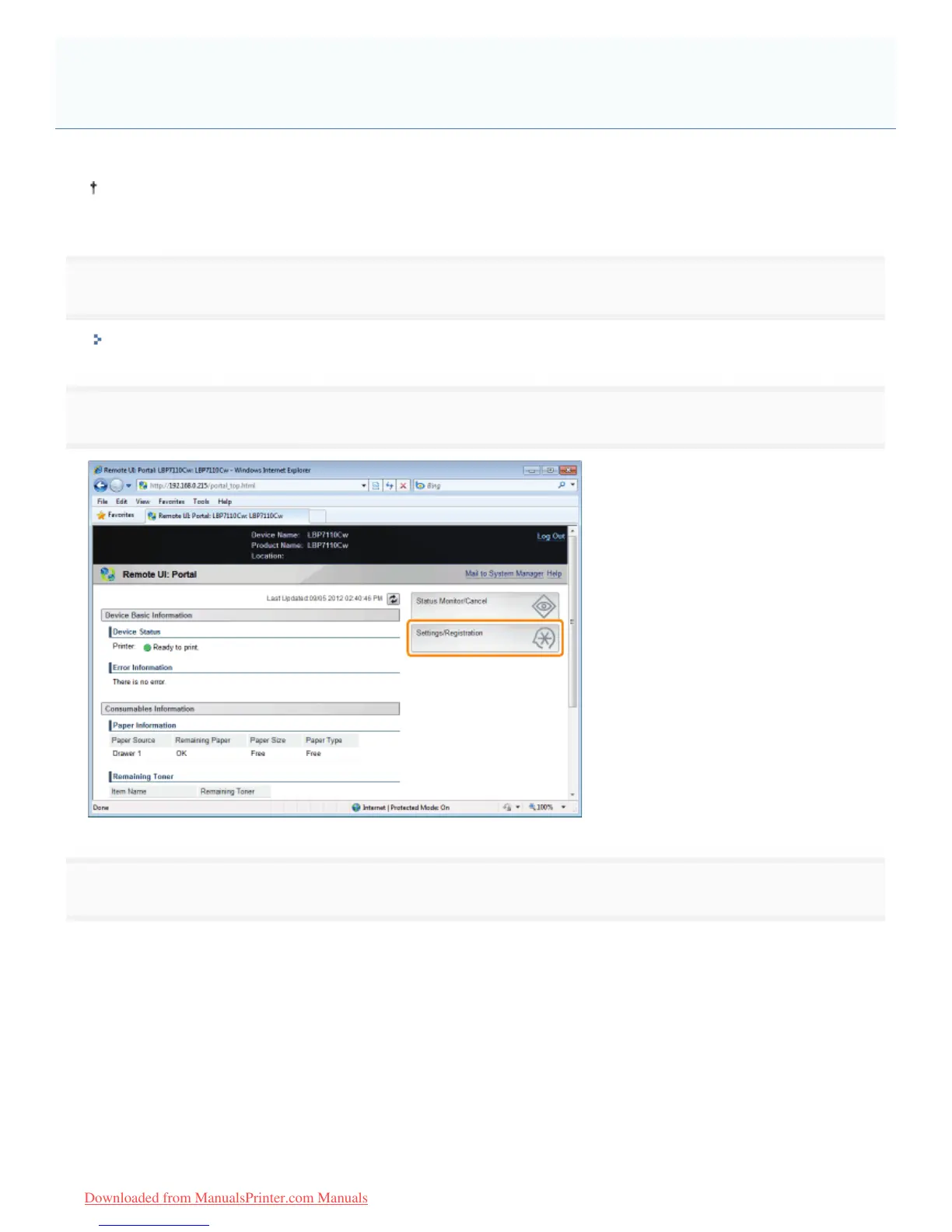
Click [Settings/Registration].
3
Display the [Edit Timer Settings] page.
(1) Select [Timer Settings].
(2) Click [Edit].
Specifying the Time Zone and Daylight Saving Time Settings of the
Printer
㻟㻟㻡㻌㻛㻌㻡㻝㻠
Downloaded from ManualsPrinter.com Manuals












 To Next Page