0F40-04H
You can print with toner density adjusted.
1
Display the setting screen of the printer driver.
"Displaying the Setting Screen"
2
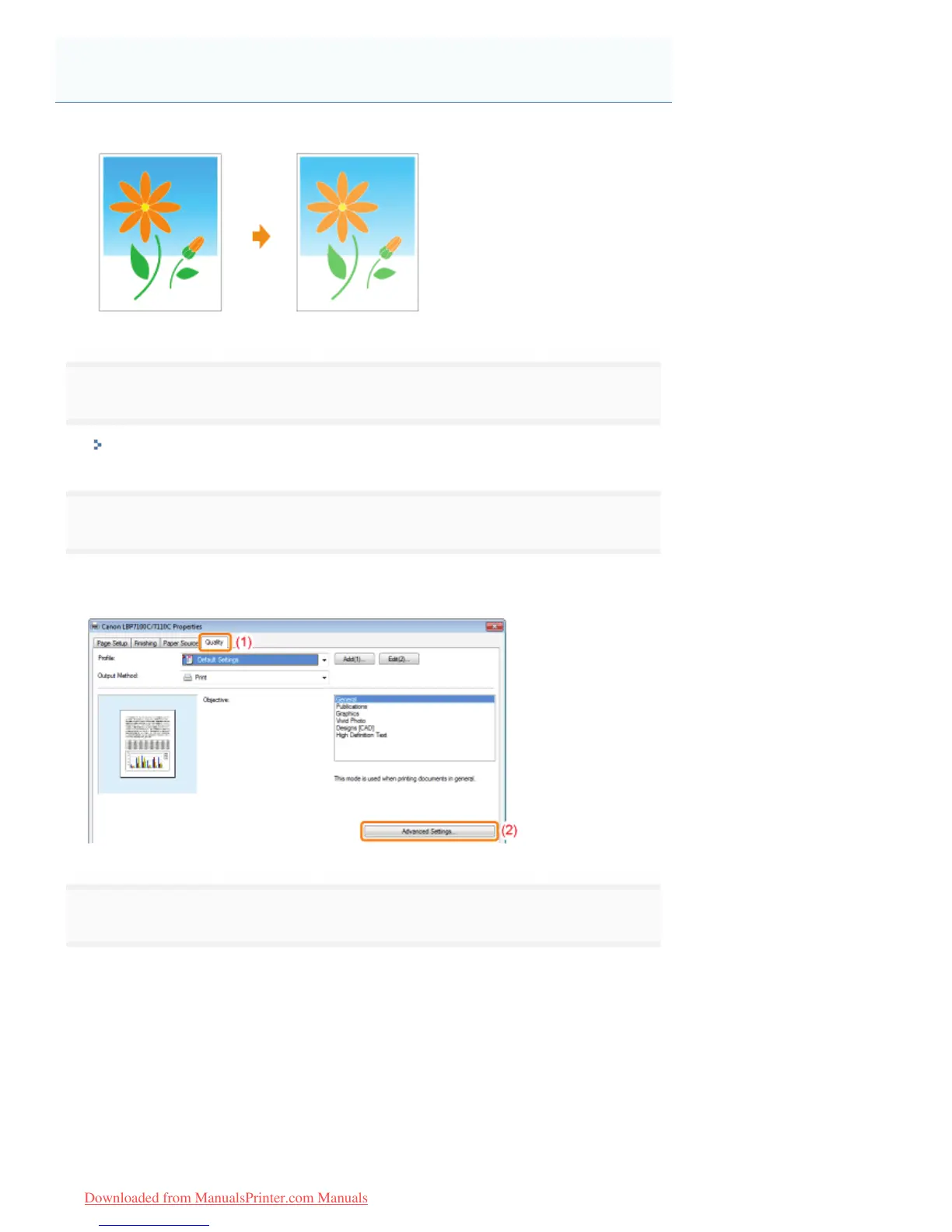
Display the [Advanced Settings] dialog box.
(1) Display the [Quality] sheet.
(2) Click [Advanced Settings].
3
Display the [Toner Density Details] dialog box.
(1) Select [Toner Density].
(2) Select [Adjust].
(3) Click [Details].
Adjusting the Toner Density
㻞㻜㻝㻌㻛㻌㻡㻝㻠
Downloaded from ManualsPrinter.com Manuals












 To Next Page