0F40-018
You can reduce power consumption of the printer efficiently by using sleep mode or auto shutdown when the printer is not
used for a certain time.
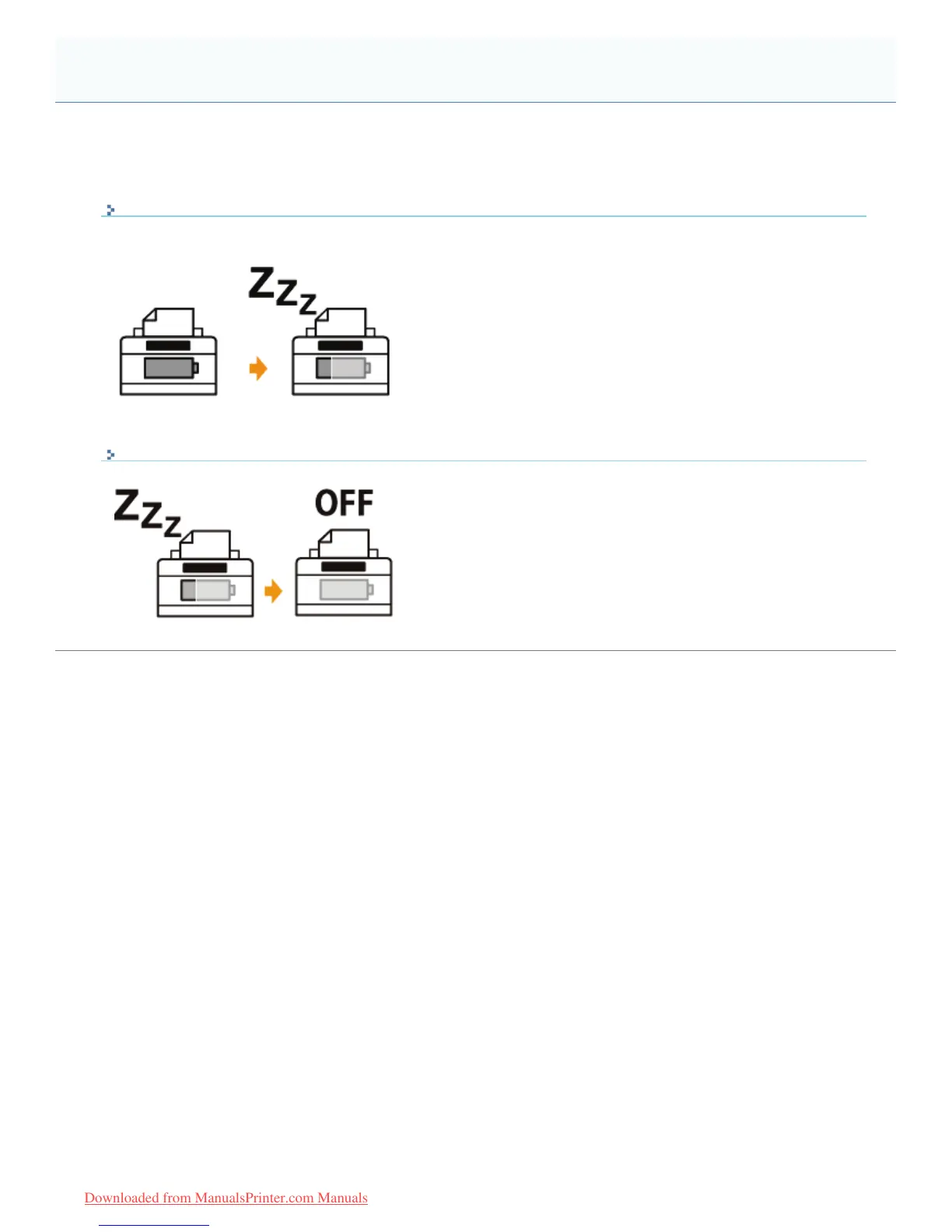
Sleep Mode
You can configure the printer to enter the standby mode for low power consumption when data is not sent from the
computer or the printer does not operate for a specified time.
Auto Shutdown
You can configure the printer to turn OFF automatically when the time specified for the sleep mode elapses.
Energy-saving Mode
㻢㻜㻌㻛㻌㻡㻝㻠
Downloaded from ManualsPrinter.com Manuals












 To Next Page