0F40-038
For details on each setting in the printer driver or the Printer Status Window, see the instructions in Help.
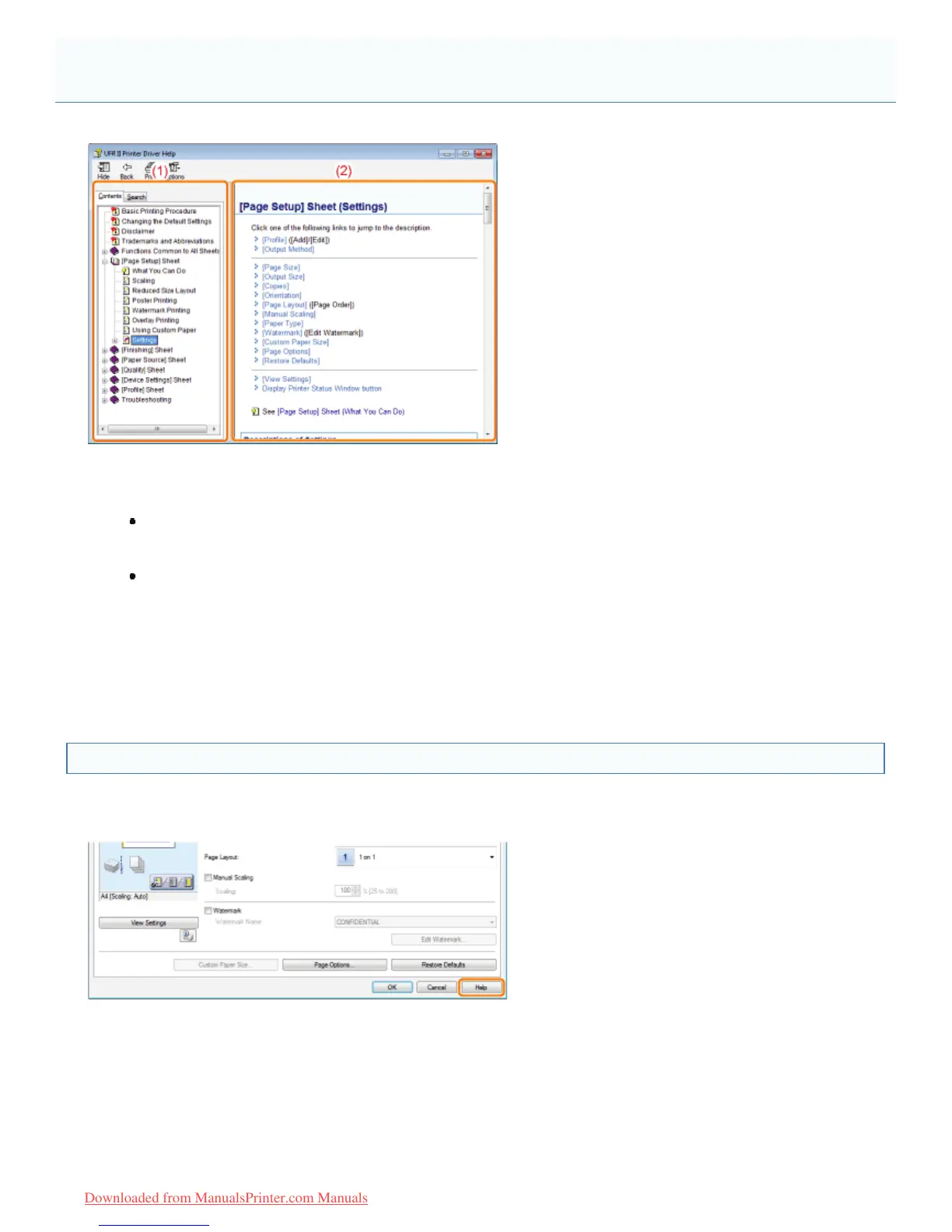
(1) Navigation pane
Select a topic for your desired option.
[Contents]
In Contents, the titles of the Contexts are displayed.
Click the title of the desired topic to display its description.
[Search]
You can search for all the topics for a particular word or phrase included in the description.
Enter the word or phrase in [Type in the word(s) to search for] and click [List Topics]. Double-click the title of
the desired topic to display its description.
(2) Topic pane
Use the table of contents and full-text search function in the Navigation pane to search for information and display
the description of the information.
How to Display Help
When displaying Help from the printer driver
Click [Help].
When displaying Help from the Printer Status Window
From the [Help] menu, select [Help Topics].
How to Use Help
㻝㻡㻞㻌㻛㻌㻡㻝㻠
Downloaded from ManualsPrinter.com Manuals












 To Next Page