0F40-06K
Specify the printer name, installation location, and so on.
1
Start the Remote UI, and then log in as Management Mode.
"Starting the Remote UI"
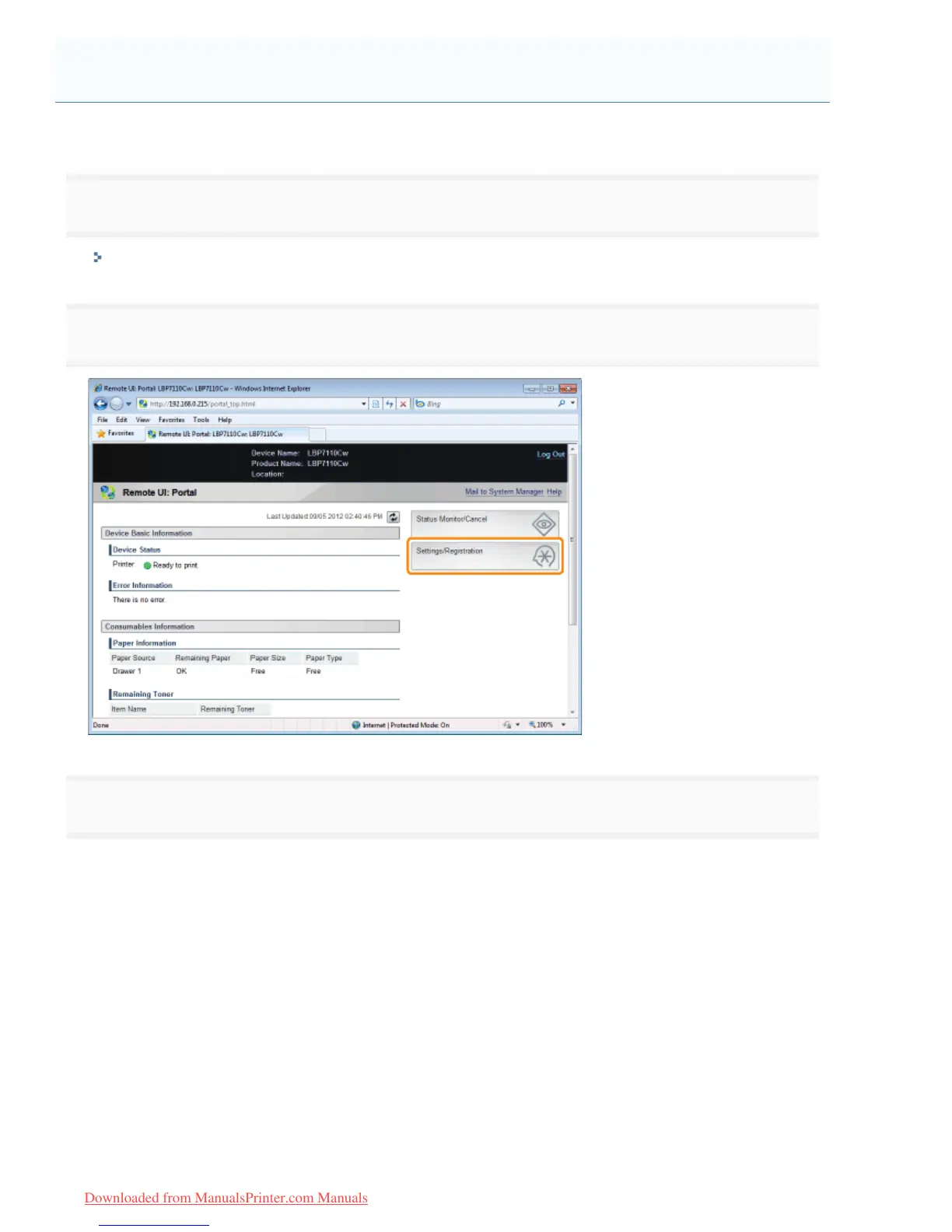
2
Click [Settings/Registration].
3
Display the [Edit System Settings] page.
(1) Select [System Settings].
(2) Click [Edit].
Specifying the Device Name and Installation Location
㻟㻟㻟㻌㻛㻌㻡㻝㻠
Downloaded from ManualsPrinter.com Manuals












 To Next Page