0F40-06S
You can initialize (reset to the default values) the following setting information individually or all at once.
System Manager Information
Device Information
Security Settings
Network Settings
1
Start the Remote UI, and then log in as Management Mode.
"Starting the Remote UI"
2
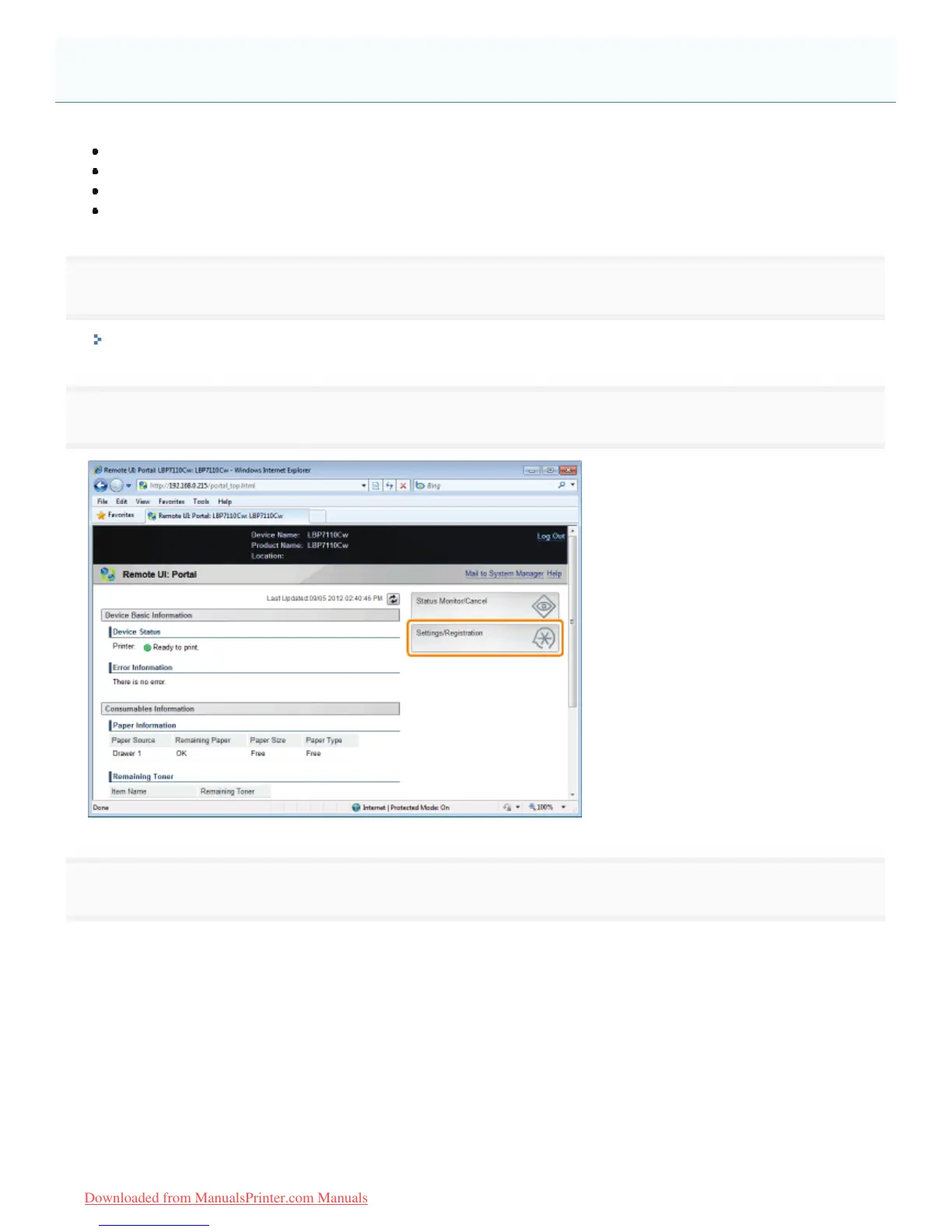
Click [Settings/Registration].
3
Display the [Initialize System Settings] page.
(1) Select [Initialize Settings Information].
(2) Click [Initialize System Settings].
Initializing Using the Remote UI
㻟㻟㻤㻌㻛㻌㻡㻝㻠
Downloaded from ManualsPrinter.com Manuals












 To Next Page