0F40-044
1
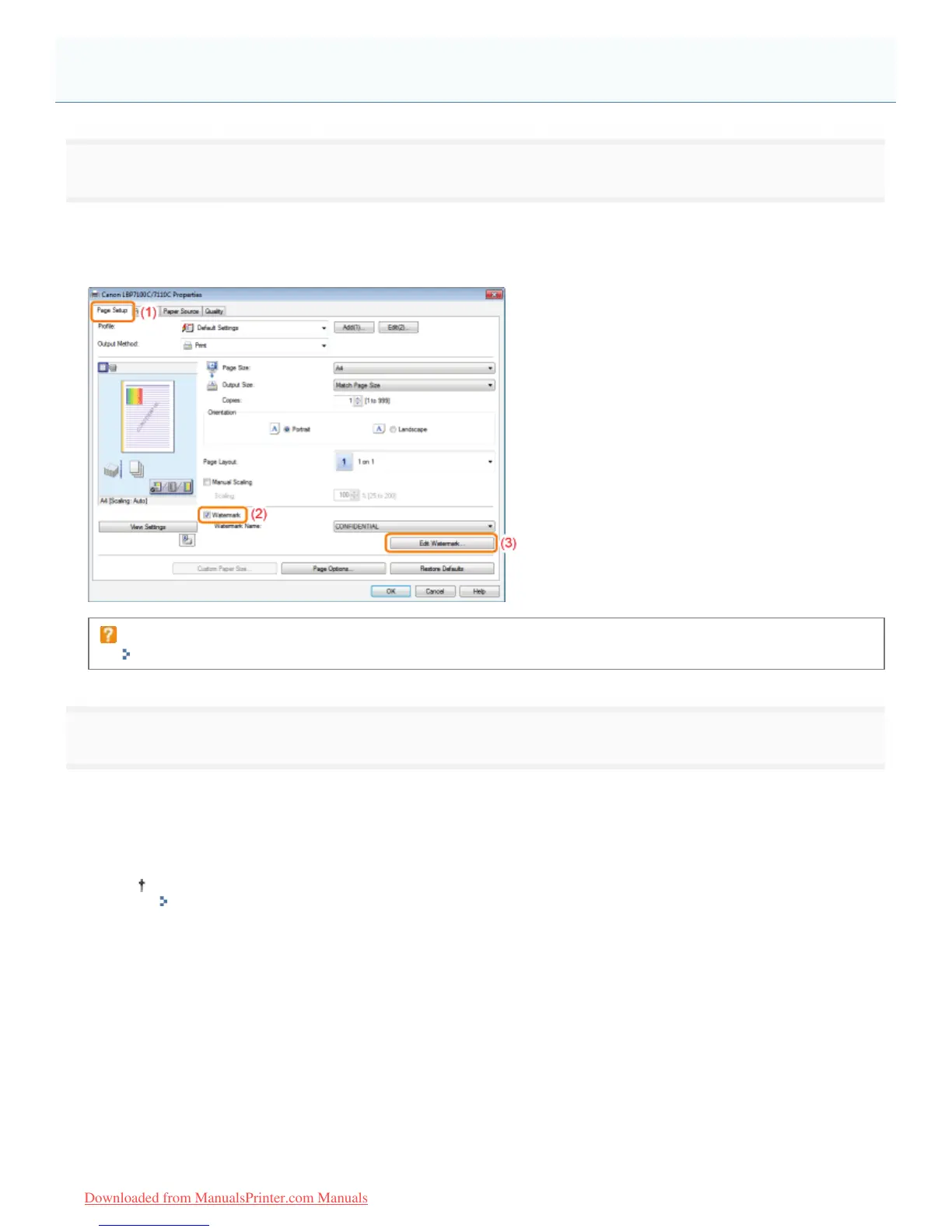
Display the [Edit Watermark] dialog box.
(1) Display the [Page Setup] sheet.
(2) Select the [Watermark] check box.
(3) Click [Edit Watermark].
If you cannot select the [Watermark] check box
"The Printer Driver Settings Cannot Be Changed"
2
Add, edit, or delete a watermark.
When adding a watermark
(1) Click [Add].
(2) Specify each setting.
For more details on each setting, see Help.
"How to Use Help"
Adding, Editing, or Deleting a Watermark
㻝㻤㻝㻌㻛㻌㻡㻝㻠
Downloaded from ManualsPrinter.com Manuals












 To Next Page