0F40-06X
You can restrict the users who can print and specify settings (the users who can send/receive data) based on their IP
addresses and MAC addresses.
Restricting Based on IP Addresses
Restricting Based on MAC Addresses
NOTE
If restricted users try to print
The message <Network Communication Error> appears in the Printer Status Window.
Restricting Based on IP Addresses
1
Start the Remote UI, and then log in as Management Mode.
"Starting the Remote UI"
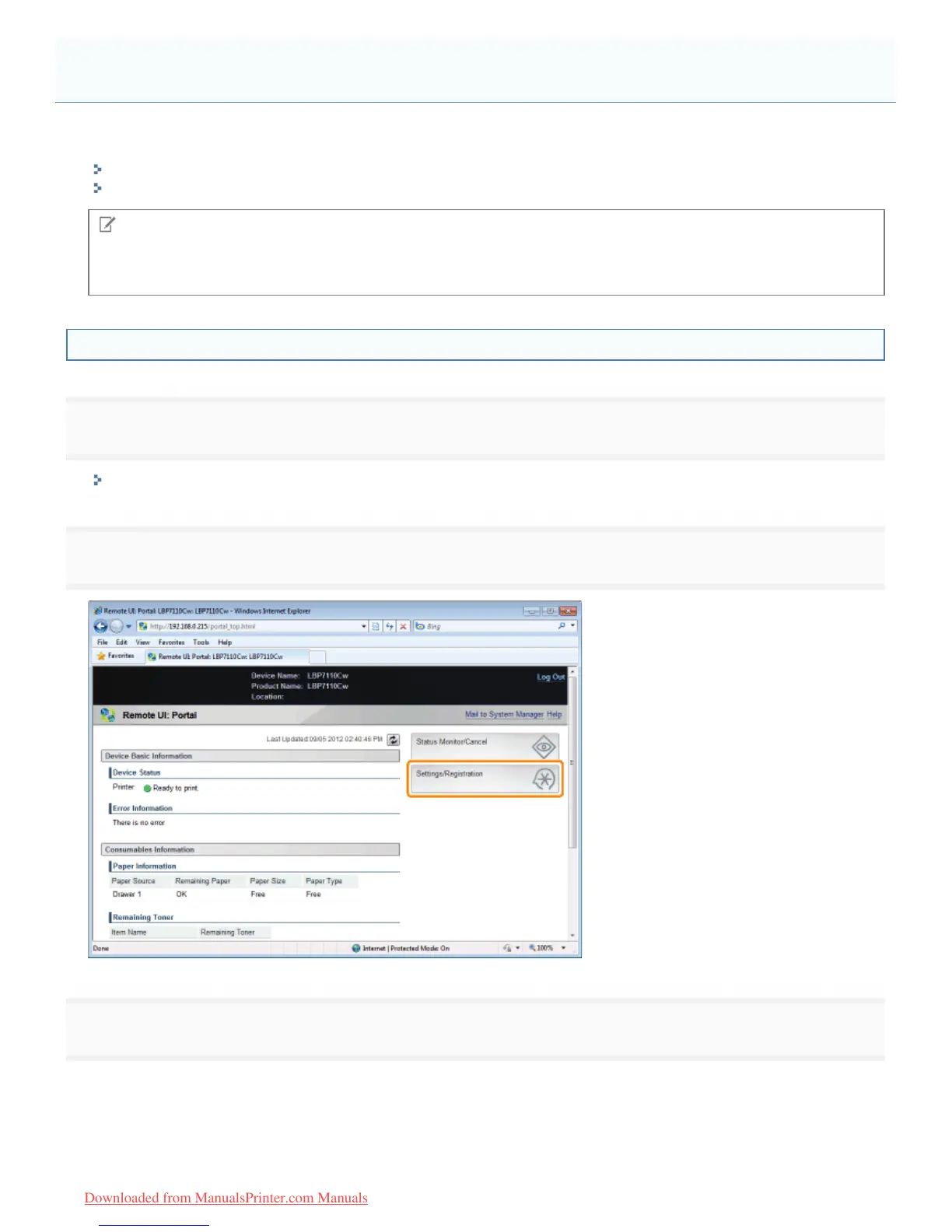
2
Click [Settings/Registration].
3
Display the [IP Address Filter] page.
(1) Select [Security Settings].
(2) Click [IP Address Filter].
Restricting the Users Who Can Print and Specify Settings
㻟㻠㻟㻌㻛㻌㻡㻝㻠
Downloaded from ManualsPrinter.com Manuals












 To Next Page