0F40-08R
Perform the following procedure.
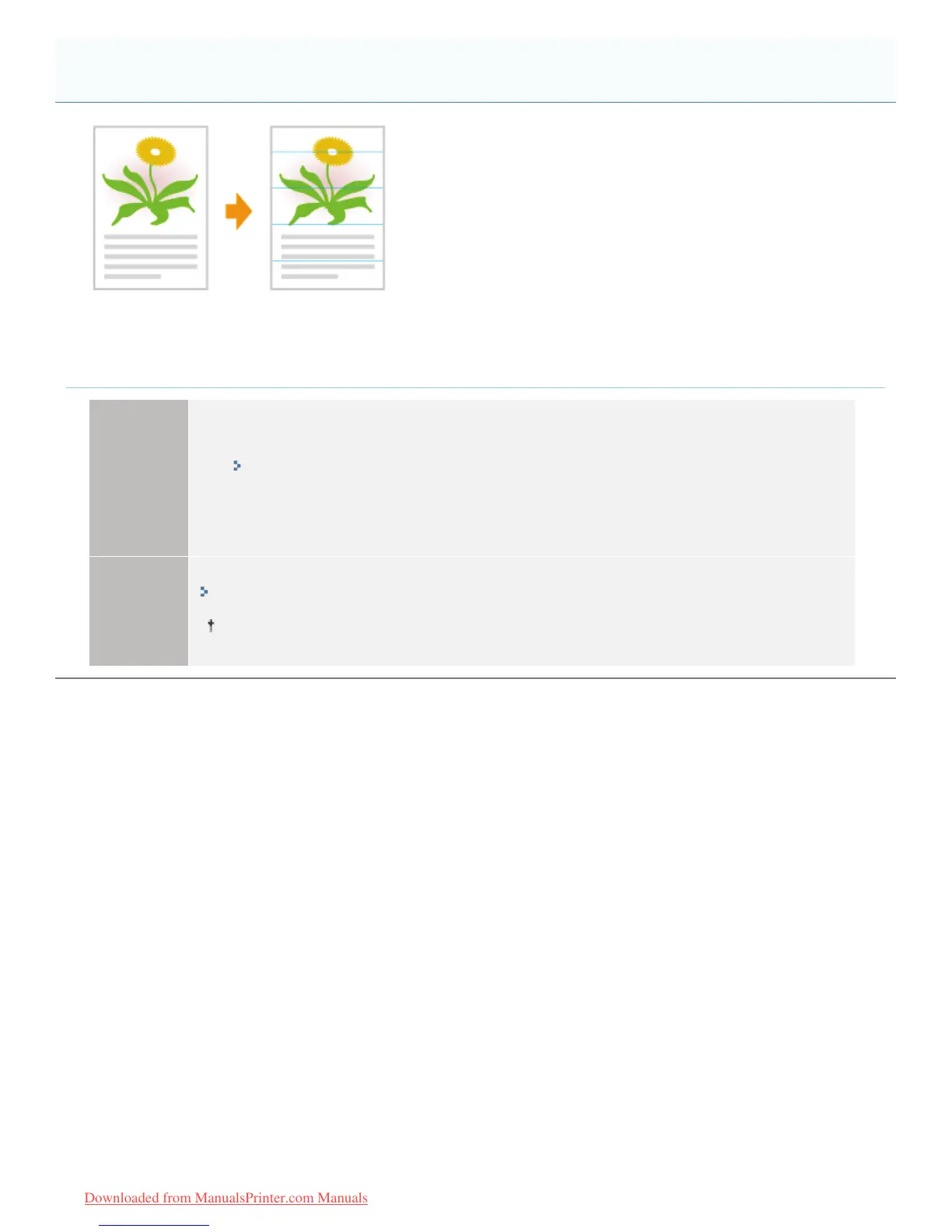
<Cause> After the printer has been idling for a long time or depending on the paper type, thin
lateral streaks (lateral lines) may appear in halftone areas and white paper areas.
Solution 1
Perform the following procedure in the Printer Status Window.
1. Display the Printer Status Window.
"Printer Status Window"
2. )URPWKH>2SWLRQV@PHQXVHOHFW>'HYLFH6HWWLQJV@ĺ>$VVLVWLQJ3ULQW6HWWLQJV@
3. Select the [Prevent Poor Quality after Long Idle] check box.
Solution 2
Replace the toner cartridges with new ones.
"Replacing the Toner Cartridge"
Use the printer with the [Prevent Poor Quality after Long Idle] check box selected in Solution 1.
Thin Lateral Streaks (Lateral Lines) Appear
㻠㻢㻠㻌㻛㻌㻡㻝㻠
Downloaded from ManualsPrinter.com Manuals












 To Next Page