0F40-03A
1
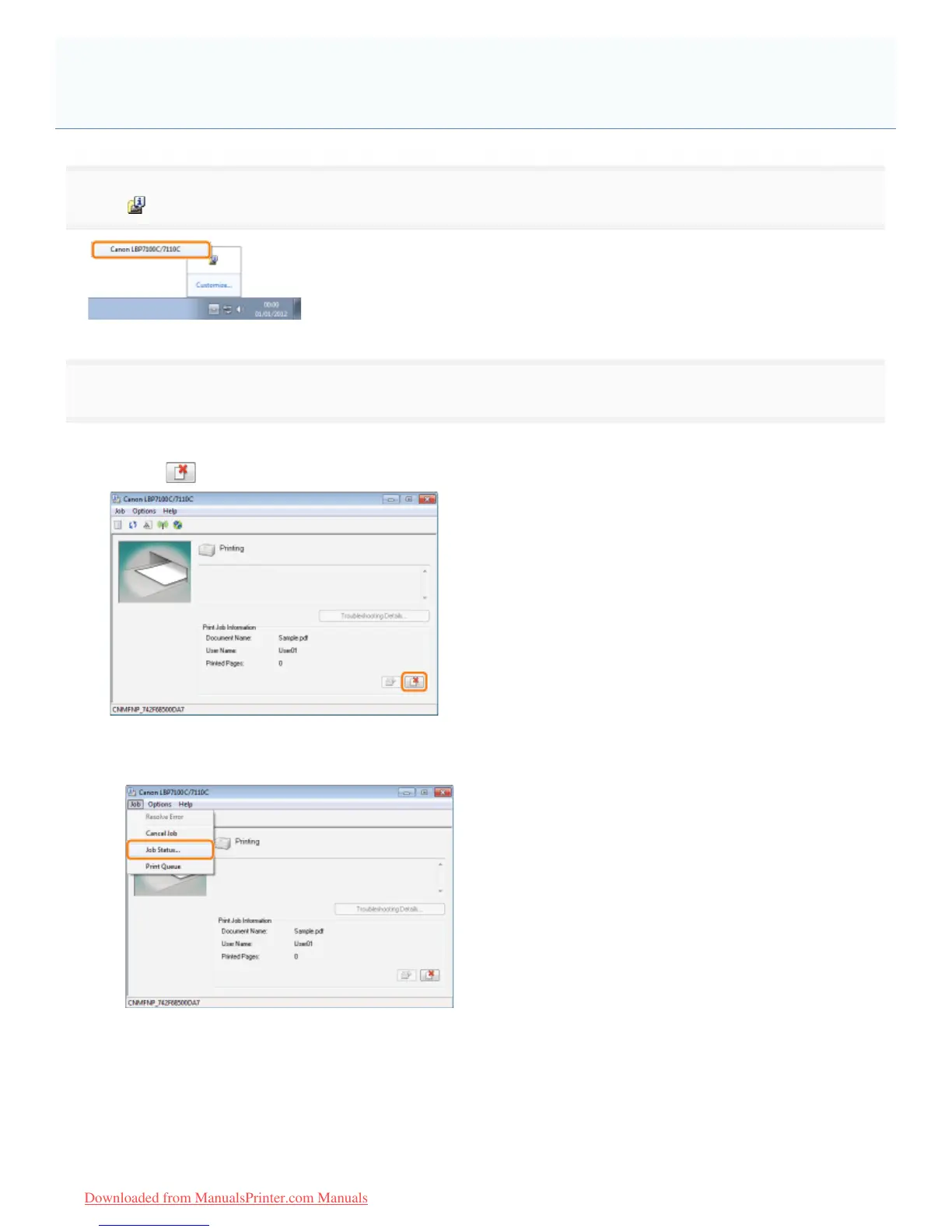
Click [ ] in the Windows task tray, and then select the printer name.
2
Cancel a job.
When canceling a job being printed with one click
Click [
] (Cancel Job).
When selecting and canceling a job waiting to be printed
1. Select [Job Status] from the [Job] menu.
2. Select the job you want to cancel.
(1) Select the job you want to cancel from [Job List].
([Job List] displays up to five jobs.)
(2) Click [Delete].
Canceling a Job Being Printed or Waiting to Be Printed from the
Computer
㻝㻡㻡㻌㻛㻌㻡㻝㻠
Downloaded from ManualsPrinter.com Manuals












 To Next Page