0F40-06H
You can check the network settings and so on by printing the "User Data List."
The "User Data List" is designed to be printed on A4 paper. Be sure to use A4 paper.
1
Load A4 paper in the paper drawer.
"Loading Paper"
2
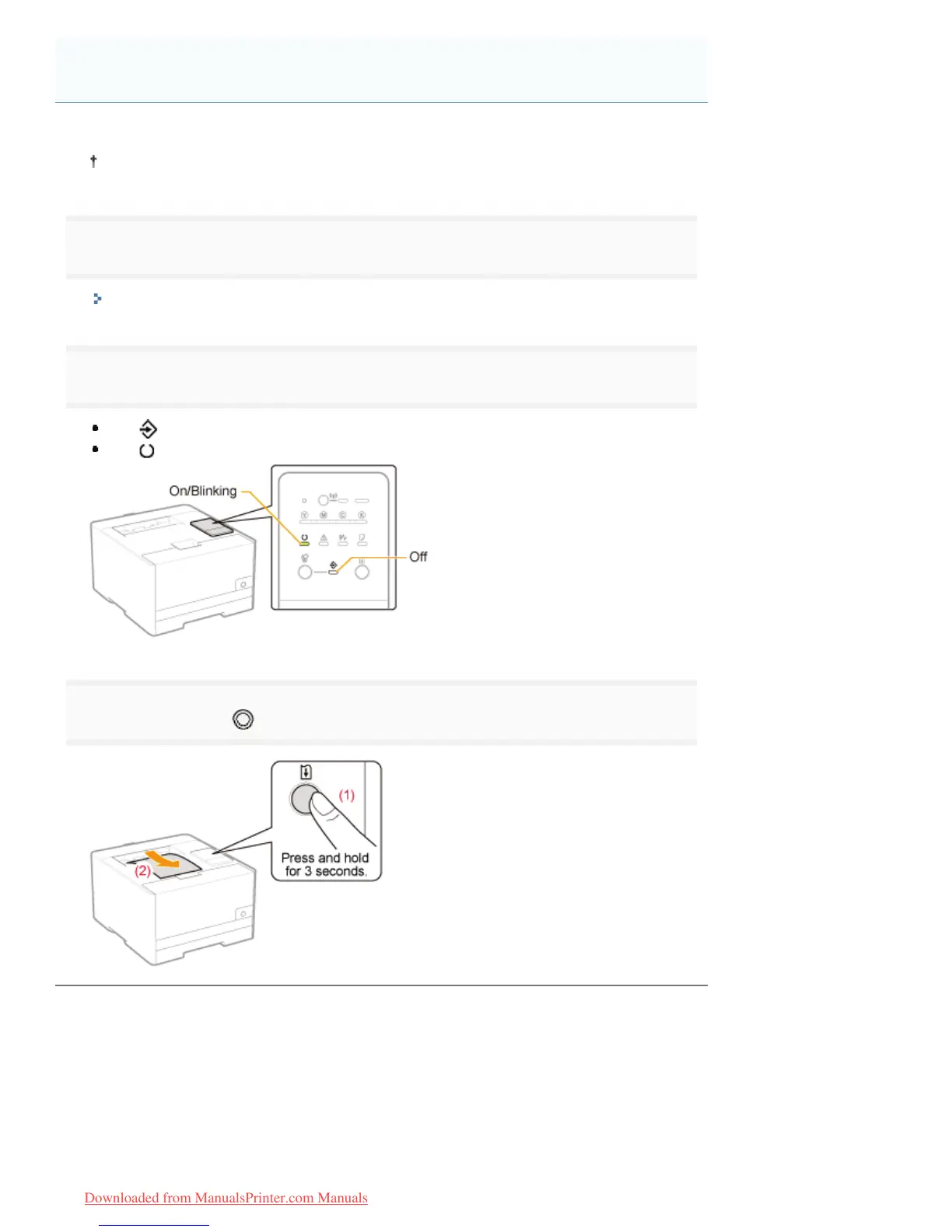
Check that the indicators on the printer are as follows.
The
(Job) indicator is off.
The
(Ready) indicator is on or blinking.
3
Press and hold the [ ] (Go) key (for 3 seconds) to print the "User Data List."
Printing the "User Data List"
㻟㻞㻥㻌㻛㻌㻡㻝㻠
Downloaded from ManualsPrinter.com Manuals












 To Next Page