0F40-012
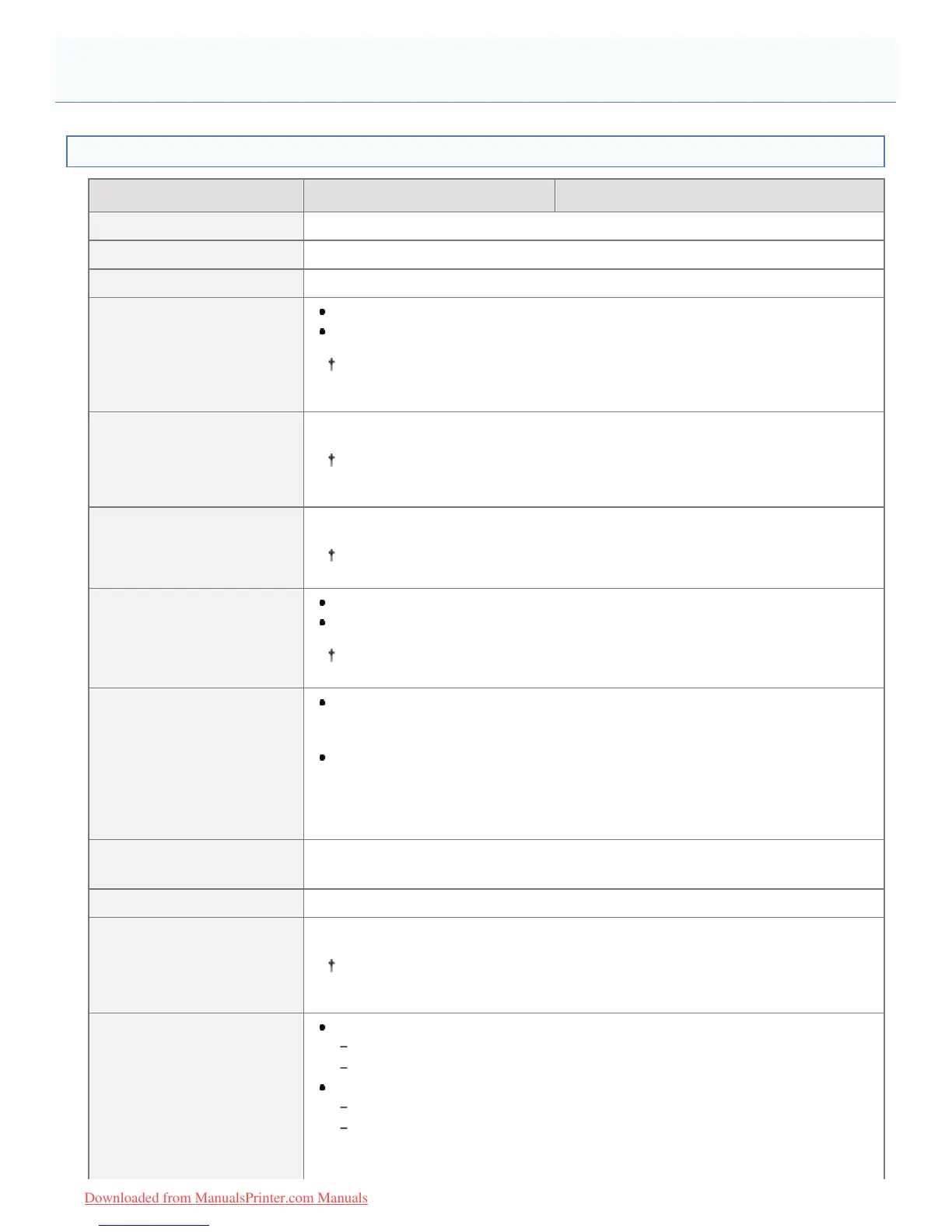
Hardware Specifications
LBP7100Cn LBP7110Cw
Type Desktop Page Printer
Printing method Semiconductor laser + xerographic system
Toner fixing system On-demand fixing system
Printing speed
(Plain paper (60 to 90 g/m²),
when printing A4 paper
continuously)
Black and white printing:14 pages/min.
Color printing: 14 pages/min.
The print speed may drop depending on the output resolution, number or
copies, and paper settings for the size, type, and orientation.
Warm up time
(Time from power on to
printer ready)
20 seconds or less
May vary depending on the usage conditions, such as the installation
environment.
Recovery time
(Time from sleep mode to
printer ready)
Approx. 4 seconds
May vary depending on the output environment.
First print time
(When printing A4 paper)
Black and white printing: 18 seconds
Color printing: 18 seconds
May vary depending on the output environment.
Paper size
Standard sizes:
A4, B5, A5, Legal, Letter, Executive, Statement, Foolscap, 16K, Index Card,
Envelope DL, Envelope No. 10 (COM10), Envelope C5, and Envelope Monarch
Custom paper sizes
*
:
Width 83.0 to 215.9 mm, Length (Height) 127.0 to 355.6 mm
*
The width must be less than the length (height).
Paper capacity
(Paper Drawer)
Approx. 150 sheets
Paper output Face-down
Output capacity
(Output tray)
Approx. 125 sheets
Actual paper capacity varies depending on the installation environment and
paper type to be used.
Noise
(measured in accordance
with ISO 7779, declared
noise emission in accordance
with ISO 9296)
LwAd (declared A-weighted sound power level (1 B = 10 dB))
During standby: Inaudible
*
During operation: 6.52 B or less
LpAm (declared A-weighted sound pressure level (bystander position))
During standby: Inaudible
*
During operation: Approx. 49 dB
*
Indicates the sound pressure level of each bystander position is below the ISO
Printer Specifications
㻠㻣㻌㻛㻌㻡㻝㻠
Downloaded from ManualsPrinter.com Manuals












 To Next Page