0F40-06A
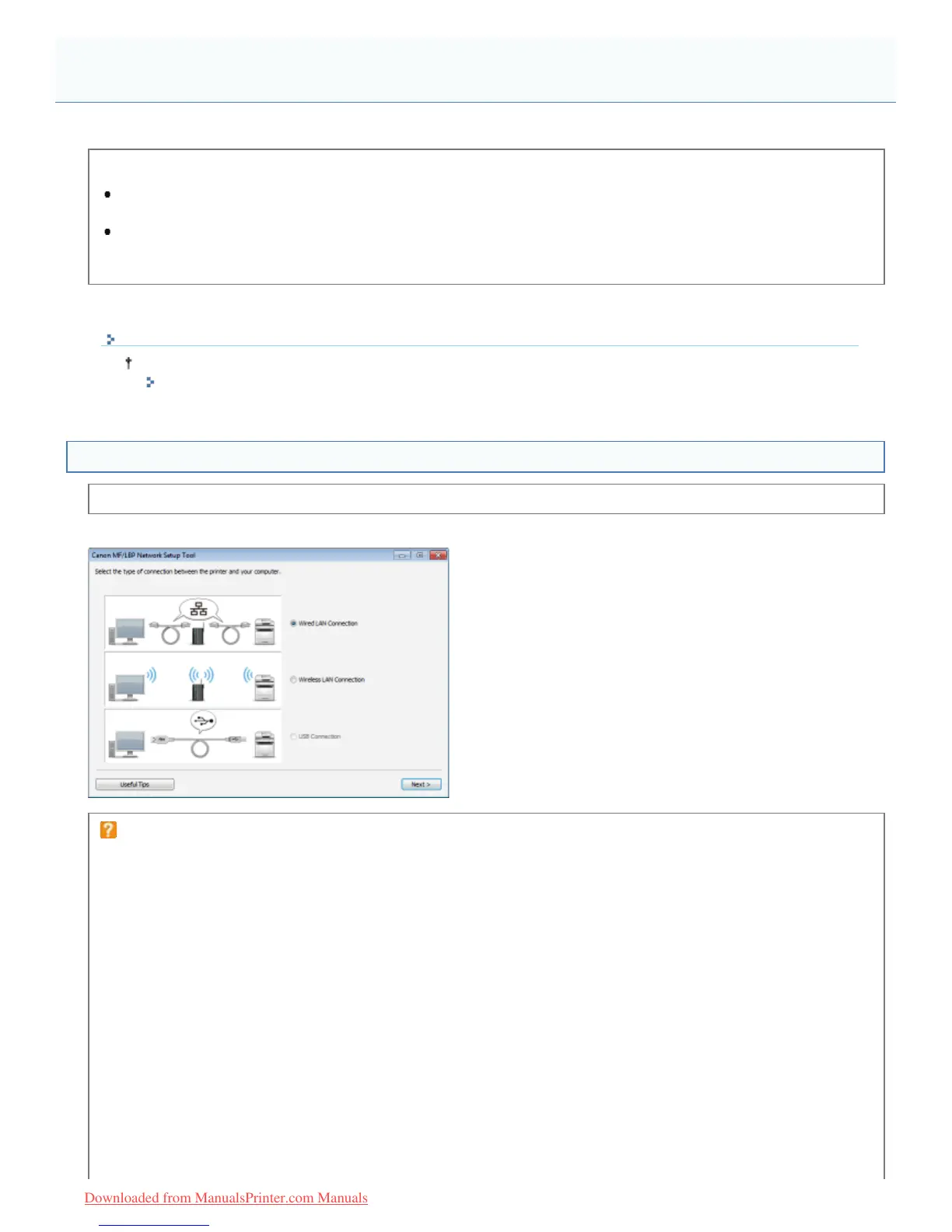
You can use "MF/LBP Network Setup Tool" to initialize the network settings.
<Features of "MF/LBP Network Setup Tool">
Easily navigating the setting procedures
You can easily navigate the setting procedures by using the graphical displays of the wizard.
No installation is required
"MF/LBP Network Setup Tool" is software provided in the supplied CD-ROM. You can start "MF/LBP Network Setup
Tool" directly from the CD-ROM without installing it.
Directly Starting the MF/LBP Network Setup Tool
When you install the printer driver using "Easy Installation," "MF/LBP Network Setup Tool" starts automatically.
"Easy Installation"
Specifying the Connection Settings Using "MF/LBP Network Setup Tool"
Before specifying the settings, see "Connecting the Printer and Computer."
The setting procedure varies depending on your environment. Follow the instructions on the screen to specify the settings.
If you have a problem during the connection settings
Click [Useful Tips] at the bottom left of the screen and see the help contents.
MF/LBP Network Setup Tool
㻟㻞㻜㻌㻛㻌㻡㻝㻠
Downloaded from ManualsPrinter.com Manuals












 To Next Page