0F40-04L
You can perform color printing with the color adjusted.
This section describes the procedure for adjusting the color when printing in the printer driver.
Perform calibration when the colors have changed and the data is not printed in the correct colors (specified colors).
"Adjusting Color (Calibration)"
1
Display the setting screen of the printer driver.
"Displaying the Setting Screen"
2
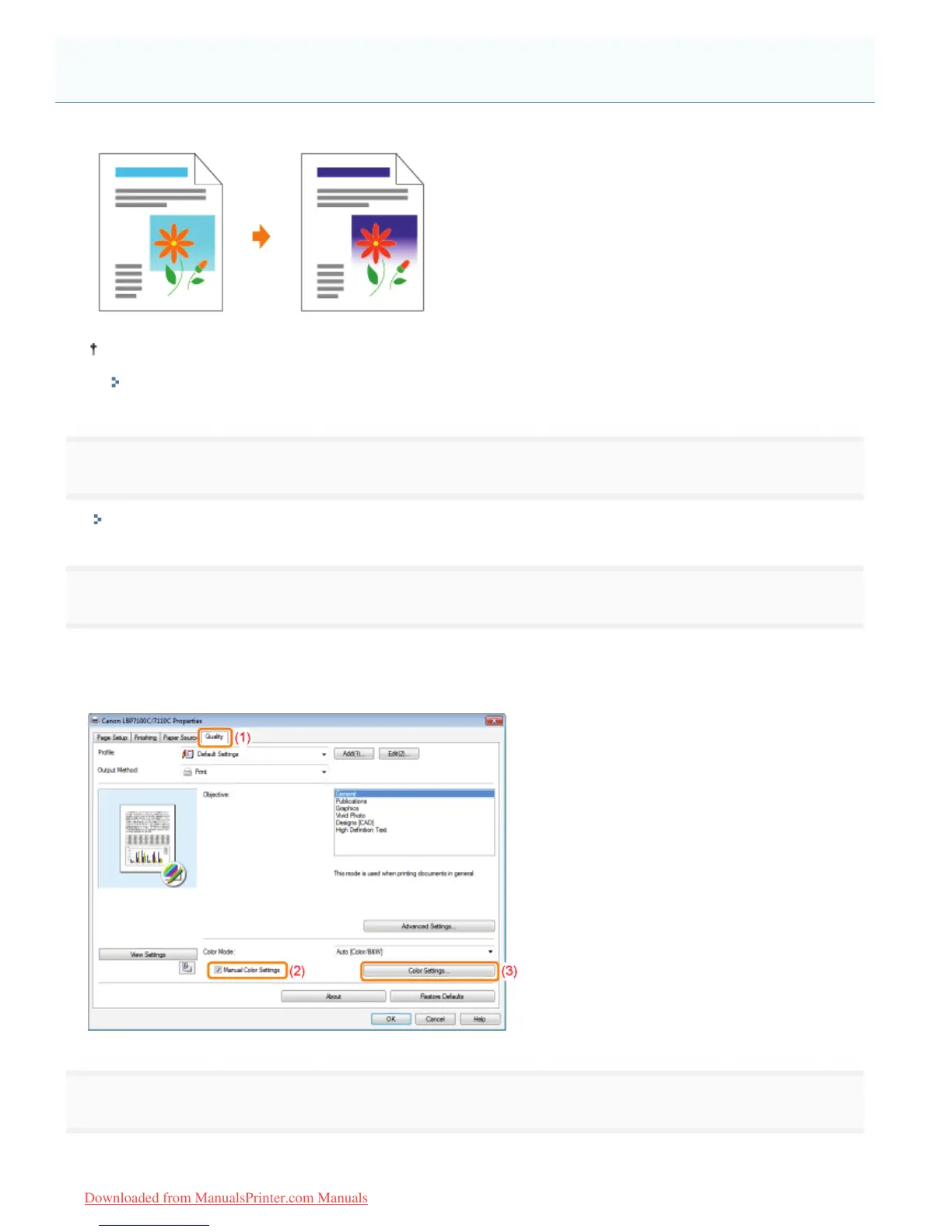
Display the [Color Settings] dialog box.
(1) Display the [Quality] sheet.
(2) Select the [Manual Color Settings] check box.
(3) Click [Color Settings].
3
Adjust the color.
(1) Display the [Color Adjustment] sheet.
Adjusting the Color
㻞㻜㻣㻌㻛㻌㻡㻝㻠
Downloaded from ManualsPrinter.com Manuals












 To Next Page