0F40-08W
Perform the following procedure.
<Cause> Large characters, wide lines, or diagrams with high color density were printed.
Solution
Perform the following procedure in the printer driver.
1. Display the [Finishing] sheet.
2. Click [Advanced Settings].
3. Select the appropriate mode for [Special Smoothing Mode].
Normally, select [Mode 1] for [Special Smoothing Mode].
If the following conditions occur when [Mode 1] is selected, select any setting between [Mode 2] and
[Mode 6].
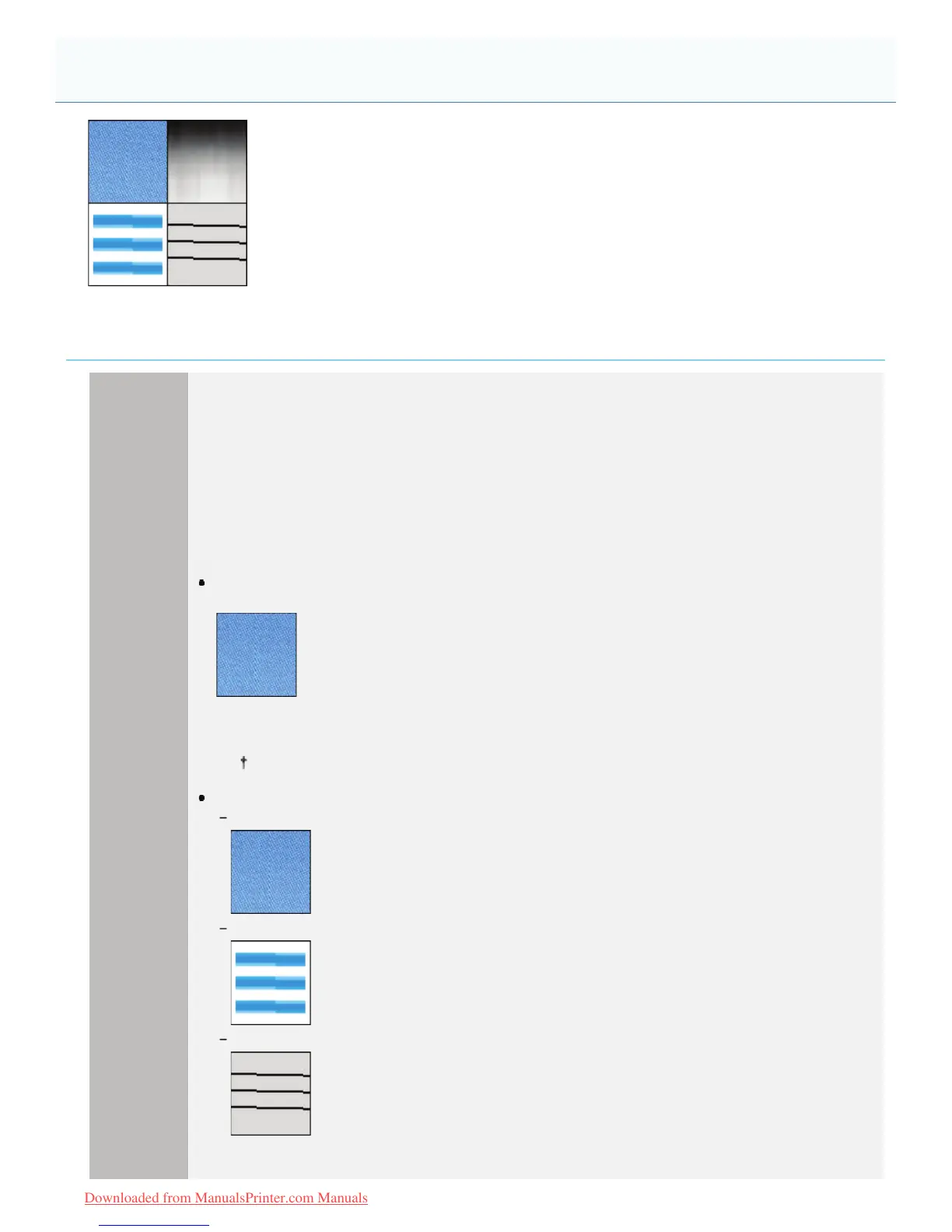
When the inside of dense graphics, large characters, or thick lines are not printed
smoothly
Select [Mode 2].
When [Mode 2] is selected, color unevenness may be found in light areas.
If the following problems occur at the same time
The inside of dense graphics, large characters, or thick lines are not printed smoothly.
Outlines of light graphics, characters, and lines are not printed smoothly.
Characters and lines against a filled background are not printed smoothly.
Select [Mode 3].
Colors Are Uneven or Not Printed Smoothly
㻠㻢㻣㻌㻛㻌㻡㻝㻠
Downloaded from ManualsPrinter.com Manuals












 To Next Page