When [Mode 3] is selected, color unevenness may be found in light areas and shaded
patterns.
When outlines of light graphics, characters, and lines are not printed smoothly
Select [Mode 4].
When [Mode 4] is selected, color unevenness may be found in light areas.
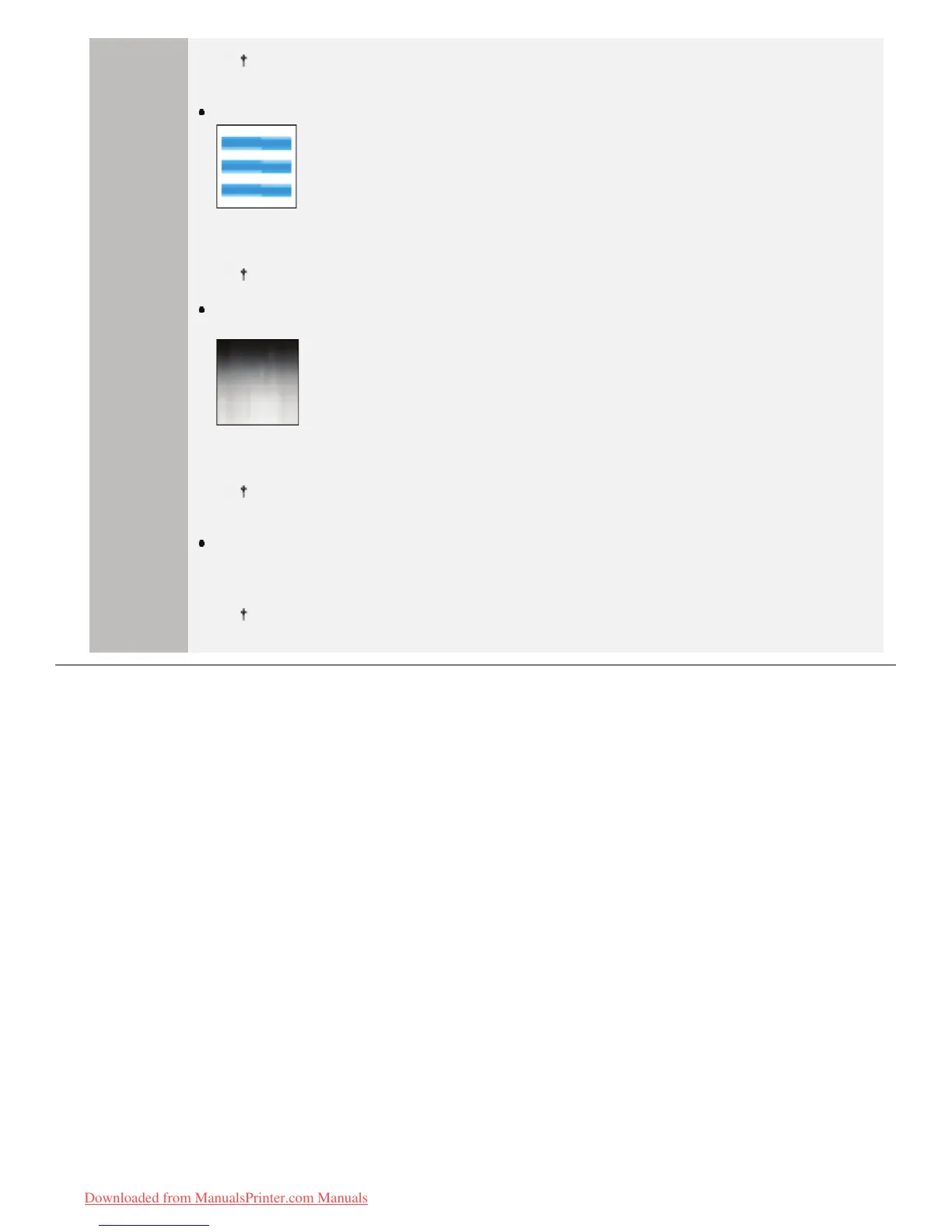
When strip-shaped unevenness appears on images (photographic images),
graphics, gradations, and shaded patterns
Select [Mode 5].
When [Mode 5] is selected, characters, lines, and areas around graphics may not be printed
smoothly.
When the entire document is not printed smoothly
Select [Mode 6].
When [Mode 6] is selected, color unevenness may be appear.
㻠㻢㻤㻌㻛㻌㻡㻝㻠
Downloaded from ManualsPrinter.com Manuals












 To Next Page