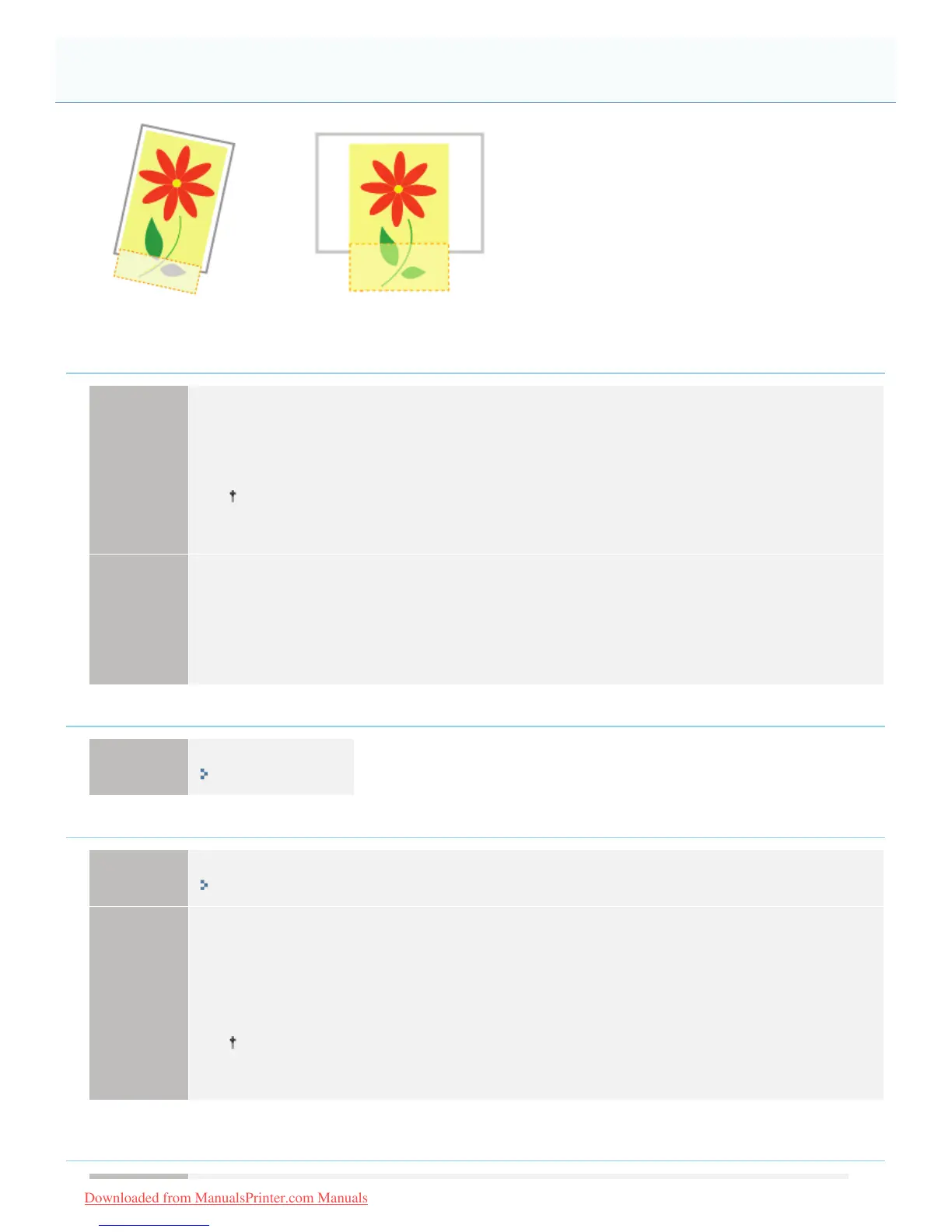
0F40-09K
Perform one of the following solutions according to the cause.
<Cause 1> The setting for the scaling factor is not appropriate.
Solution 1
Perform the following procedure in the printer driver.
1. Display the [Page Setup] sheet.
2. Clear the [Manual Scaling] check box.
If the [Manual Scaling] check box is cleared, the scale factor will be set according to [Page
Size] and [Output Size] automatically.
Solution 2
Perform the following procedure in the printer driver.
1. Display the [Page Setup] sheet.
2. Select the [Manual Scaling] check box, then specify an appropriate scale factor according to the
paper size to be used.
<Cause 2> The position of the paper is incorrect.
Solution
Load the paper properly.
"Loading Paper"
<Cause 3> A document with no margins was printed.
Solution 1
Data is printed with a margin of 5 mm (10 mm for envelopes). Provide a margin around the data.
"Printable Area"
Solution 2
Perform the following procedure in the printer driver.
1. Display the [Finishing] sheet.
2. Click [Advanced Settings].
3. Set [Expand Print Region and Print] to [On].
Depending on the print data to be printed, the edge of paper may be missing partly during
printing or may blot during color printing.
<Cause 4> The loaded paper is smaller than the paper drawer or the paper size setting for the
job.
A Portion of the Page Is Not Printed (Printed Data Lies Outside Paper)
㻠㻤㻤㻌㻛㻌㻡㻝㻠
Downloaded from ManualsPrinter.com Manuals












 To Next Page