0F40-08C
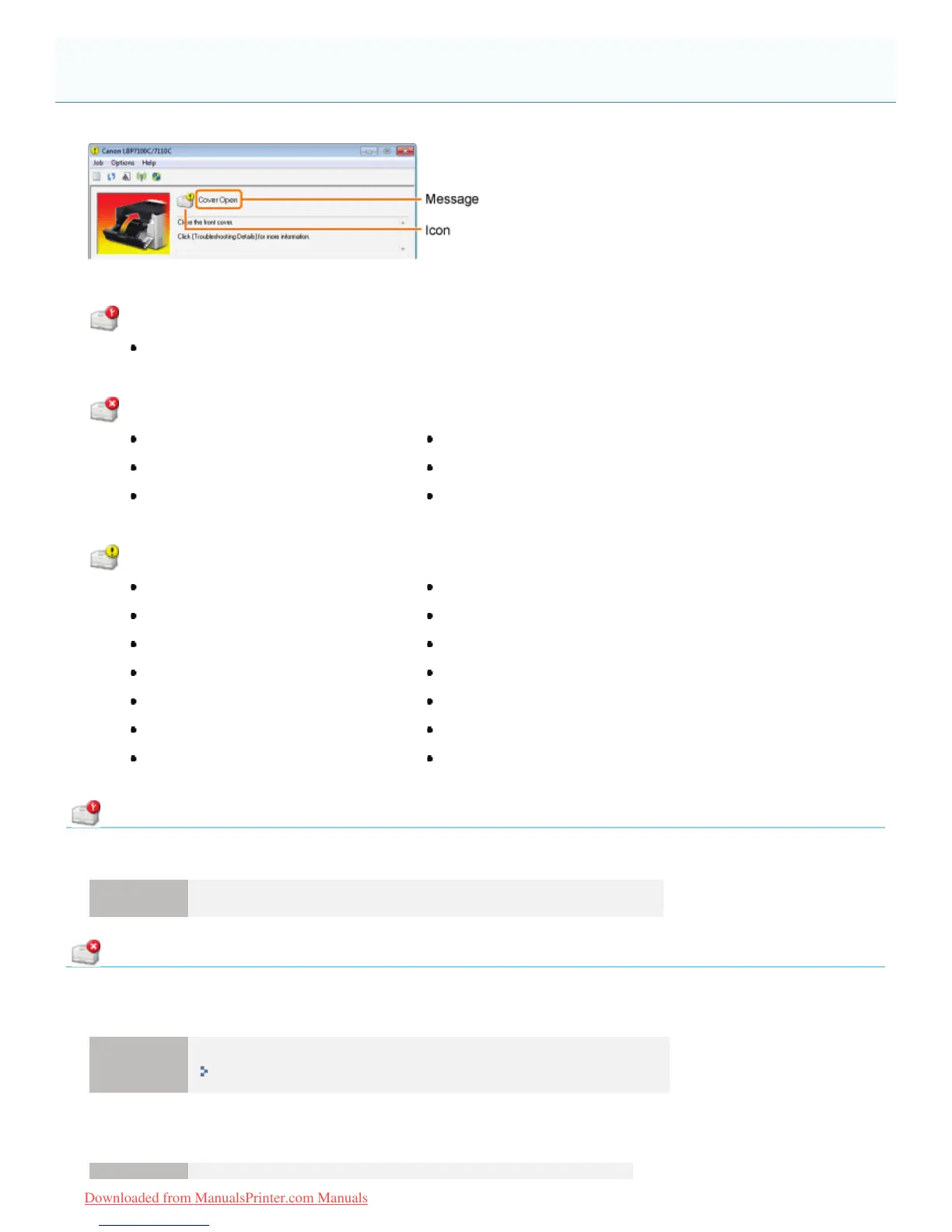
Perform solutions according to the displayed message.
The message type varies depending on the icon.
A service call is occurring.
" Service Error"
Communication cannot be performed with the printer.
" Cannot Communicate with Printer"" Incompatible Printer"
" Cannot Communicate with Server"" Incorrect Port"
" Communication Error"" Network Communication Error"
The printer problems need to be corrected.
" Check the Printed Output"" Paper Jam inside Printer"
" Check the Toner Cartridges"" Printer Not Ready"
" Cover Open"" Replace Toner Cartridges"
" Insufficient Printer Memory"" Specified Paper Different from Set Paper"
" No Toner Cartridge"" Toner Cartridge Replacement Recommended"
" Out of Paper"" Updating Firmware"
" Packing Material on Toner Cartridges"" Wrong Color Toner Cartridges"
Service Error
<Cause> The printer is in an abnormal condition.
Solution Perform the described solutions in "When <Service Error> Is Displayed."
Cannot Communicate with Printer
<Cause 1> Because the bi-directional communication function is not enabled, the computer cannot
communicate with the printer.
Solution
Enable bi-directional communication and restart the computer and printer.
"Basic Operations/Various Information for Windows"
<Cause 2> The computer cannot communicate with the printer redirected in the terminal connection
environment.
A Message Appears in the Printer Status Window
㻠㻠㻥㻌㻛㻌㻡㻝㻠
Downloaded from ManualsPrinter.com Manuals












 To Next Page