0F40-08H
Perform one of the following solutions according to the cause.
<Cause 1> Damp paper is used.
Solution
Replace the paper with new paper in an unopened package.
"Precautions for Paper"
<Cause 2> Appropriate paper is not being used.
Solution
Replace the paper with that which can be used with this printer.
"Usable Paper"
<Cause 3> 60 g/m² paper is being used.
Solution
Perform the following procedure in the printer driver.
1. Display the [Paper Source] sheet.
2. Set [Paper Type] to [Thin 2].
<Cause 4> When 60 to 74 g/m² paper is printed, depending on the operating environment
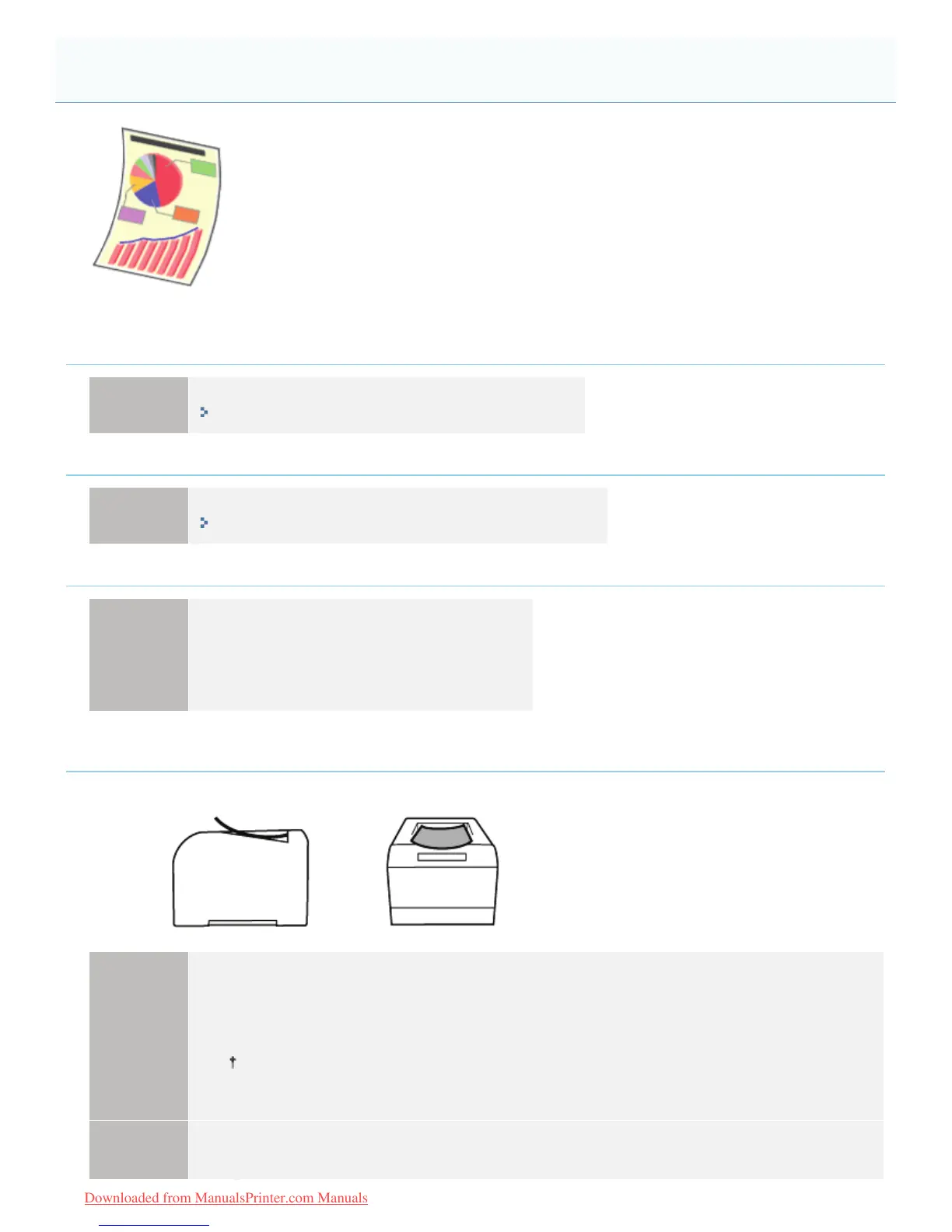
(especially in a high-humidity environment), the paper may curl as either of the following.
Side View Front View
Solution 1
Perform the following procedure in the printer driver.
1. Display the [Paper Source] sheet.
2. Set [Paper Type] to [Thin 2].
If you change the settings, the toner may not fix onto paper well, and the printing may come out
faint.
Perform the following procedure in the Printer Status Window.
1. Display the Printer Status Window.
Paper Curls
㻠㻡㻤㻌㻛㻌㻡㻝㻠
Downloaded from ManualsPrinter.com Manuals












 To Next Page