0F40-07Y
If the printer cannot be searched for (no devices are displayed in [Printer List]) at the time of installation, perform the
following procedure.
1
Make sure that the printer and computer are connected properly, and the printer is turned ON.
"Connecting the Printer and Computer"
2
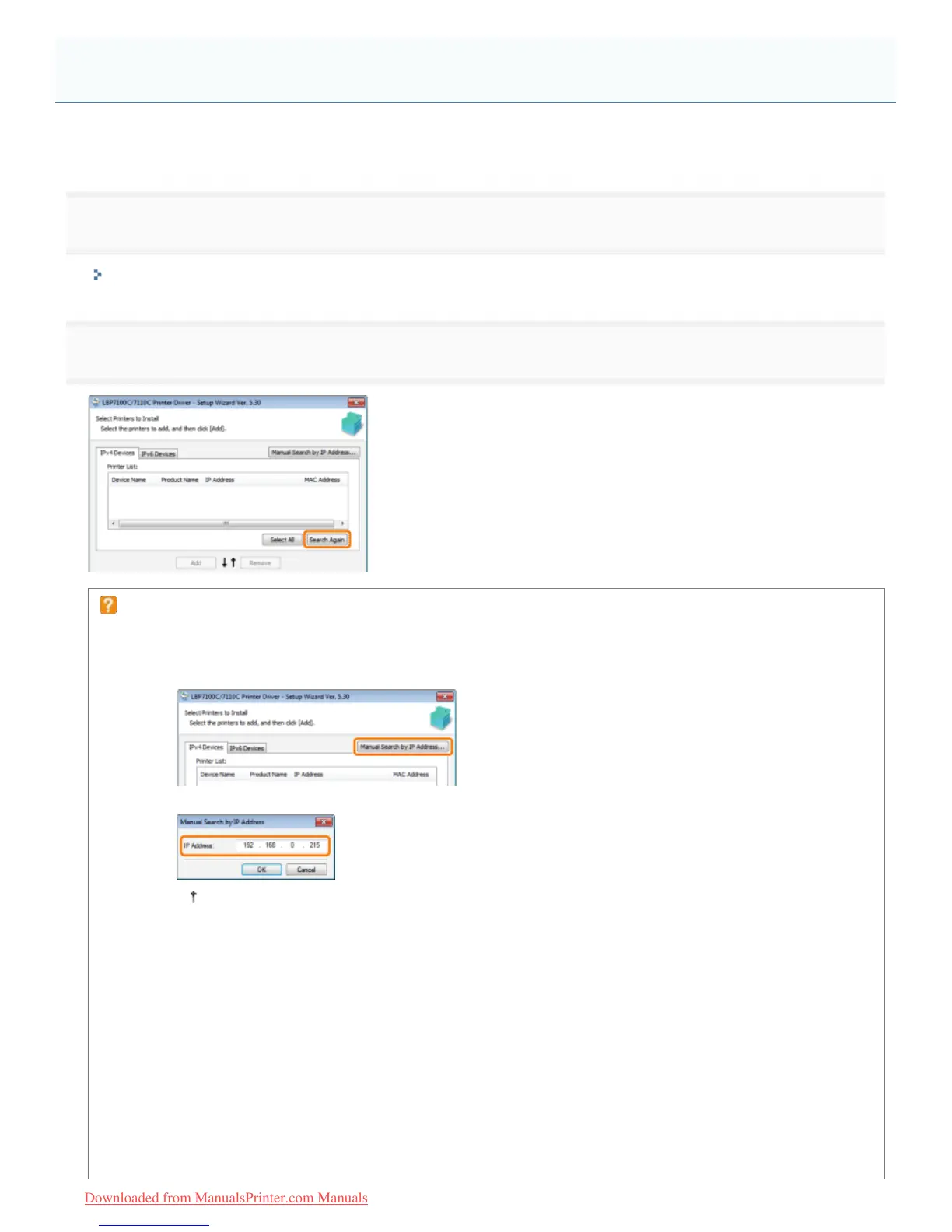
Click [Search Again], to search for the printer on the network again.
If the printer cannot be searched for (no devices are displayed) even by performing the above
procedure
<Solution 1> (Only when [IPv4 Devices] is selected)
1. Click [Manual Search by IP Address].
2. Enter the IP address of the printer to be installed.
If you are not sure about the IP address of the printer, see "Checking the IP Address of the
Printer."
3. Click [OK].
<Solution 2>
1. Click [Back] to go back to the [Printer Installation] screen.
2. Select [Manually Set Port to Install].
The Printer Cannot Be Searched for
㻠㻞㻤㻌㻛㻌㻡㻝㻠
Downloaded from ManualsPrinter.com Manuals












 To Next Page