0F40-09Y
Perform the following procedure.
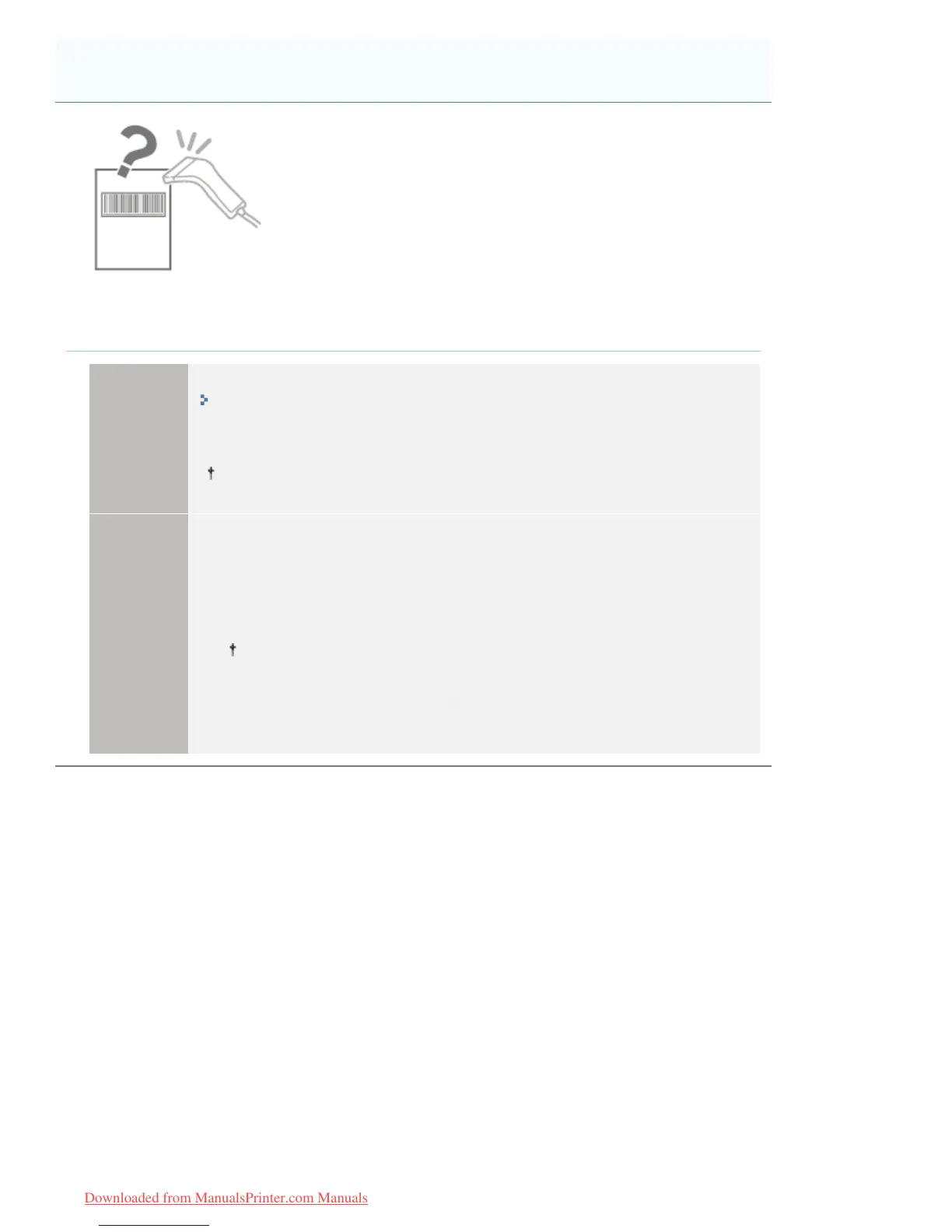
<Cause> Depending on the type or size of bar code, scanning may be difficult.
Solution 1
Set [Black]
*
in [Toner Density] in the printer driver to a lighter setting ([-2] or [-1]).
"Adjusting the Toner Density"
*
Adjust the color used to print a bar code.
When printing with a lighter toner density, the print may come out faint.
Solution 2
Perform the following procedure in the printer driver.
1. Display the [Finishing] sheet.
2. Click [Advanced Settings].
3. Change the [Special Settings 1] setting.
Improving effectiveness for bar code printing increases in the following order.
>2II@ĺ>0RGH@ĺ>0RGH@ĺ>0RGH@ĺ>0RGH@ĺ>0RGH@
(Effect: Low)
(Effect: High)
Printed Bar Codes Cannot Be Scanned
㻠㻥㻢㻌㻛㻌㻡㻝㻠
Downloaded from ManualsPrinter.com Manuals




 To Next Page