0F40-076
Specify the settings for using the SSL encrypted communication function in this printer.
Before specifying the settings, see "Attention (SSL Encrypted Communication)."
Selecting Keys and Certificates
Enabling the SSL encrypted communication function
Selecting Keys and Certificates
Select the key and certificate to be used for the SSL encrypted communication function.
1
Start the Remote UI, and then log in as Management Mode.
"Starting the Remote UI"
2
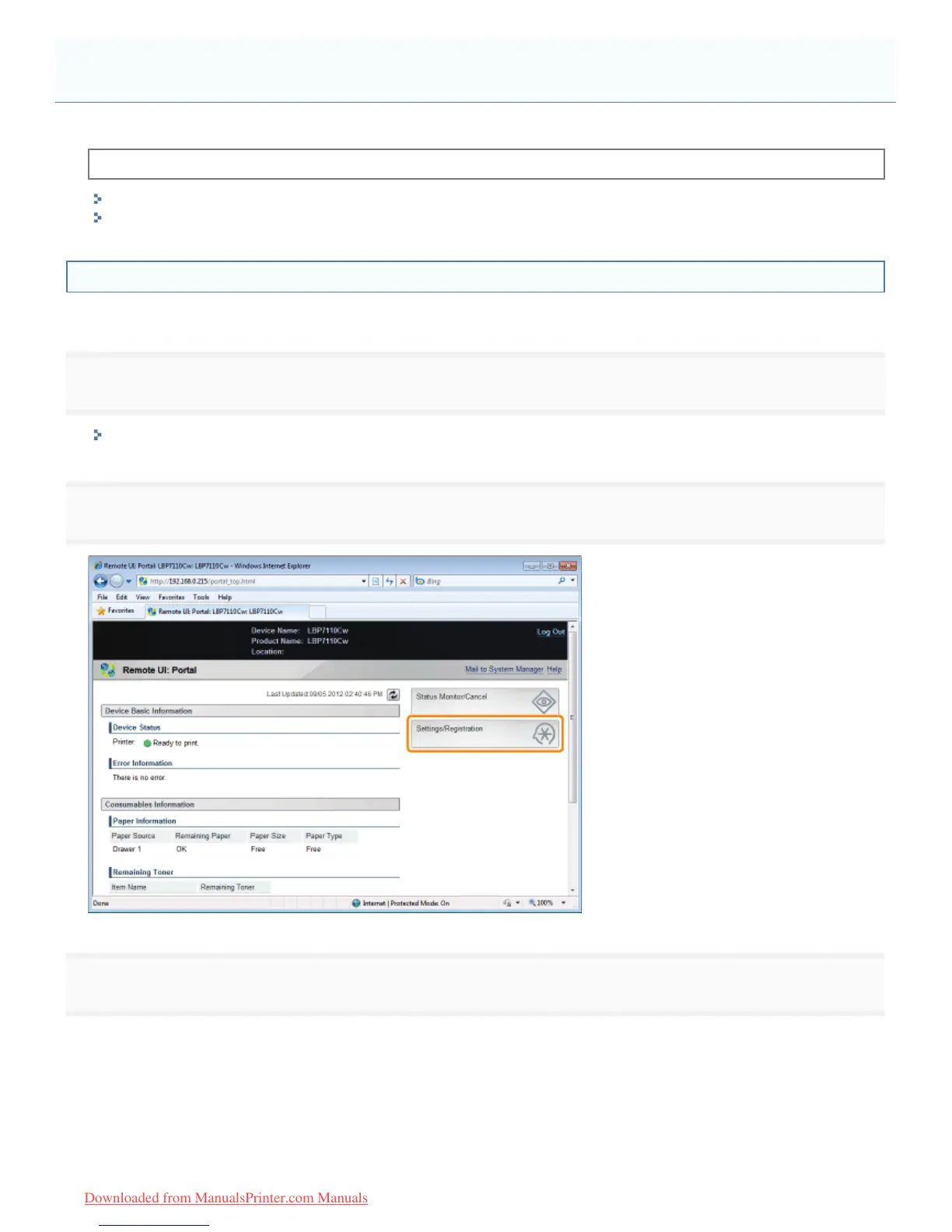
Click [Settings/Registration].
3
Display the [TCP/IP Settings] page.
(1) Select [Network Settings].
(2) Click [TCP/IP Settings].
Setting the SSL Encrypted Communication Function
㻟㻤㻡㻌㻛㻌㻡㻝㻠
Downloaded from ManualsPrinter.com Manuals












 To Next Page