0F40-06U
You can initialize (reset to the default values) the following setting information all at once.
System Manager Information
*1
Device Information
*2
Security Settings
Network Settings
*1
[System Manager] is not initialized.
*2
[Device Name] and [Location] are not initialized.
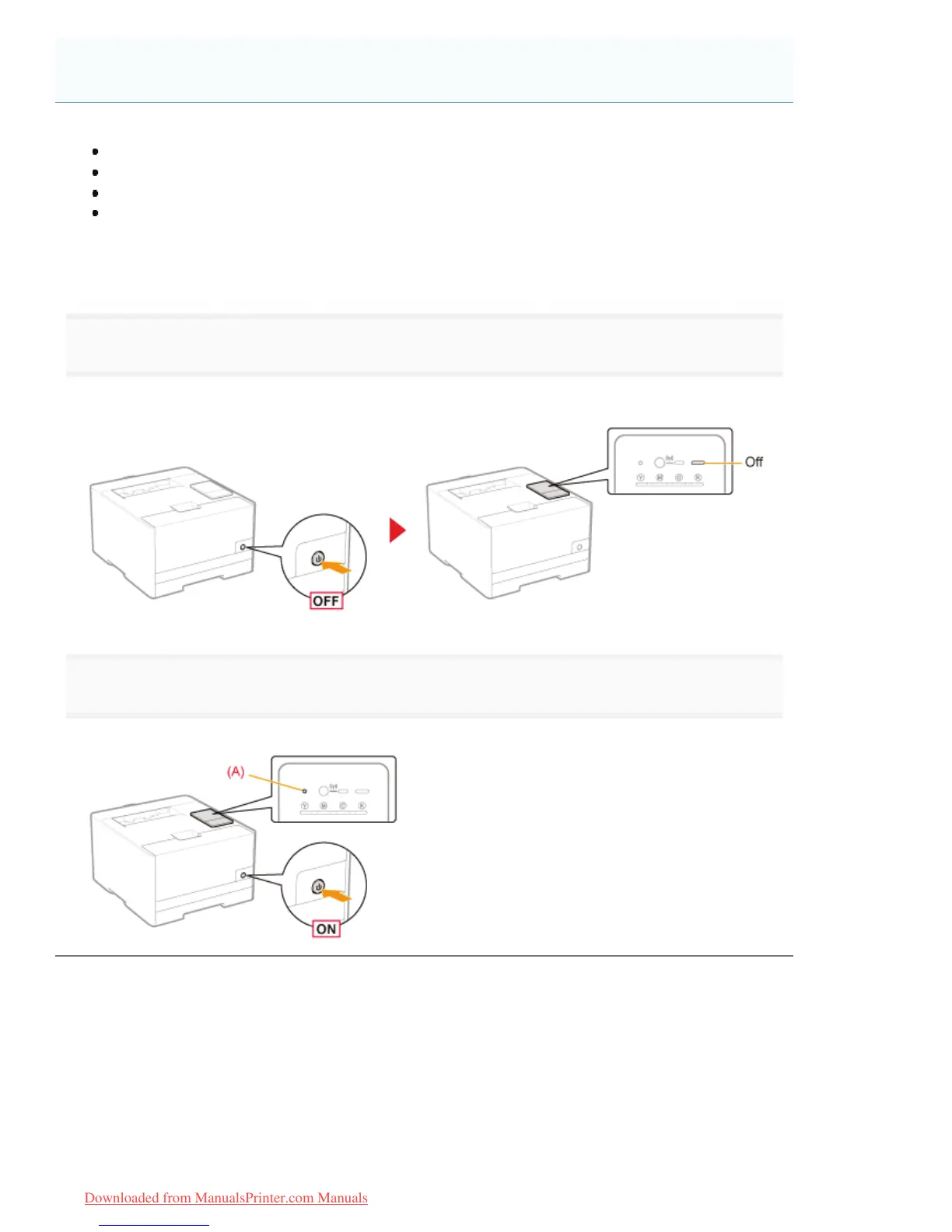
1
Turn the printer OFF.
ĺ Check that the Main Power indicator is off.
2
Turning ON the printer while pressing the reset button (A) initializes the system settings.
Press the reset button with the tip of a pen, thin pin, or similar item.
Initializing Using the Reset Button
㻟㻠㻝㻌㻛㻌㻡㻝㻠
Downloaded from ManualsPrinter.com Manuals












 To Next Page