6
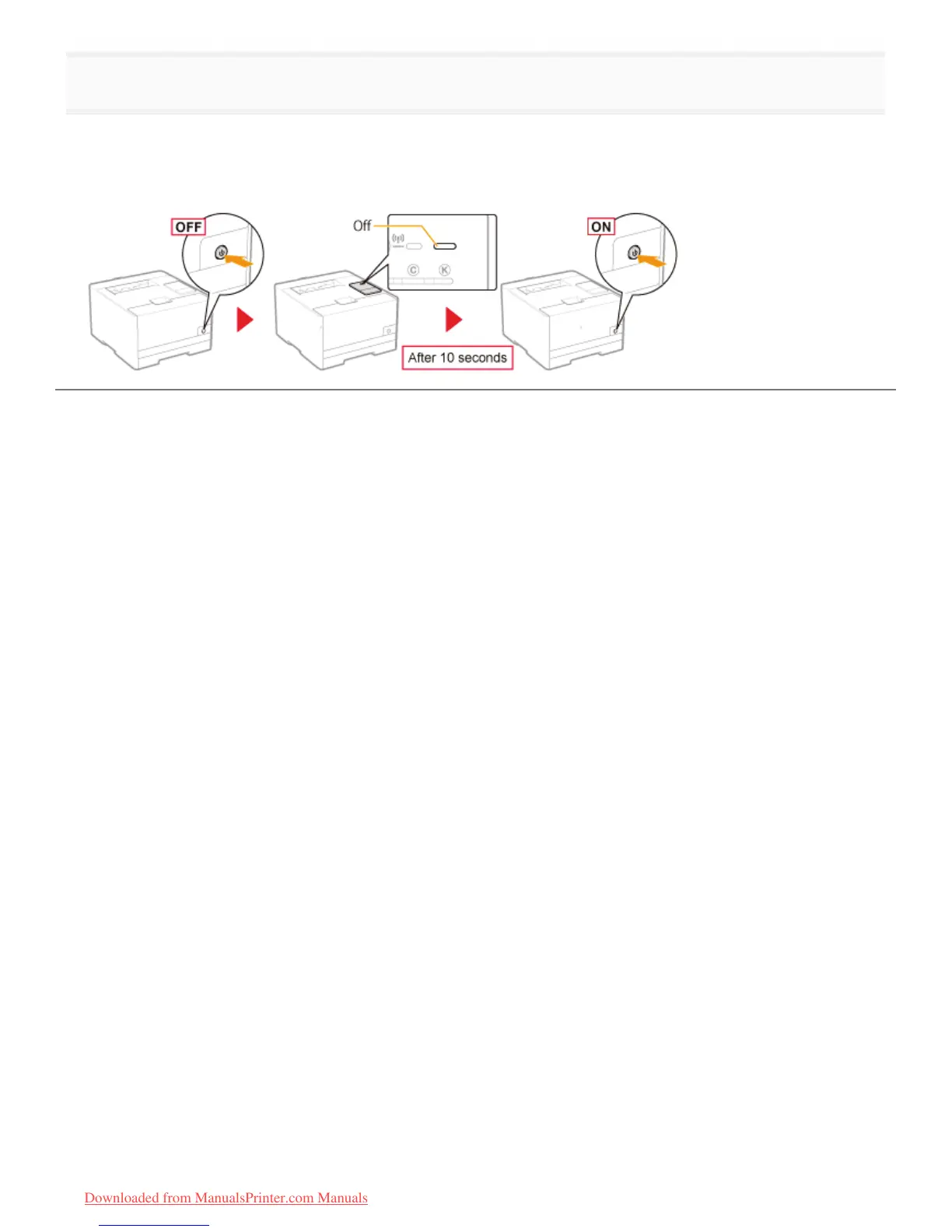
Restart the printer after initializing the network settings.
Turn the printer OFF, make sure that the Main Power indicator is off, wait for 10 seconds or longer, and then turn it ON
again.
ĺ After the printer is restarted, the initialization is complete.
㻟㻠㻜㻌㻛㻌㻡㻝㻠
Downloaded from ManualsPrinter.com Manuals












 To Next Page