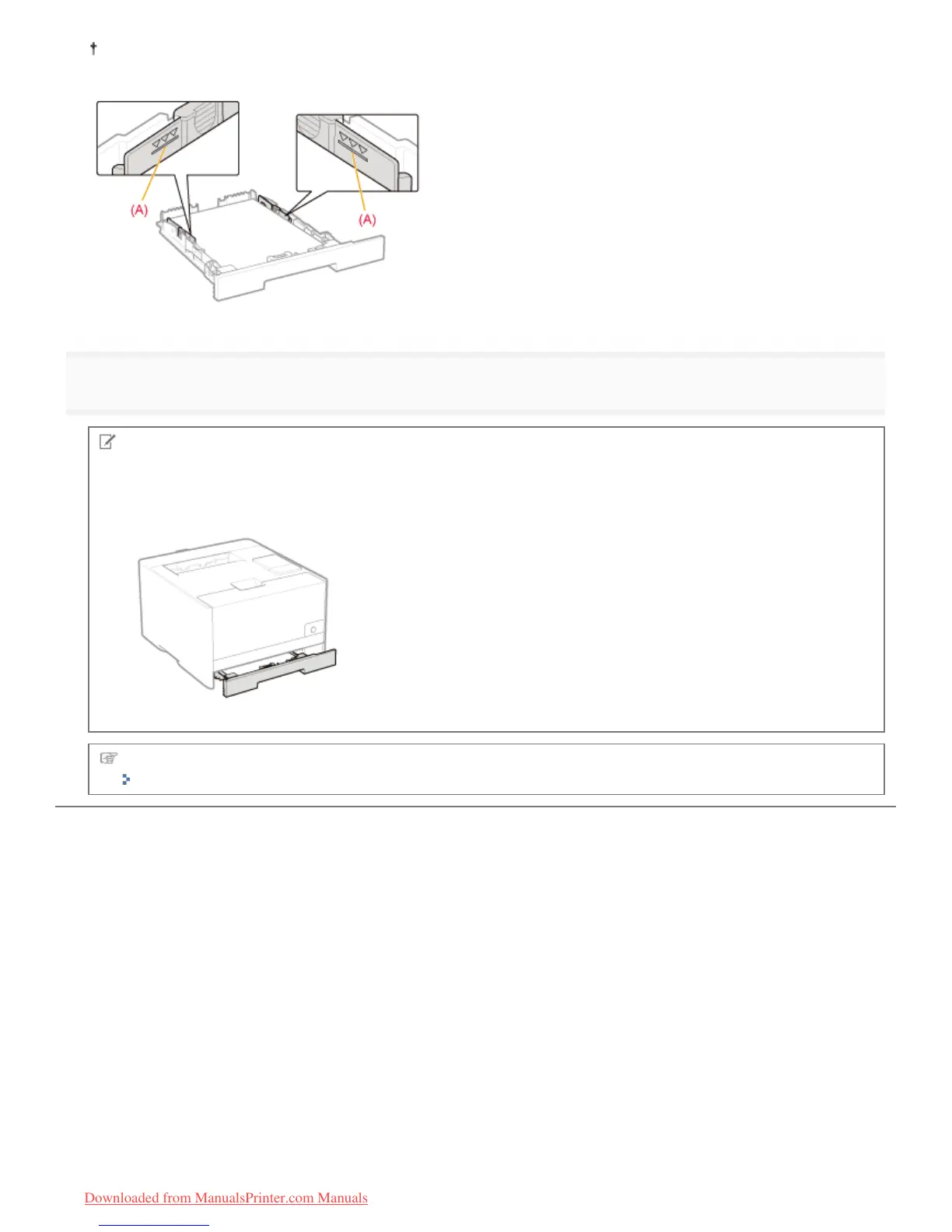
Be sure that the paper stack does not exceed the load limit mark lines. If the paper stack exceeds the load limit mark
lines, this may result in misfeeds.
6
Insert the paper drawer in the printer.
NOTE
When loading paper whose length is longer than A4
Although the front side of the paper drawer is not flush with the front surface of the printer as shown in the figure, the
printer is ready.
Next, register the paper size and type.
"Registering the Paper Size and Type"
㻝㻠㻟㻌㻛㻌㻡㻝㻠
Downloaded from ManualsPrinter.com Manuals












 To Next Page