20
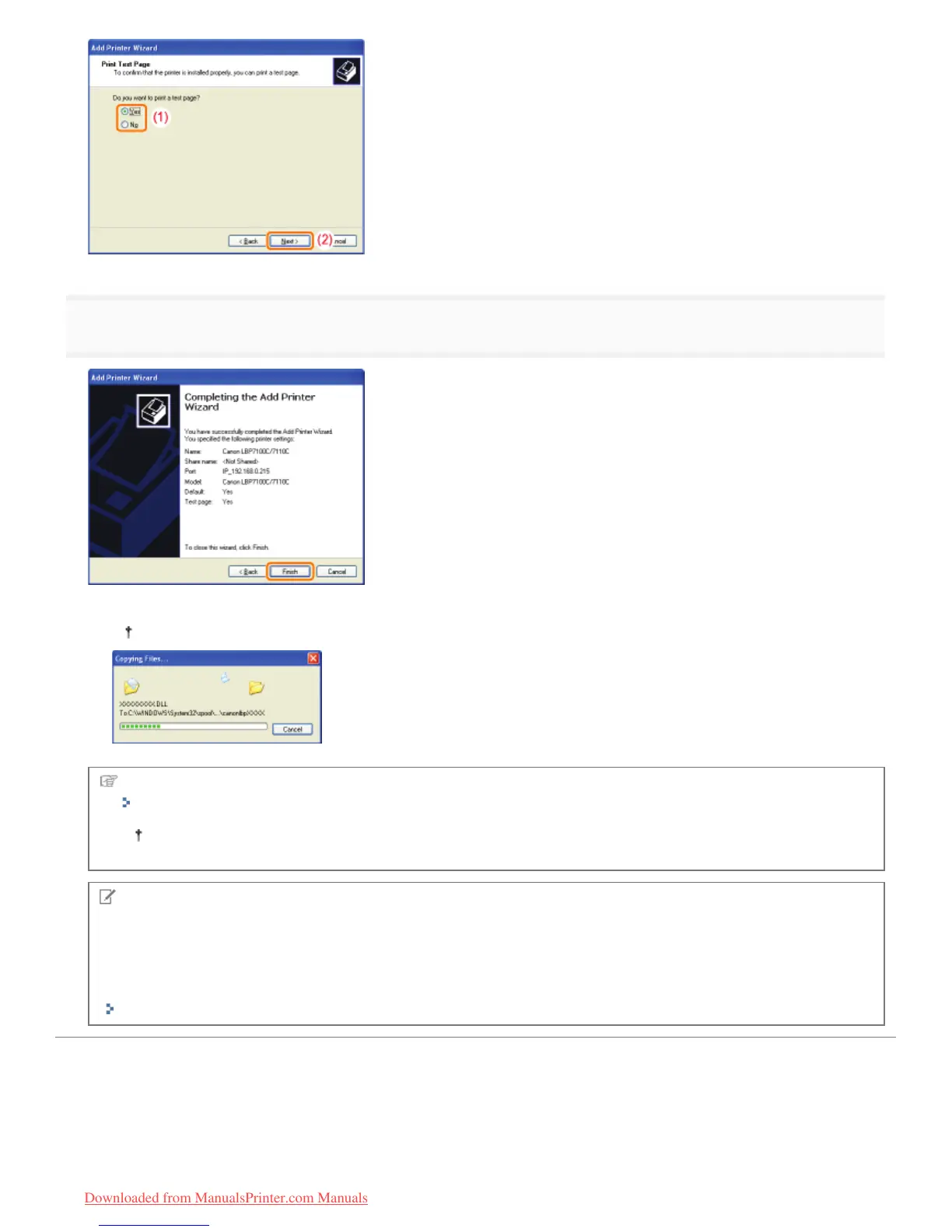
Click [Finish].
ĺ The installation starts. Wait until the following screen disappears.
When the following screen disappears, you can remove the CD-ROM.
When the installation is complete, an icon for this printer will be created.
"After Installation"
If you want to change the network settings for the printer, see "Changing the Network Settings for the Printer."
NOTE
If you changed the IP address after installing the printer driver
When you install the printer driver using this procedure, Standard TCP/IP Port is created.
When you use Standard TCP/IP Port, if the IP address of the printer is changed, the port to be used with the printer
driver should be changed.
"Configuring and Changing the Port"
㻞㻟㻥㻌㻛㻌㻡㻝㻠
Downloaded from ManualsPrinter.com Manuals












 To Next Page