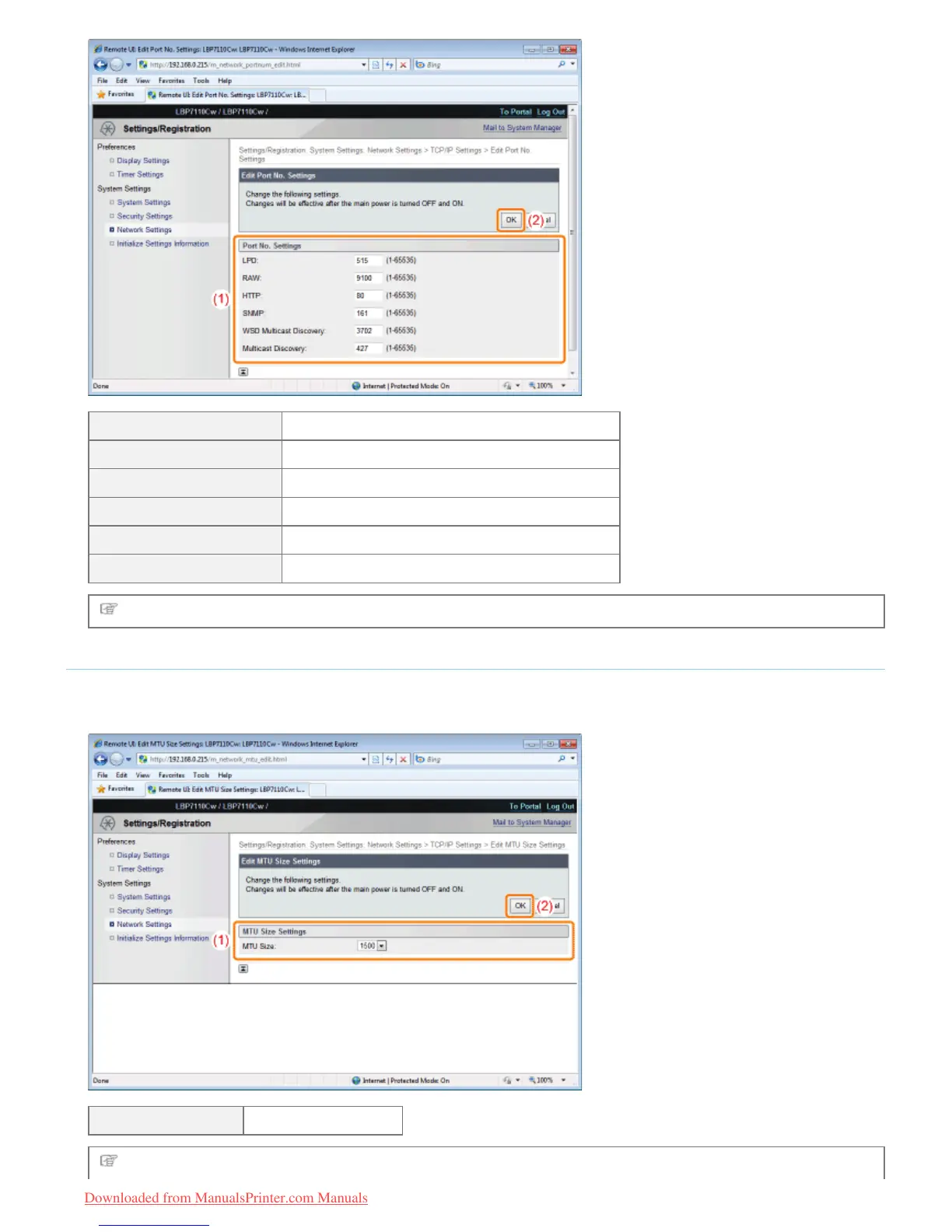
[LPD] Enter the LPD port number.
[RAW] Enter the RAW port number.
[HTTP] Enter the HTTP port number.
[SNMP] Enter the SNMP port number.
[WSD Multicast Discovery] Enter the WSD multicast discovery port number.
[Multicast Discovery] Enter the multicast discovery (SLP) port number.
Proceed to Step 3 if you do not specify the settings for the other options.
MTU Size Settings
(1) Specify the MTU size.
(2) Click [OK].
[MTU Size] Select the MTU size.
Proceed to Step 3 if you do not specify the settings for the other options.
㻞㻢㻝㻌㻛㻌㻡㻝㻠
Downloaded from ManualsPrinter.com Manuals












 To Next Page