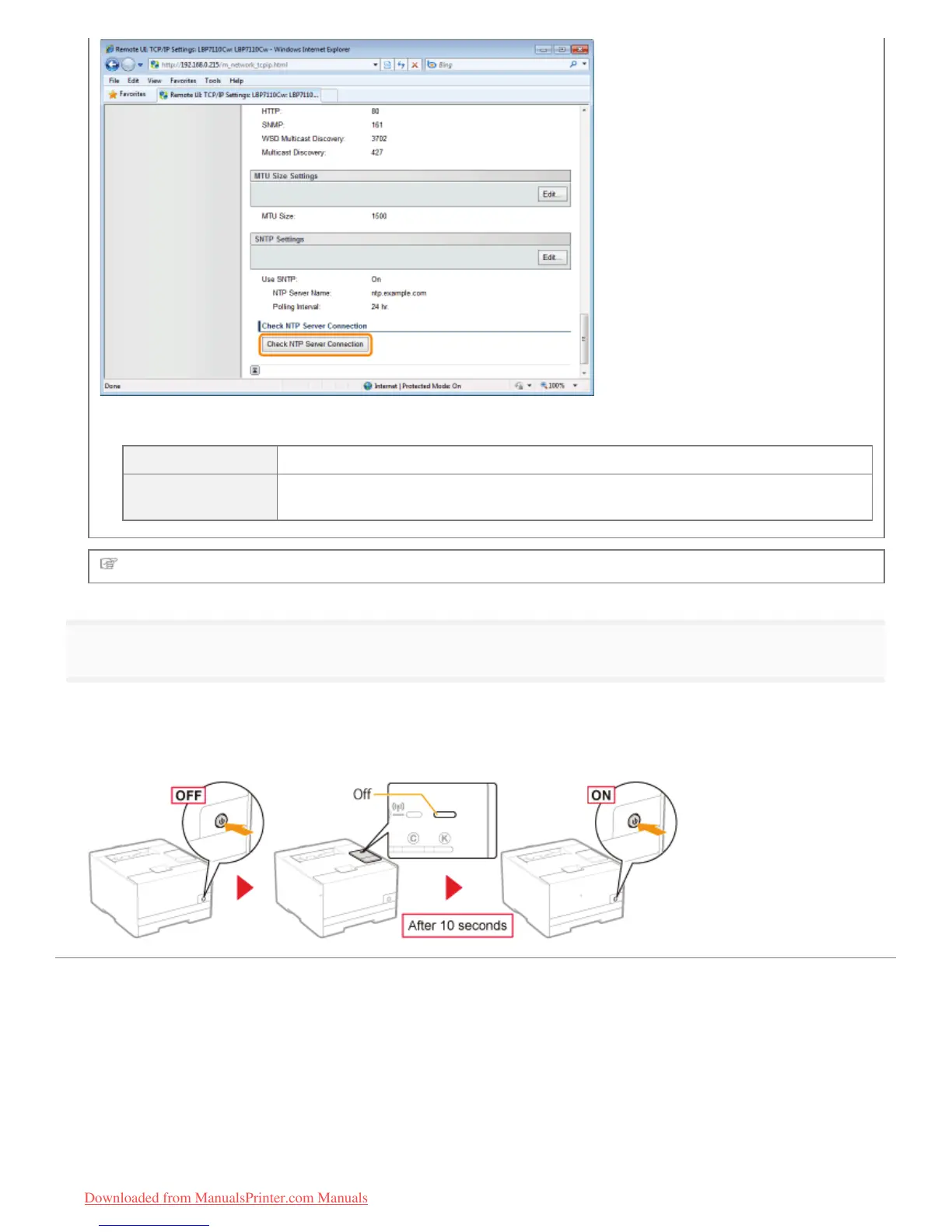
Clicking [Check NTP Server Connection] initiates communication with the NTP server specified in [NTP Server Name],
and the communication result is shown in [NTP Server Connection Check Result] as follows.
[OK] Able to successfully communicate with the NTP server
[Error]
Unable to communicate with the NTP server due to incorrect setting or communication
error
Proceed to Step 3 if you do not specify the settings for the other options.
3
Restart the printer.
Turn the printer OFF, make sure that the Main Power indicator is off, wait for 10 seconds or longer, and then turn it ON
again.
ĺ After the printer is restarted, the settings become effective.
㻞㻢㻟㻌㻛㻌㻡㻝㻠
Downloaded from ManualsPrinter.com Manuals












 To Next Page