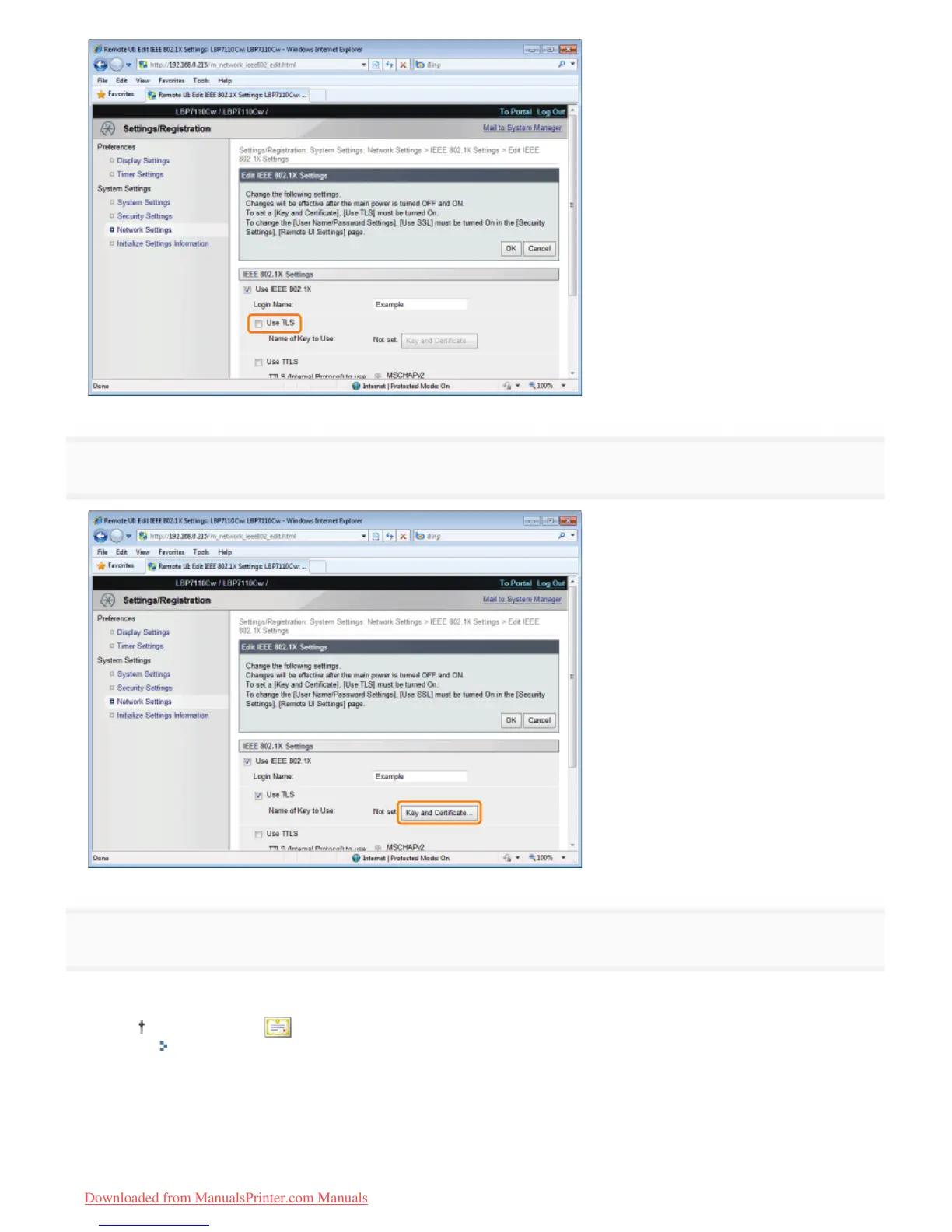
8
Click [Key and Certificate].
9
Specify keys and certificates to be used for authentication.
(1) Select the key to use from a list of registered keys and certificates.
When you click [ ] (Certificate), you can check and verify detailed information of certificates.
"Checking Keys and Certificates/CA Certificates"
(2) Click [Default Key Settings].
㻟㻥㻠㻌㻛㻌㻡㻝㻠
Downloaded from ManualsPrinter.com Manuals












 To Next Page