Setting TTLS/PEAP Authentication Information
Specify authentication information for using TTLS or PEAP during IEEE 802.1X authentication.
IMPORTANT
To specify TTLS/PEAP authentication
You need to specify the SSL encrypted communication function.
"Setting the SSL Encrypted Communication Function"
1
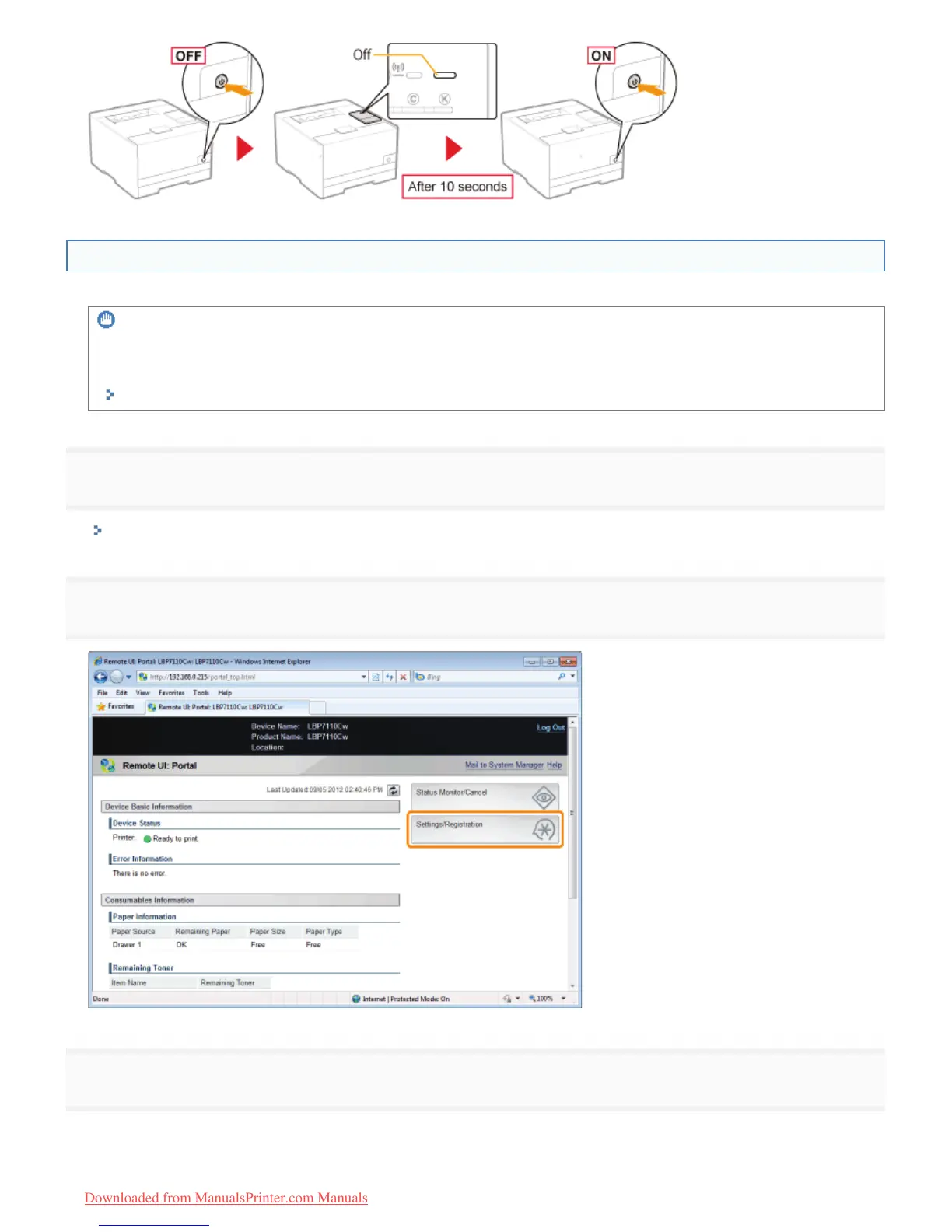
Start the Remote UI, and then log in as Management Mode.
"Starting the Remote UI"
2
Click [Settings/Registration].
3
Display the [IEEE 802.1X Settings] page.
(1) Select [Network Settings].
(2) Click [IEEE 802.1X Settings].
㻟㻥㻢㻌㻛㻌㻡㻝㻠
Downloaded from ManualsPrinter.com Manuals












 To Next Page