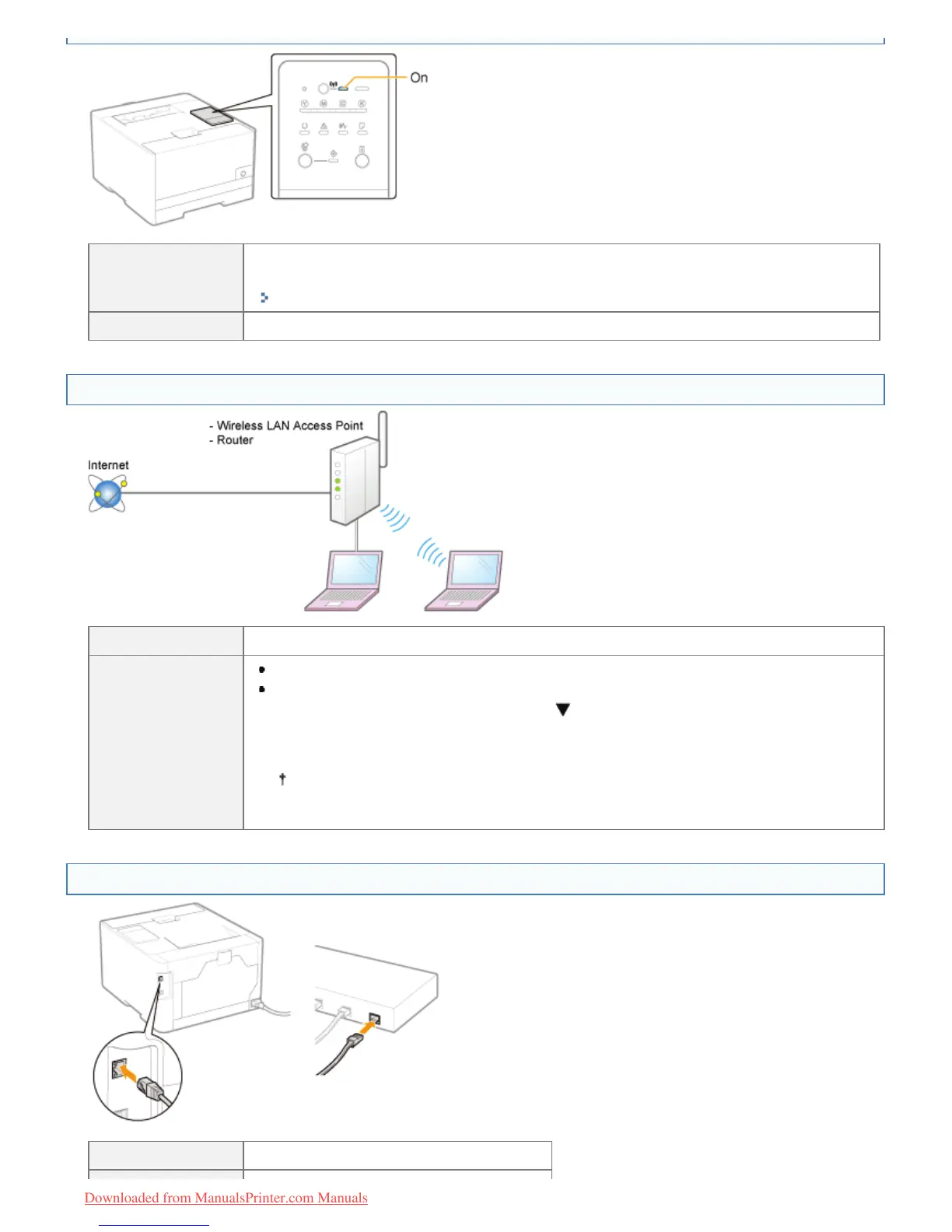
On
The printer is connected by wireless LAN.
Change to a wired LAN connection.
"Switching Between Wireless LAN and Wired LAN for the Connection (LBP7110Cw Only)"
Off To <Question 4>
<Question 4> Can the computer connect to the Internet?
Can connect To <Question 5>
Cannot connect
Properly connect the power cord or LAN cable of the router or other connected device.
Turn on the router or other connected device.
If the computer still cannot connect to the Internet, restart all equipment, wait for a while,
and then try connecting to the Internet again.
For details on the connection method or the procedure for restarting the equipment,
see the instruction manual of each device or contact the manufacturer.
<Question 5> Is the LAN cable connected properly?
Connected To <Question 6>
㻠㻜㻥㻌㻛㻌㻡㻝㻠
Downloaded from ManualsPrinter.com Manuals












 To Next Page